EasyManua.ls Logo

SciCan HYDRIM L110w G4 - Service Manual

SciCan HYDRIM L110w G4
74 pages
Print Icon
To Next Page IconTo Next Page
Loading...
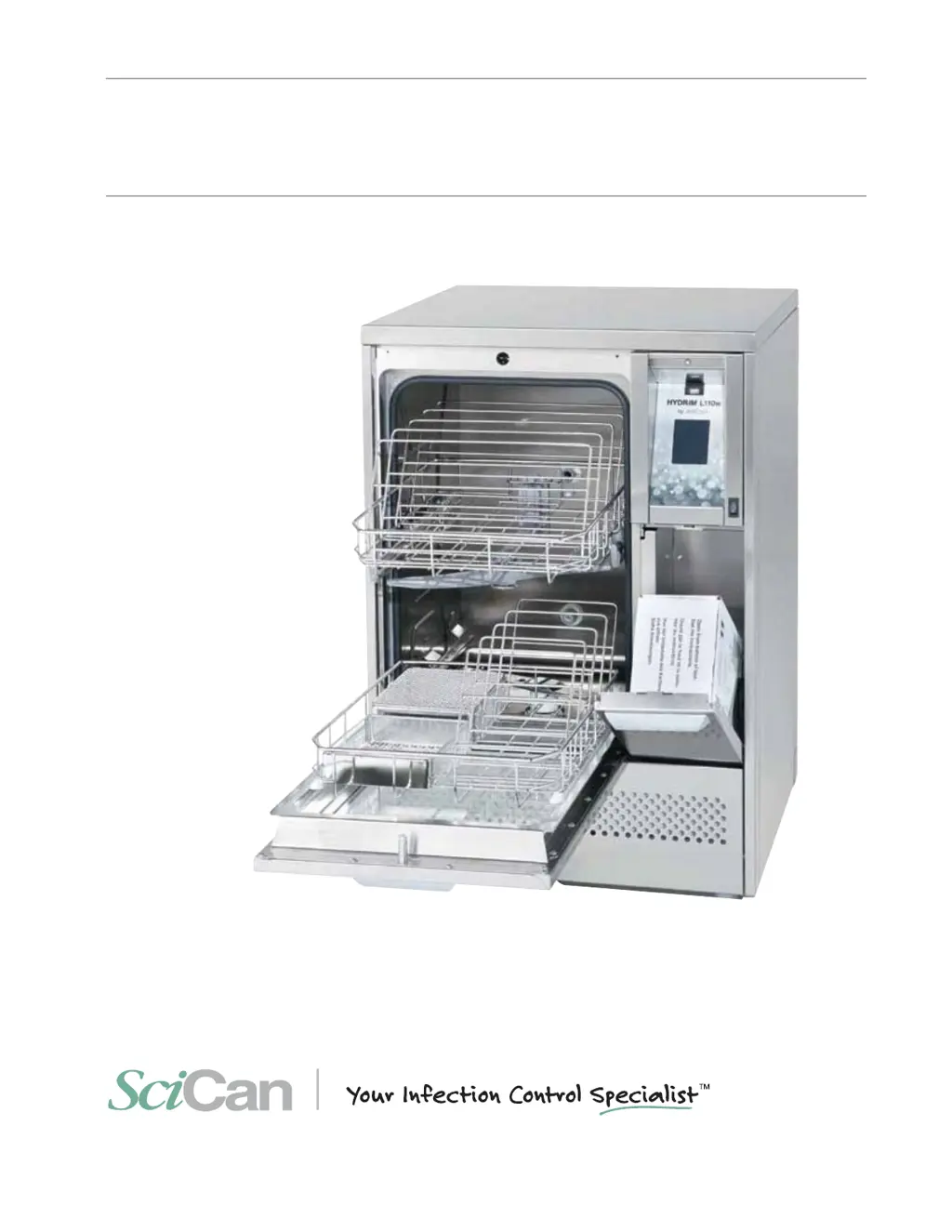
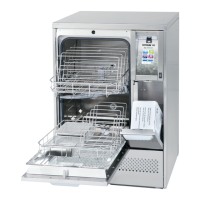
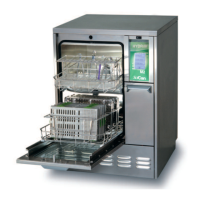
HYDRIM L110w G4
INSTRUMENT WASHER
HYDRIM L110w G4 Service Manual 96-113788 Rev. 1.0 Copyright 2013 SciCan Ltd. All rights reserved
t 4FSWJDF.BOVBM
t .BOVFMEFMVUJMJTBUFVS
t

Table of Contents

Other manuals for SciCan HYDRIM L110w G4

Questions and Answers

Summary

Introduction

1.4 Safety Information

Provides crucial safety warnings and guidelines for operating and servicing the unit.

1.6 Disconnecting the Unit

Step-by-step instructions on how to safely disconnect the HYDRIM unit from power and water.

1.8 Installation

Important information and instructions for the proper installation of the HYDRIM unit.

1.9 Water Softener Setup

Instructions for setting up the built-in water softening system based on local water hardness.

1.17 Network Connectivity

Connecting the HYDRIM unit to a network via Ethernet or wireless bridge.

Routine Procedures and Maintenance

2.6 Firmware and Theme Upgrades

Instructions for upgrading the unit's interface software and themes using a USB drive.

2.7 Remote Access Function

How to enable and use the HYDRIM remote access function for offsite technicians.

2.8 Annual Service Requirements

Recommended checks and schedule for annual service by a SciCan-approved technician.

Diagnostics and Troubleshooting

3.1 Using the Service Menu

Guide on accessing and navigating the service menu using the technician code.

3.2 Using the Setup Menu

Overview of accessing and using various settings within the setup menu.

3.4 Software Diagnostics Tools

Explains the use of Debug screen and I/O status screen for diagnosing issues.

3.5 Troubleshooting Cycle Faults

Lists common cycle faults, their effects, problems, and possible causes for troubleshooting.

Removing and Replacing Panels

4.1 Top Panel Removal

Step-by-step instructions for removing and reinstalling the top panel of the unit.

4.2 Side and Rear Panel Removal

Procedures for removing and reinstalling the side and rear panels of the unit.

Front Components

5.4 Chemical Dosing Valve

Procedure for removing and reinstalling the chemical dosing valve.

Door Components

6.3 Door Removal and Reinstallation

Instructions for safely removing and reinstalling the main door assembly.

Right Side Components

7.1 LCD Touchscreen and Controller

Steps for removing and reinstalling the LCD touchscreen and controller board.

Left Side Components

Appendices

Appendix A: Electrical Schematic

Provides the detailed electrical schematic diagram for the HYDRIM L110w G4.

Appendix B: Flow Diagram

Presents the functional flow diagram illustrating the HYDRIM L110w G4's systems.

SciCan HYDRIM L110w G4 Specifications

General IconGeneral
CategoryWasher
ModelHYDRIM L110w G4
ManufacturerSciCan
Water SupplyHot and cold water connection required
Power Supply220-240 V, 50/60 Hz
Temperature RangeUp to 93°C (200°F)
Dimensions (WxDxH)18.5 x 25.5 x 34.5 inches

Related product manuals