EasyManua.ls Logo

SciCan STATIM 2000/S - Printer Interface Board rev 4.x Installation Instruction

SciCan STATIM 2000/S
59 pages
Print Icon
To Previous Page IconTo Previous Page
Loading...
57
13. Printer Interface Board rev 4.x Installation Instruction
When replacing the PCB of a Statim 5000(S) with printer with a rev 7.x PCB, the printer PCB
has to be upgraded to rev 4.x. Below are the instructions for setting up the printer PCB:
Identify Statim PCB
revision
Statim PCB
Rev 2.4 - 6.4 ?
Replace printer PCB with
printer PCB rev. 4.x
configured as parallel
printer (see Note)
YES
Statim PCB
Rev 7.x or
higher?
Replace printer PCB with
printer PCB rev. 4.x
configured as serial
printer (see Note)
YES
No
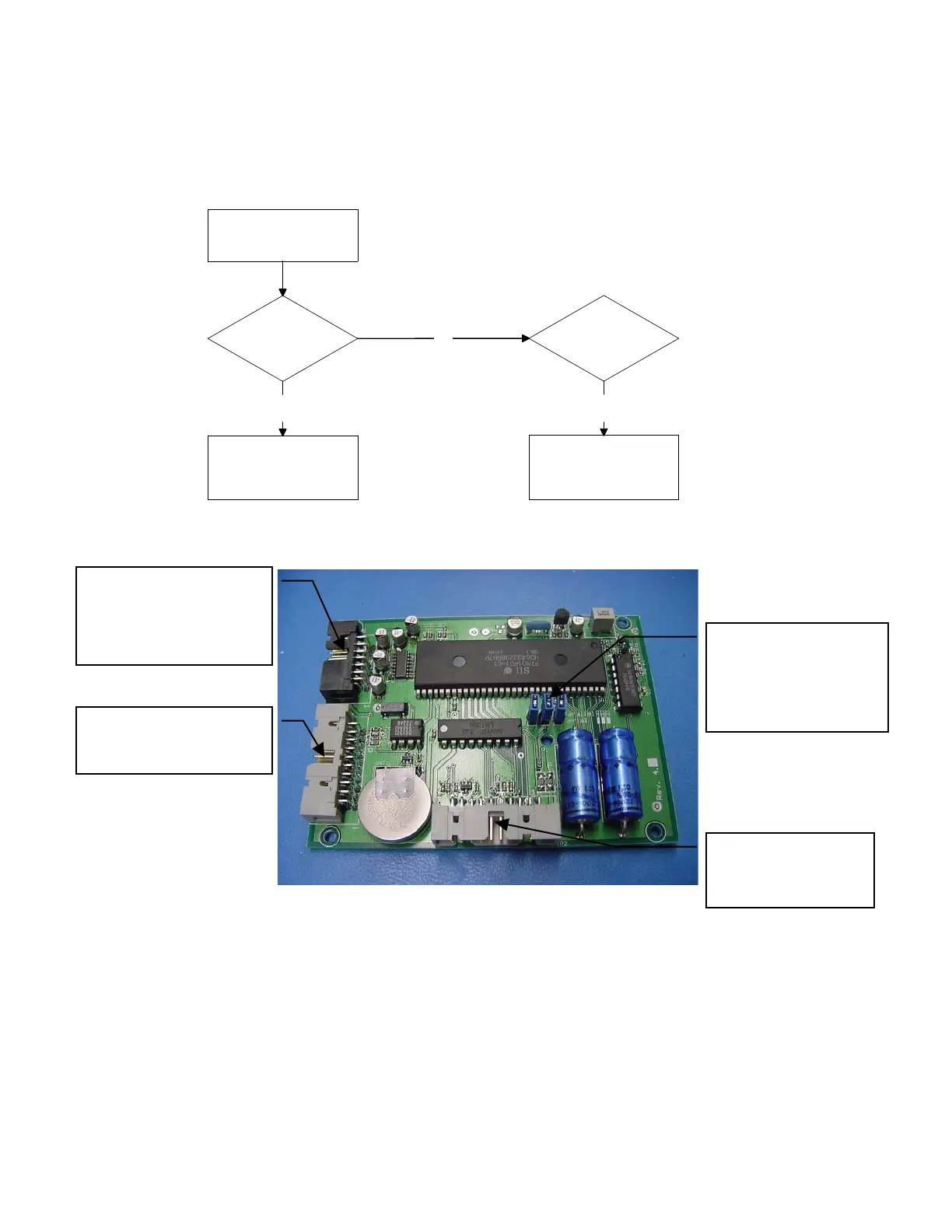
Figure 1: Printer Interface board rev 4.x
Note:
- Jumpers ON at JP1-JP3 – serial printer configuration
- Jumpers OFF at JP1-JP3 – parallel printer configuration
Attach printer head
cable here
Attach serial printer
cable for Statim
Controller rev. 7.x or
higher
Remove these
jumpers for PCB Rev.
6.4 and below (parallel
printer configuration:
see Note)
Attach parallel printer
cable for Statim
Controller rev. 2.4 to 6.4