EasyManua.ls Logo

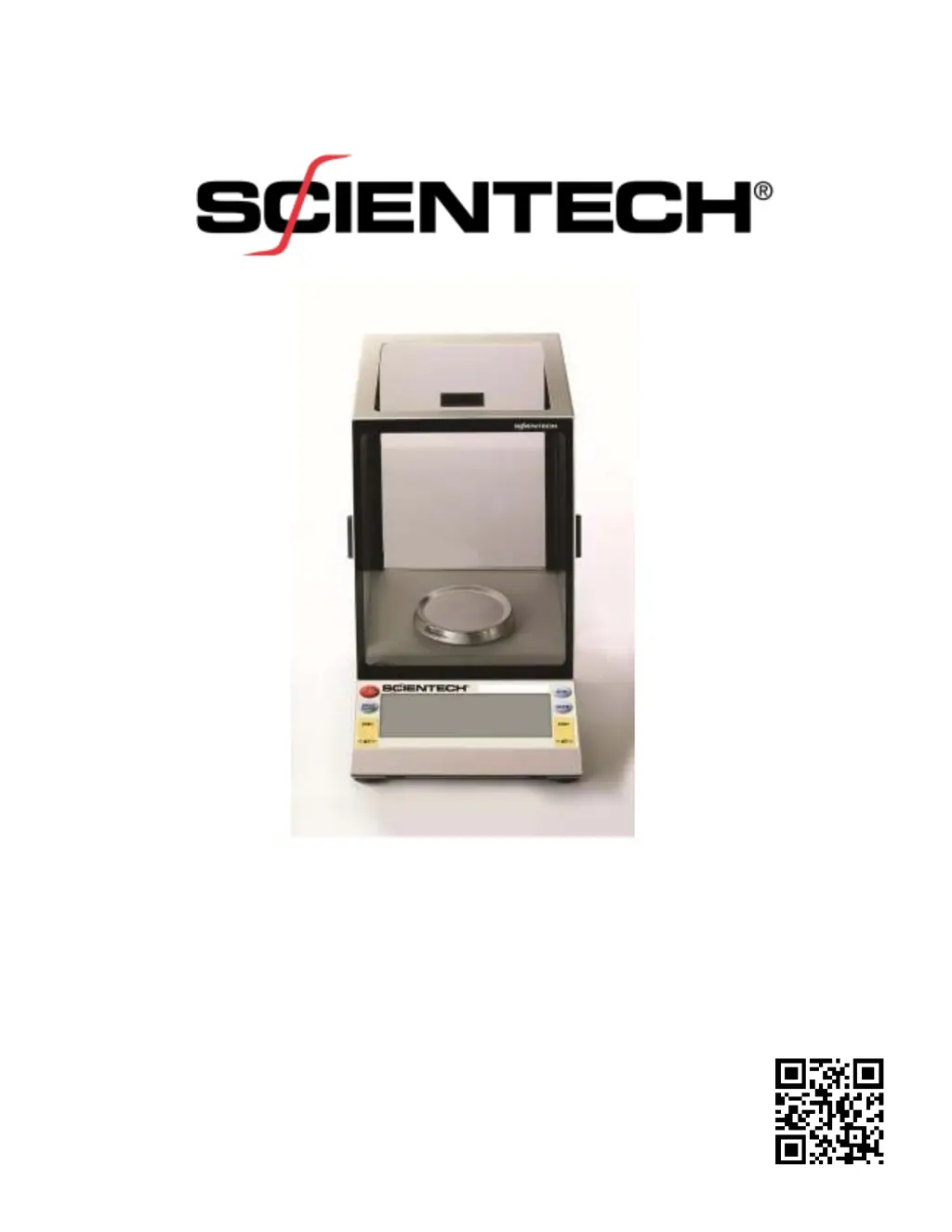
ScienTECH Zeta ZSM50 - User Manual

ScienTECH Zeta ZSM50
32 pages
Print Icon
To Next Page IconTo Next Page
Loading...
Electronic Balance
Setup and Operating Instructions
PN 12222 REV-D

Questions and Answers

  • D
    Danielle MccarthyAug 9, 2025
    What to do if 'OL' appears on ScienTECH Scales display?
    • W
      wsmithAug 9, 2025
      If 'OL' appears on the display of your ScienTECH Scales, it indicates that the maximum capacity of the scale has been exceeded. To resolve this, reduce the weight of the container on the scale. Alternatively, check if the shipping clamp is engaged and disengage it.
  • R
    Ronald CastanedaAug 14, 2025
    Why are the weight readings incorrect on my ScienTECH Scales?
    • A
      Amanda PaceAug 14, 2025
      Incorrect weight readings on ScienTECH Scales can occur due to several reasons. First, the balance might be out of calibration, so recalibrate it. Second, ensure the balance is level. Third, before placing the weight, make sure you press the ZERO switch. Also, check that the object being weighed isn't touching the windscreen or the balance case top, and reposition it if necessary. Lastly, verify that the correct weighing mode is selected.
  • C
    Chad Mclaughlin MDAug 19, 2025
    How to fix a blank display on ScienTECH Scales?
    • G
      grahamgabrielAug 19, 2025
      If the display of your ScienTECH Scales is blank, there are several potential causes. First, ensure that the balance is turned on by pressing the ON/OFF switch. Second, check that the power cable is properly plugged in and then press the ON/OFF switch. Third, verify that the AC outlet is providing power by checking the circuit breaker. Finally, try changing to a different AC outlet.
  • C
    Caleb FriedmanAug 25, 2025
    Why is the display unstable on my ScienTECH Scales?
    • E
      ericathomasAug 25, 2025
      An unstable display on ScienTECH Scales can be caused by drafts or vibrations. To solve this, install a windscreen or relocate the balance to avoid air currents. If vibrations are present, isolate the balance from the source of vibration or relocate it.
  • K
    Katie SanfordAug 29, 2025
    What to do if 'UL' appears on ScienTECH Scales display?
    • C
      Colleen PhillipsAug 29, 2025
      If 'UL' appears on the display of your ScienTECH Scales, ensure that the pan is correctly positioned. If that doesn't resolve the issue, try pressing the ZERO switch, as the balance might be out of range. Also, check if the shipping clamp is engaged and disengage it.
  • J
    James HughesSep 3, 2025
    Why does the display stay in turn on sequence on my ScienTECH Scales?
    • K
      Kevin ThomasSep 3, 2025
      If the display of your ScienTECH Scales stays in the turn-on sequence, first, ensure the pan is properly placed on the balance. Second, drafts or vibrations might be present, so isolate or relocate the balance. Third, if a new windscreen has been installed, raise the pan height. Also, check if the shipping clamp is engaged and disengage it. Finally, if the power supply was connected to the wall outlet before the balance connector, unplug it from the wall and then plug it back in.

ScienTECH Zeta ZSM50 Specifications

General IconGeneral
BrandScienTECH
ModelZeta ZSM50
CategoryScales
LanguageEnglish

Related product manuals