EasyManua.ls Logo

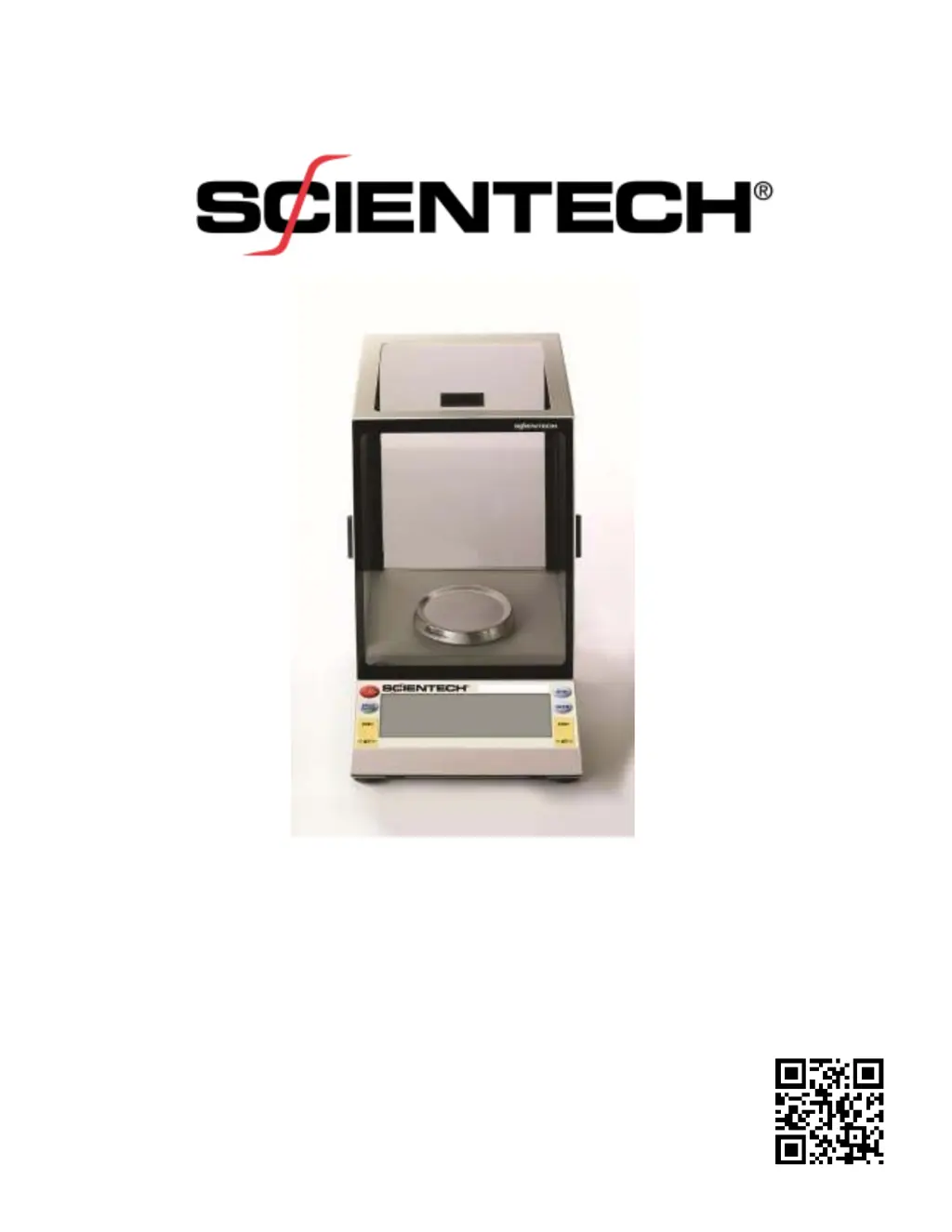
ScienTECH SA Analytical SA 120 - User Manual

Default Icon
32 pages
Print Icon
To Next Page IconTo Next Page
Loading...
Electronic Balance
Setup and Operating Instructions
PN 12222 REV-D

Questions and Answers

Summary

Unpacking and Setup

Choose the Proper Environment

Select a stable, clean environment free from vibrations and drafts for optimal balance performance.

Level the Balance

Adjust the balance feet using thumbwheels to center the bubble in the level indicator.

Unlock the Clamping Screw

Loosen the special screw that secures the balance suspension during shipping.

Connect to an Electrical Outlet

Plug the balance power supply into a grounded AC outlet for operation.

Turn the Balance On

Press the ON/OFF button to initiate the balance's startup sequence and self-check.

Front Panel Controls Overview

Balance Functions and Features

Autocalibration Procedures

Calibrates the balance using external or internal weights for accuracy.

Front Panel Parts Counting (PCS)

Enables counting of items based on a known sample weight.

HI-OK-LO Check Weighing

Sets upper and lower limits for verifying sample weight ranges.

Percent Weighing (%)

Displays weight as a percentage of a reference sample.

RS-232 and Communication

RS-232 Front Panel Configuration

Guides users on setting baud rate, parity, and auto-send parameters.

Type 1 Commands (Balance Control)

Lists commands for controlling balance functions like units and modes.

Troubleshooting Guide

Display Issues

Addresses problems like a blank display or incorrect indicators.

Reading Errors

Covers unstable readings, incorrect weights, and capacity limits.

ScienTECH SA Analytical SA 120 Specifications

General IconGeneral
BrandScienTECH
ModelSA Analytical SA 120
CategoryScales
LanguageEnglish

Related product manuals