EasyManua.ls Logo

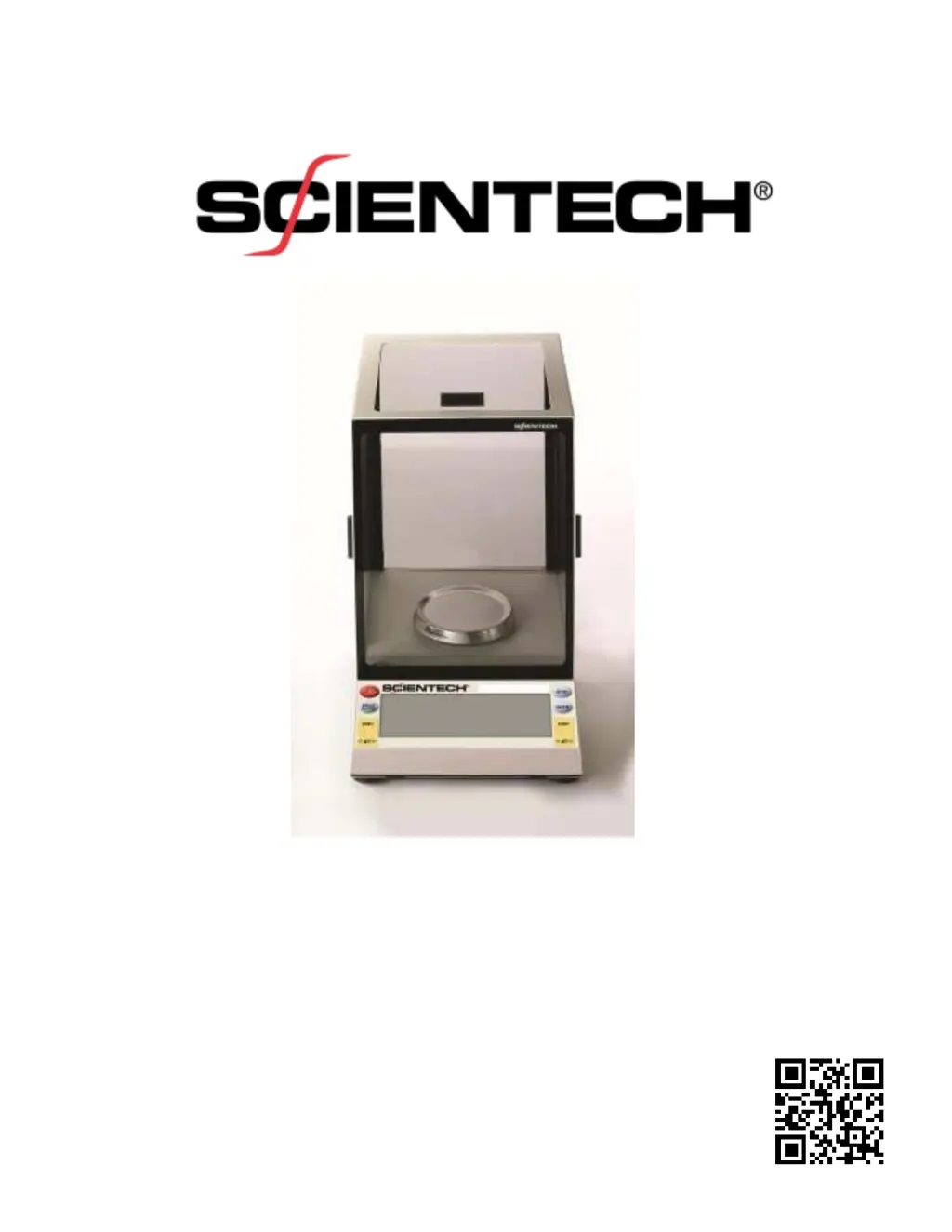
ScienTECH SA Analytical SA 210 - User Manual

Default Icon
32 pages
Print Icon
To Next Page IconTo Next Page
Loading...
Electronic Balance
Setup and Operating Instructions
PN 12222 REV-D

Questions and Answers

Summary

Unpacking and Setup

Proper Environment Selection

Balance Leveling Procedure

Unlock Shipping Clamping Screw

Power Connection and Turn-On

Front Panel Controls Overview

ON;OFF Button Functionality

Explanation of the ON/OFF button's role in powering the balance on and off.

Mode Button for Unit Selection

Zero Button Operation

How to use the ZERO buttons to reset the balance display to zero for accurate weighing.

External Weight Autocalibration

Internal Weight Autocalibration

Calibrating Balance and Internal Weight Externally

Front Panel Parts Counting (PCS)

Check Weighing; Process Control Limits (HI-OK-LO)

Percent Weighing Function

Live Animal Weighing Mode

Selectable Vibration Filters

Below Balance Weighing Option

Specific Gravity Determination

RS-232 Interface Details

RS-232 Interface Specifications

Technical specifications for the RS-232 interface, including baud rates, parity, and data format.

RS-232 Front Panel Configuration

Guide to configuring RS-232 communication parameters directly from the balance's front panel.

Balance Control Commands (Type 1)

Bi-Directional Communication Control

How to control the balance using ASCII commands via the RS-232 or USB interface.

Troubleshooting Common Issues

Zeta Balances Specifications

SA Analytical Balances Specifications

SP Precision Balances Specifications

SL Laboratory Balances Specifications

SG & SE Gem Balances Specifications

ScienTECH SA Analytical SA 210 Specifications

General IconGeneral
BrandScienTECH
ModelSA Analytical SA 210
CategoryScales
LanguageEnglish

Related product manuals