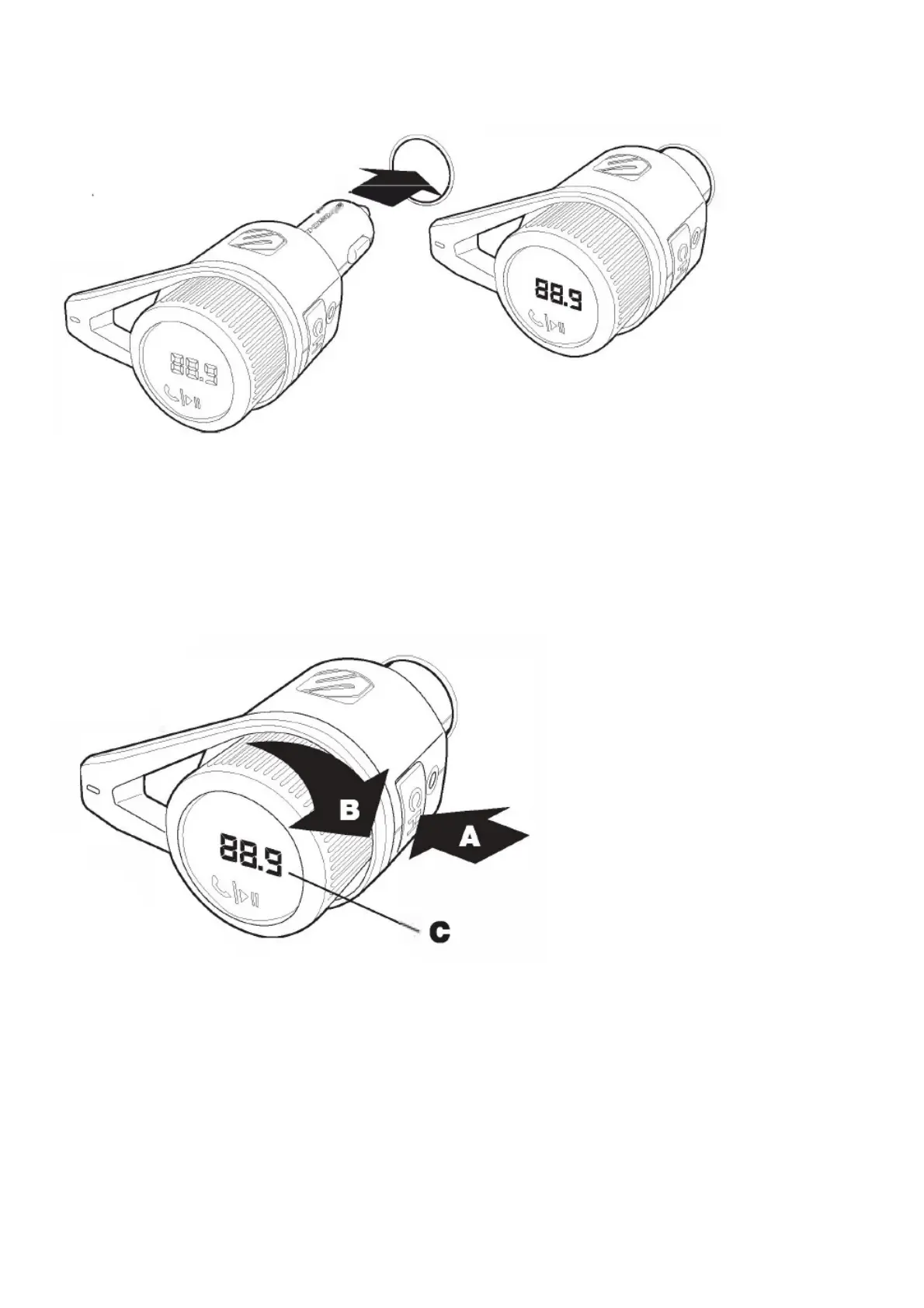
POWER UP & BLUETOOTH PAIRING
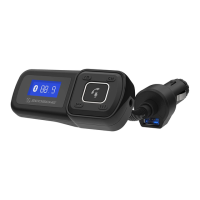
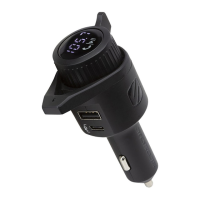
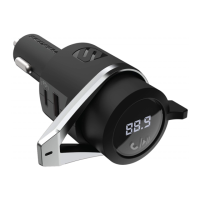
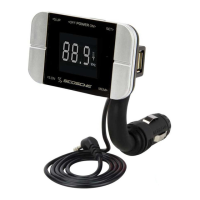
Follow these steps to power up and pair your BTFREQ to your mobile device.
1. Plug the BTFREQ into your car’s 12V power socket.
2. Enter the Bluetooth settings in your device and enable the Bluetooth function. From the list of
available accessories, find and select the “Scosche BTFM5”.
3. Your phone will confirm once it is connected.
CONNECTING TO YOUR CAR’S STEREO
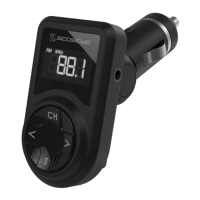
The BTFREQ has a small FM radio transmitter that can broadcast to your car’s stereo.
1. Find a weak station on your FM radio that has no active broadcast signal.
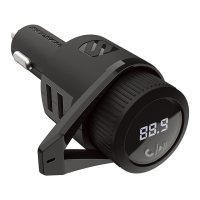
2. Press the “CH” button (A), then turn the Multi-Function Button/Knob left or right (B) to tune the
BTFREQ to match the frequency of your FM radio (C).
3. If you experience interference you may have entered an area where there is an active broadcast
signal on the station you are tuned to. Repeat the above steps to find a different clear station.
Note: Press “CH” button to change frequencies on BTFREQ (A).
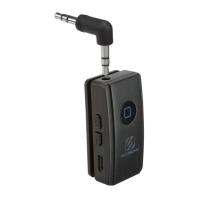
OPTIONAL AUX OUT CONNECTION FOR NON-BLUETOOTH DEVICES



 To Next Page