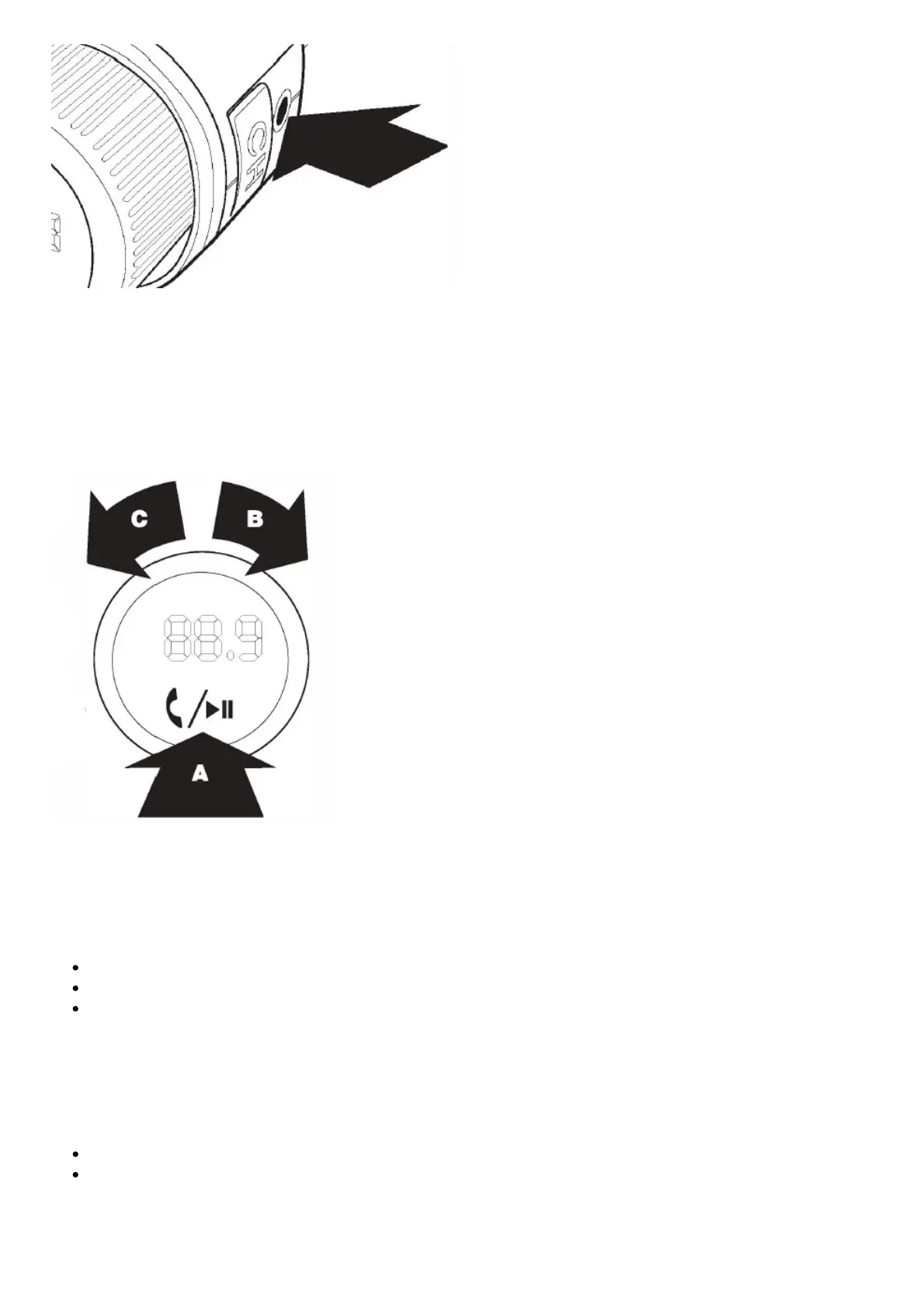
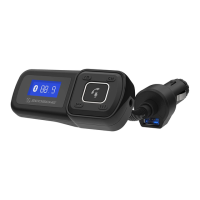
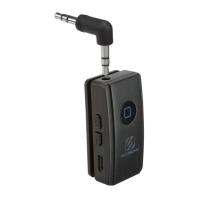
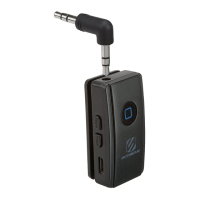
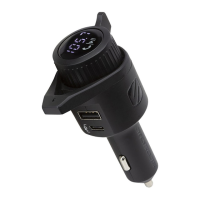
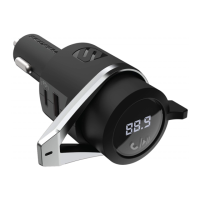
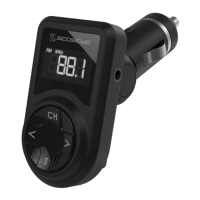
Mobile devices without Bluetooth can be connected to the BTFREQ through the AUX OUT port using
included 3.5mm audio cable.
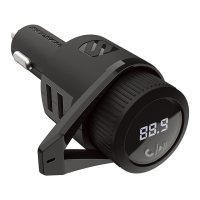
USING THE BTFREQ
Once you have paired the BTFREQ to your phone (see Power up and Pairing section) and have
connected the BTFREQ to your stereo you can begin using your BTFREQ.
Streaming Music
Stream music using the music player on your phone. You can use the controls on the BTFREQ to
control the music settings:
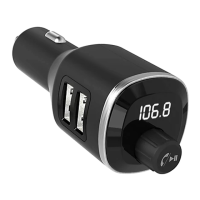
Play/Pause -Tap the MFB/K once (A)
Track Forward -Turn MFB/K to the right (B)
Track Back-Turn MFB/K to the left (C)
Making a call
Use your mobile phone to make a call as you normally would. Phone call audio will automatically
stream through the BTFREQ.
Hang Up -Tap the MFB/K once (A)
Redial last number called -Double tap MFB/K (A)
Receiving a call



 To Next Page