REMOTE
SUBNOLUME
CONTROL
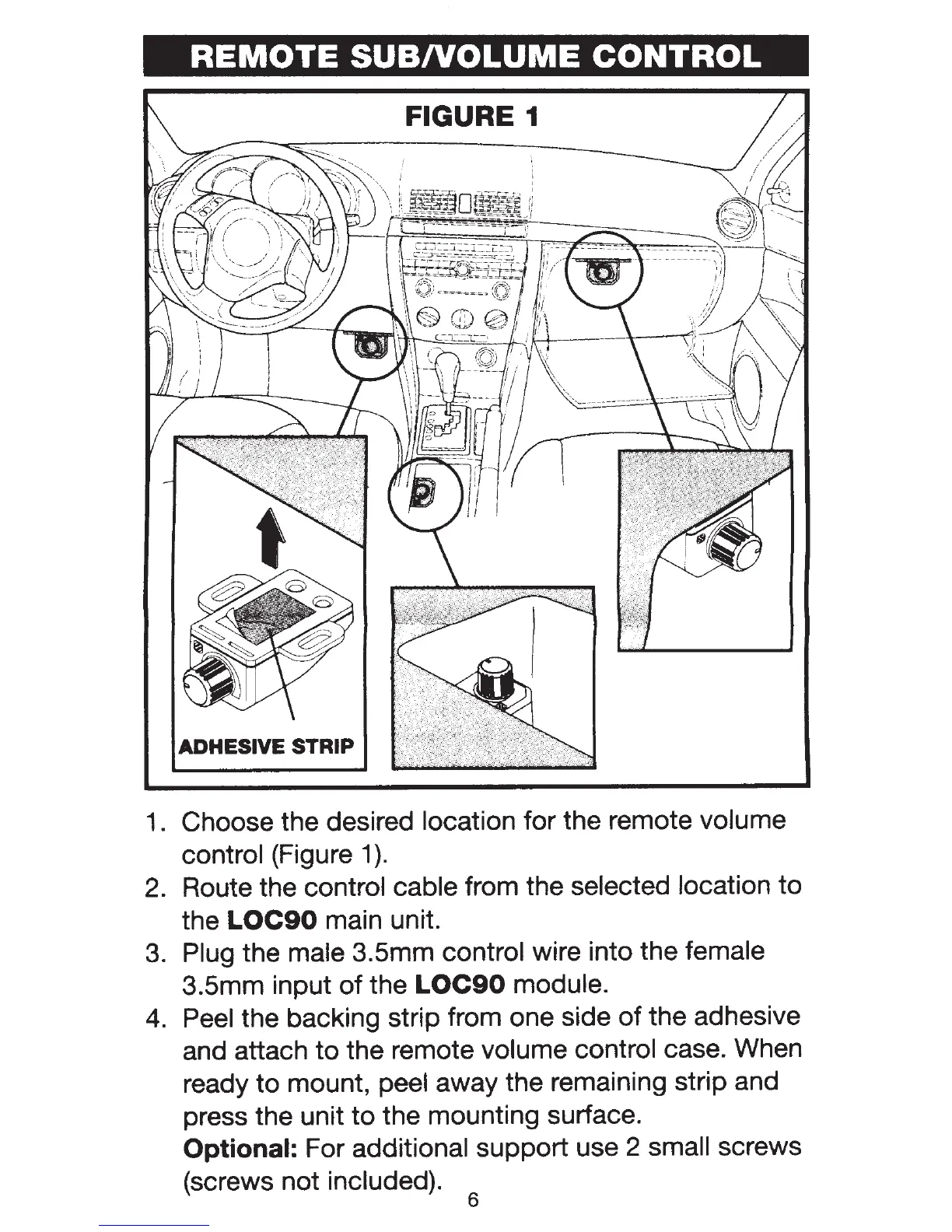
FIGURE 1
ADHESIVE STRIP
1.
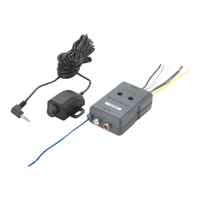
Choose the desired location for the remote volume
control
(Figure 1
).
2. Route the control cable from the selected location
to
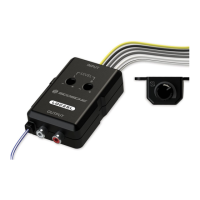
the
LOC90
main unit.
3.
Plug the male 3.5mm control wire into the female
3.5mm input
of
the
LOC90
module.
4.
Peel
the backing strip from one side
of
the adhesive
and attach to the remote
volume control case. When
ready
to
mount, peel away the remaining strip and
press the unit
to
the mounting surface.
Optional:
For additional support use 2 small screws
(screws not
included).
6


 To Next Page