ADJUSTING
THE
OUTPUT
LEVEL
NOTES:
The
LOC90
can output up
to
4
volts,
a
slight
adjustment
can change the
volume dramatically. The adjustment pots
rotate one complete turn,
do
not over-turn
or
use
too
much pressure.
Adjust gains with caution.
Too much volume or distortion
can damage your hearing
and the audio equipment.
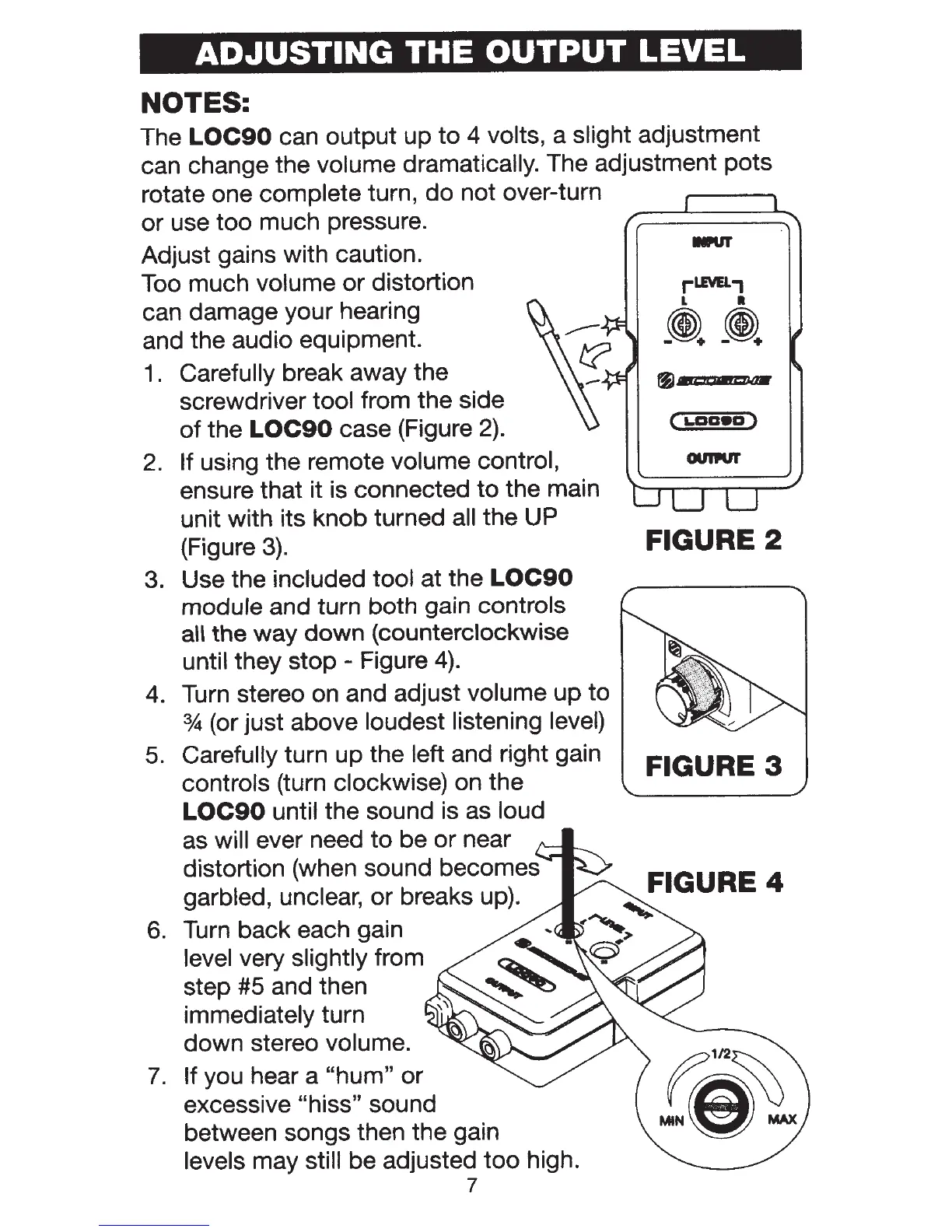
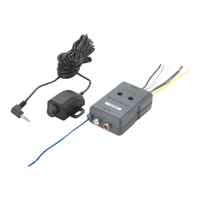
1 . Carefully break away the
screwdriver tool from the side
of
the
LOC90
case (Figure
2).
2.
If
using the remote volume control,
ensure that it is connected
to
the main
unit with its knob turned all the UP
(Figure
3).
3. Use the included tool
at the
LOC90
module
and turn both gain
controls
aU
the way down (counterclockwise
until they stop - Figure
4).
4. Turn stereo on and adjust volume
up
to
%(or
just above loudest listening
level)
5.
Carefully
turn up the
left and right gain
controls
(turn clockwise) on the
LOC90
until
the sound is as loud
as
will
ever need
to
be or near
distortion (when sound becomes
garbled, unclear, or breaks up).
6.
Turn back each gain
level very
slightly
from
step #5 and then
immediately turn
down stereo volume.
7.
If you hear a
"hum"
or
excessive "hiss"
sound
between songs then the gain
levels may
still
be adjusted
too
high.
7
(
1..aaea)
FIGURE 2
FIGURE
3


 To Next Page