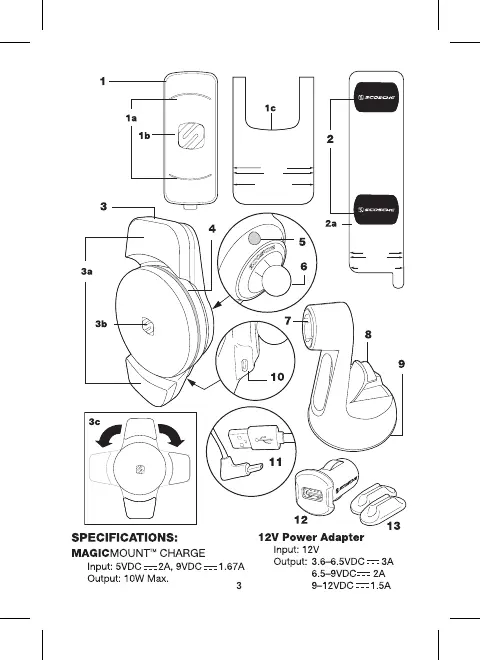
Step 1 - Remove the white
paper backing from both
plates.
Step 2 - Line up the corre-
sponding arrows on the
Template Guide to the
bottom of your phone.
Step 3 - When positioned,
press plates firmly to affix.
Step 4 - Remove Template
Guide.
**See manual for more
detailed instructions.
Line up the corresponding
arrows on the Template
Guide to the bottom
of your phone.
iPhone 8/GS8
iPhone X
iPhone 8+/G8+/Note 8
iPhone 8+/G8+/Note 8
iPhone 8/GS8
iPhone X
Line up the corresponding arrows on the
Template Guide to the bottom of your phone.
**See manual for more detailed
instructions and visit scosche.com/qi2
for the latest device updates.














 To Next Page