15
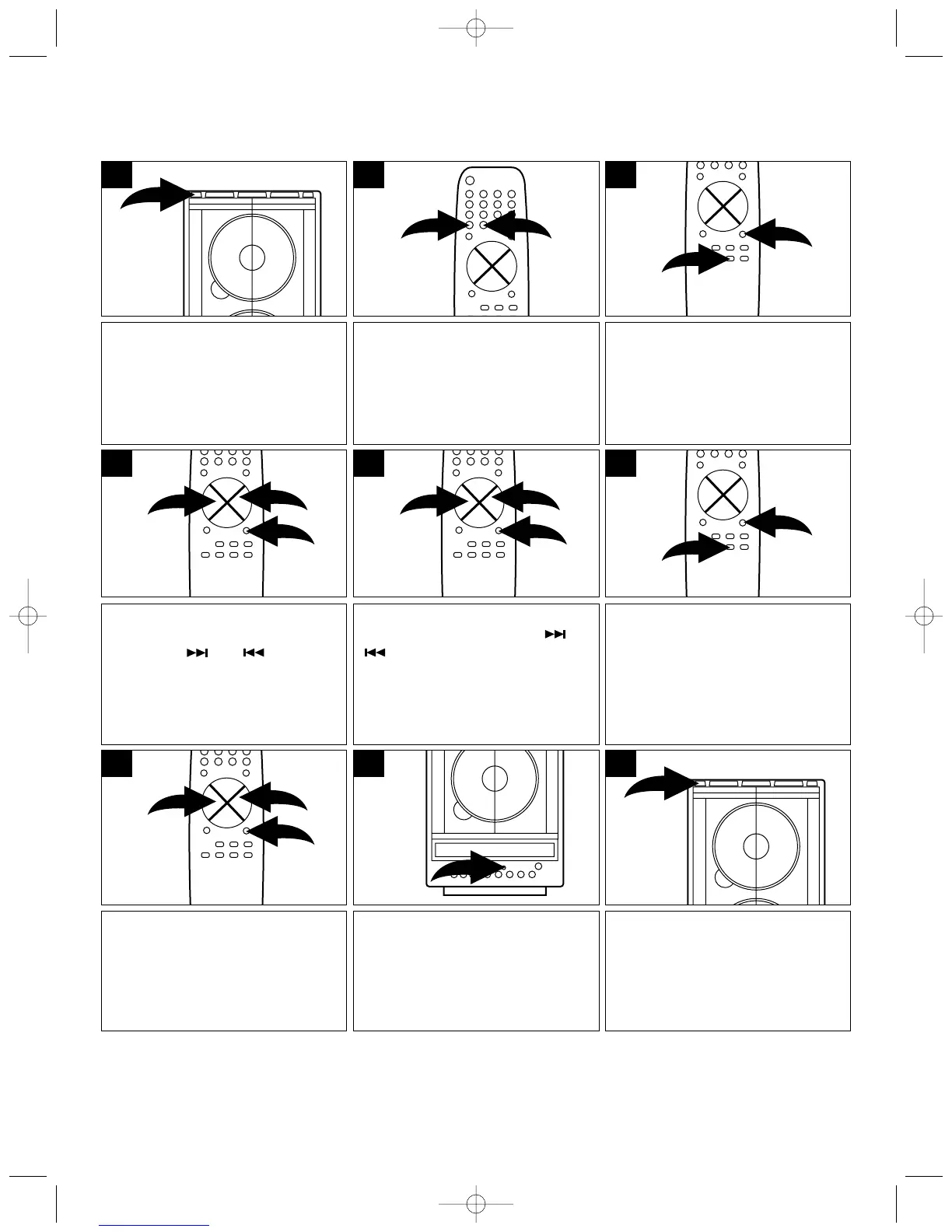
Press the POWER button; the
button color will change from red
to green which means the unit is
on.
1
Set the correct hour (and AM/PM)
using the TUNING/SKIP/
SEARCH ( ) or ( ) button ❶.
When finished setting the hour,
press the PROG/MEMORY
button ❷ on the remote again and
the minutes will blink.
1
2
1
4
Press the REMAIN/MODE button
❶ repeatedly until, “TIMER ON”
appears in the display, then
immediately press the PROG/
MEMORY button ❷ and the hours
will blink.
2
1
3
Select a radio station or a CD that
you would like to be playing when
the unit switches on.
If selecting CD, you can also
program tracks into memory to be
played.
2
Set the hour and minute the same
way as you did for the Timer On.
1
2
1
7
Press the POWER button to turn
the unit off and into the Standby
mode; the POWER button will
light red. When the actual time
reaches the Timer On time, the
unit will turn on.
9
To activate the timer to turn on
and off at the preset times, press
the TIMER button on the main
unit; “TIMER” will appear in the
display.
8
Set the correct minute using the
TUNING/SKIP/SEARCH ( ) or
( ) button ❶.
When finished setting the hour,
press the PROG/MEMORY
button ❷ and the clock will be set.
1
2
1
5
Press the REMAIN/MODE button
❶ again until, “TIMER OFF”
appears in the display, then
immediately press the PROG/
MEMORY button ❷ and the hours
will blink.
2
1
6
ON/OFF TIMER
This feature will allow you to set the unit to turn on and off automatically at preset times.
NOTES:
• While setting, carry out each step within 5 seconds, otherwise the operation will time out and you will
have to start again.
• To cancel the timer, press the TIMER button until “TIMER” disappears from the display.
SMV300 O/M.QXD 6/21/01 7:46 AM Page 15



 To Next Page