6
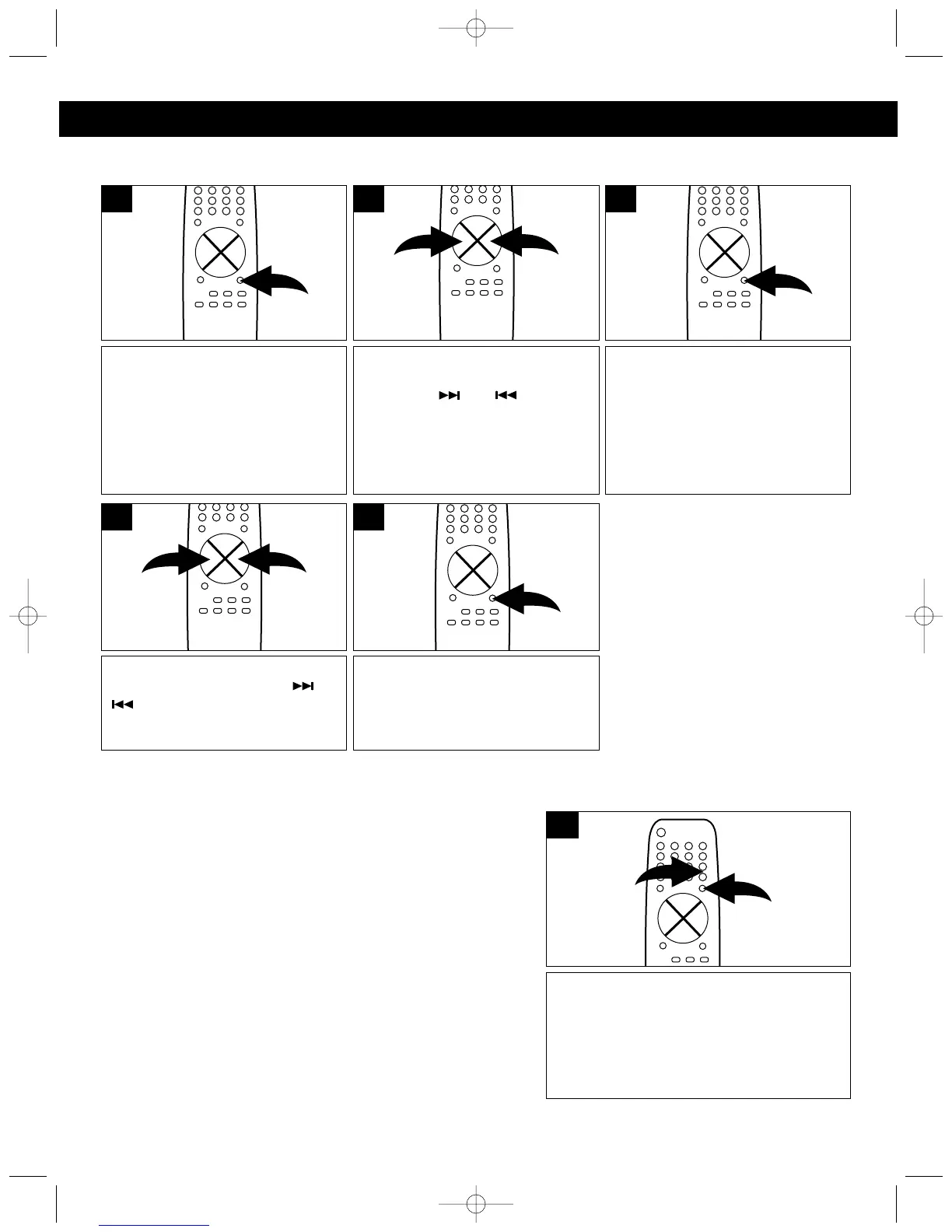
SETTING THE CLOCK
While the unit is OFF (POWER
button will be red), press the
PROG/MEMORY button on the
remote and the hours will blink.
1
Set the correct minute using the
TUNING/SKIP/SEARCH ( ) or
( ) button.
4
When finished setting the hour,
press the PROG/MEMORY
button on the remote again and
the minutes will blink.
3
Set the correct hour (and AM/PM)
using the TUNING/SKIP/
SEARCH ( ) or ( ) button.
2
When finished setting the hour,
press the PROG/MEMORY and
the clock will be set.
5
When the unit is first plugged in, the time display will blink. Set the time as follows:
NOTE:
If the time display is blinking, then the clock needs to be set.
EQ (PRESET EQUALIZER) Buttons:
This unit has 4 preset equalizer settings that automatically
adjust the sound levels for the desired genre. Press the EQ
button for your listening preference (FLAT, ROCK, CLASSIC
and POP); the respective indicator will light in the display.
To temporarily mute the sound, press the
MUTE button ❶; "MUTE" will appear in the
display and the sound will be muted. Press
the MUTE button ❶ again or one of the
VOLUME buttons ❷ to restore the sound.



 To Next Page