10/40
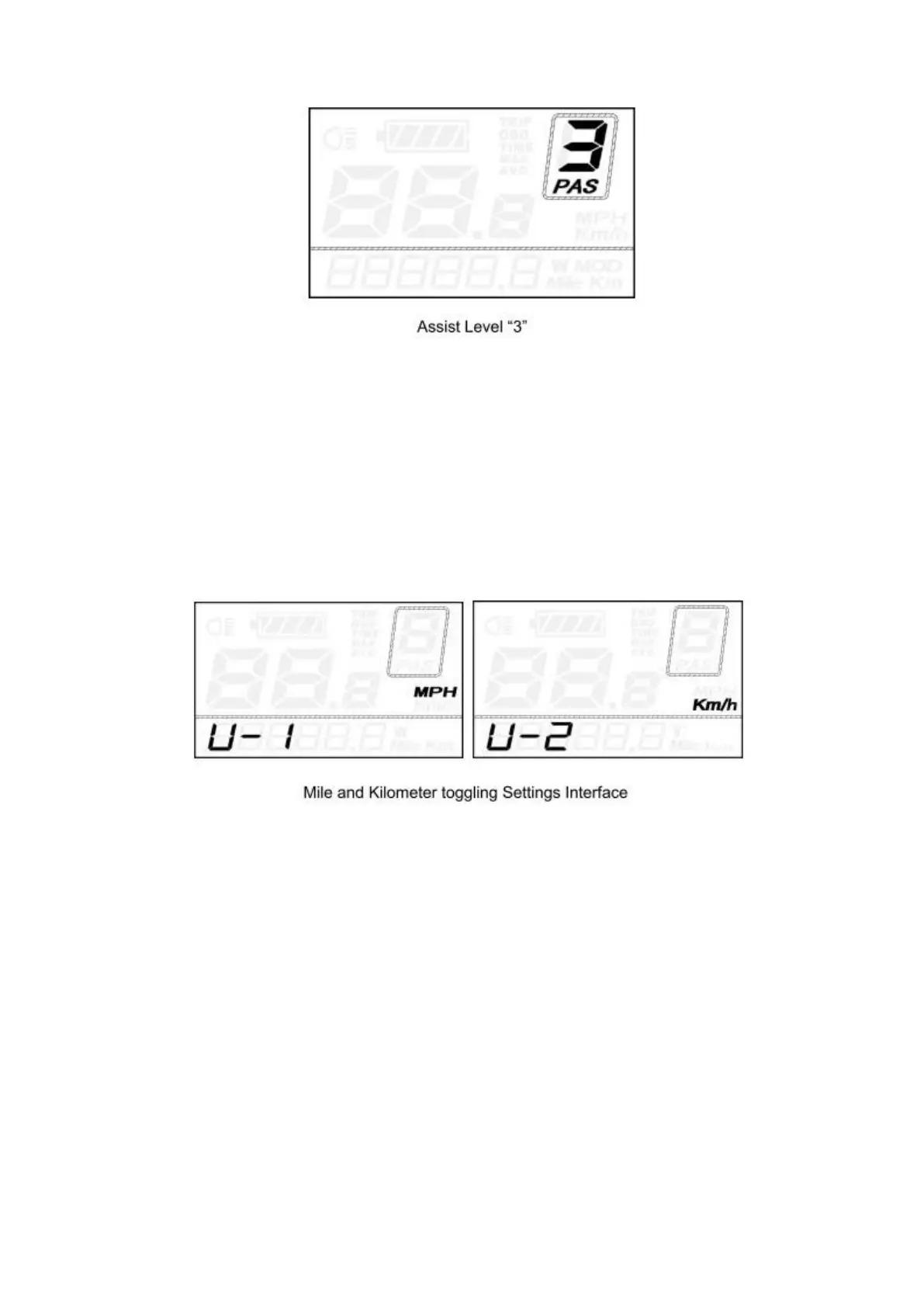
5.3 Speed mode switch& Mileage mode switch
U represents unit settings, “1” is mile, and “2” is kilometer. The default value is “2”.
To toggle the unit, press the UP/DOWN button until the desired unit is displayed.
To store a changed setting, press the ON/OFF button and access trip distance clearance
settings again or hold the ON/OFF button for 2s to exit General Settings.
5.4 Backlight On/Off
To switch on E-bike front light or rear light, press the “UP” button for 2s. The display
backlight brightness is automatically reduced while the screen displays.
Likewise, press the “UP” button for 2s again, the bike front light and rear light can be
switched off and display backlight recover its brightness.
*If E-bike front light or rear light is independent of “UP” button, the “UP” button can only
be used to switch on/off the display backlight.


 To Next Page