11/40
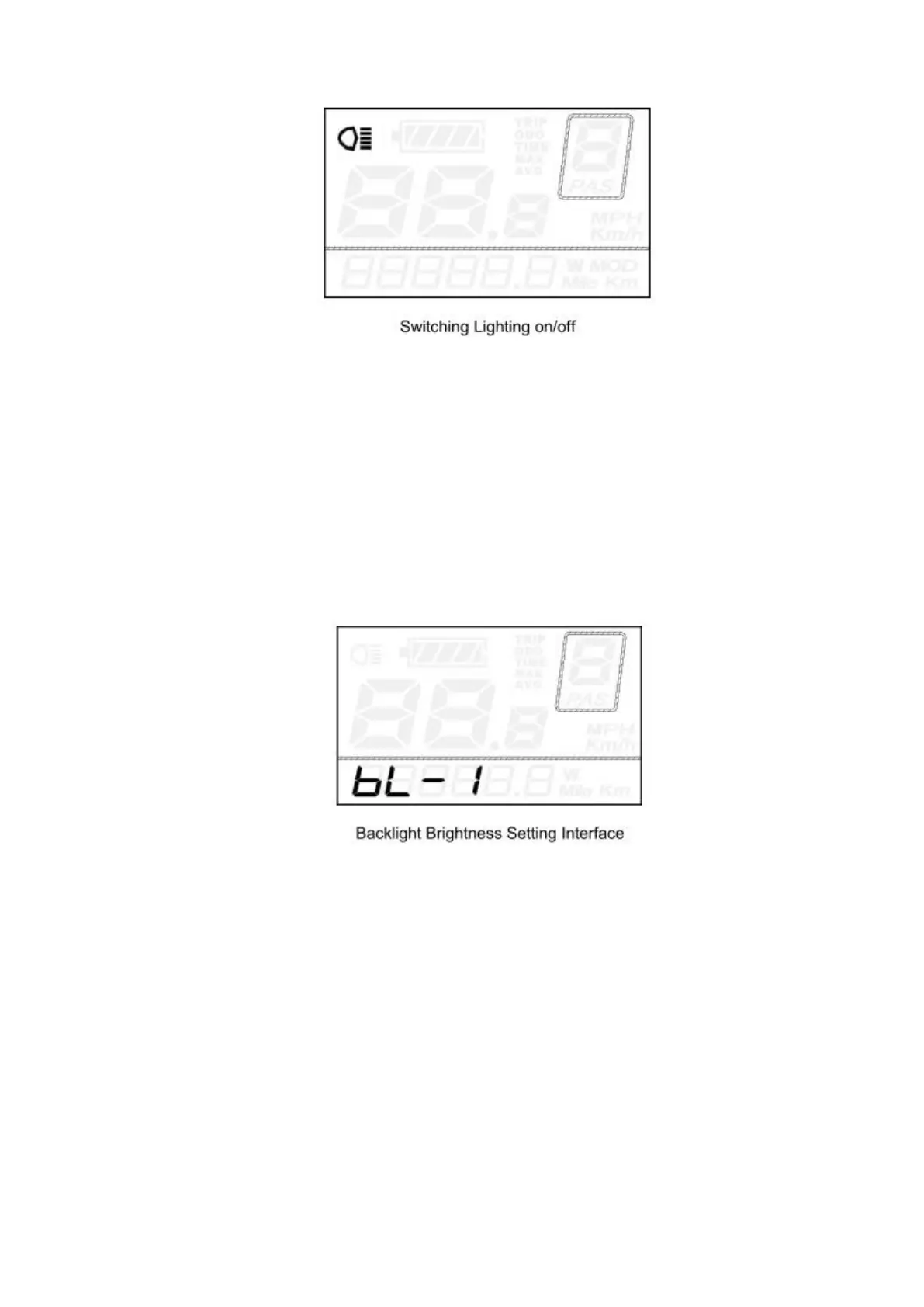
Backlight settings
bL represents backlight settings. Level “1” is the lowest brightness. Level “2” is the
medium brightness. Level “3” is the highest brightness. The default value is “1”.
To change the backlight brightness, press the UP/DOWN button to increase or decrease
until the desired brightness is displayed.
To store a changed setting, press the ON/OFF button and access unit toggling settings.
5.5 “6km/h” walk
To activate the push-assistance function, press and hold the DOWN button. After 2
seconds, E-bike is activated to go at a uniform speed of 6 Km/h while the screen displays
“P”.
The push-assistance function will be switched off as soon as you release the DOWN
button.
Push-assistance function may only be used when pushing the E-bike. Be aware of danger
of injury when bike wheels do not have ground contact while using the push-assistance
function.


 To Next Page