ISO 9001:2000 Cert. N°4500/1
Version 1_2 SDT_ARK6_User_Manual_ENG_v1_2.doc Page 366 of 468
5.17 Events
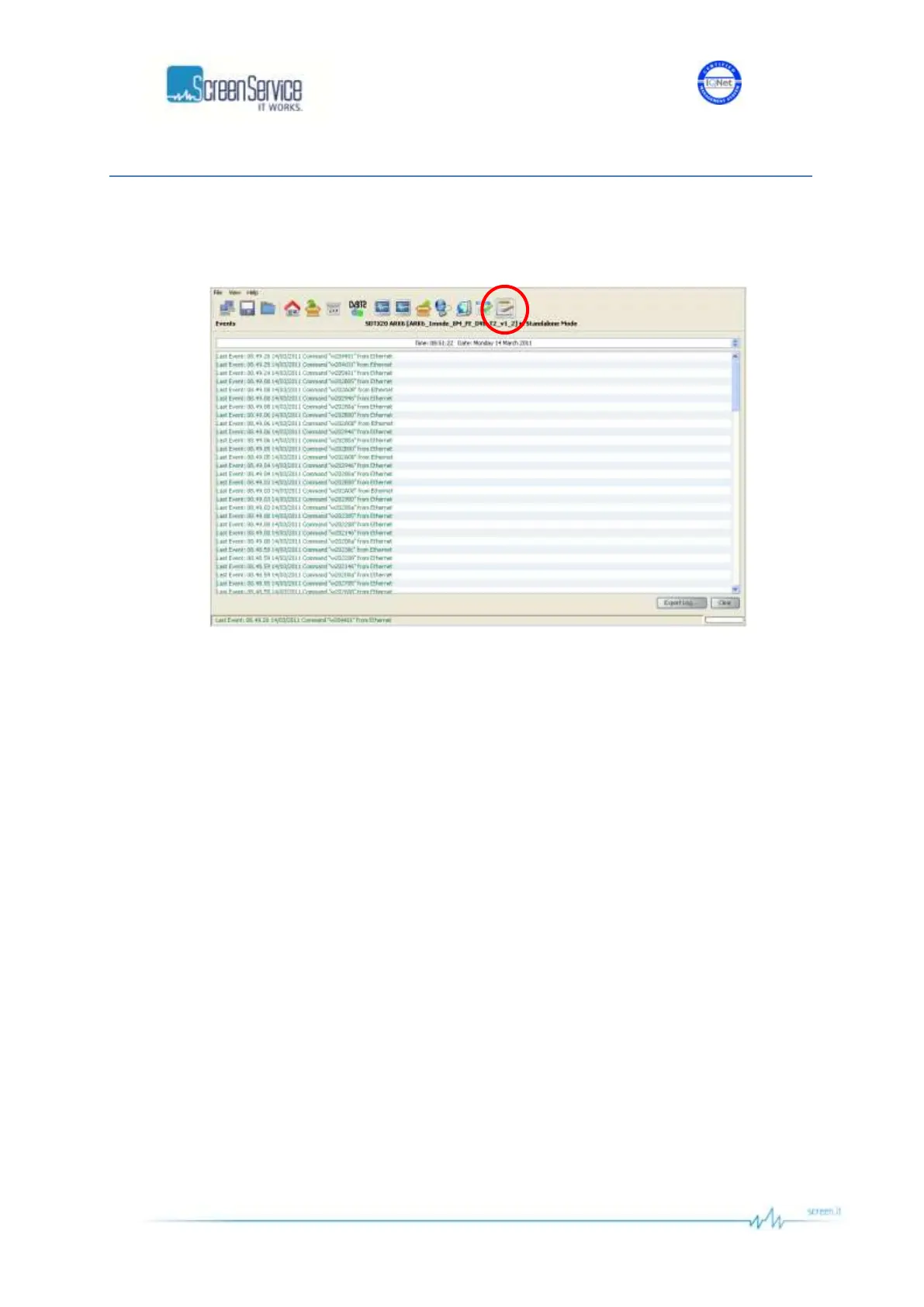
Click on Events button, highlighted in the next figure, to access the events windows.
Figure 83. Events window
Open the Events window to slide the events list.
Events are reported with the following information:
Time: event detection time.
Date: event detection date.
Type: type of event:
o Alarm;
o Command;
o Event;
o System Init.
Description: event description:
o if the event type is Alarm: which alarm generated the event followed by “ON” or
“OFF”;
o if the event type is Command: the low level code and command source;
o if the event type is Event: event description;
o if the event type is System Init: system initialization, followed by the alarm in case of
error.



 To Next Page