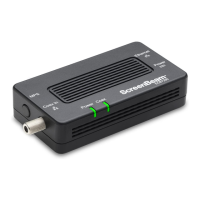
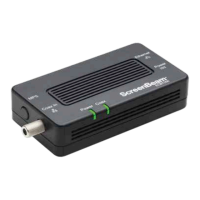
MoCA Network Adapter 2
Power
Ethernet Cable
Coaxial wiring
behind the wall
Coax
Ethernet
Power
Power
Coax
Coax In
ECB6250
MPS
Notes: A MoCA splitter is required if there is an existing
device using the coax connection (i.e., Set-top box or TV)
MoCA Network Adapter 1
Ethernet Cable
Splitter
1
POE
3
POE
2
Coaxial wiring
behind the wall
Coax
Cable or Fios
Modem/Router
Ethernet
Power
Power
Coax
Coax In
ECB6250
MPS
MoCA Network Adapter 1
Power
Ethernet Cable
POE
2
Coaxial wiring
behind the wall
Coax
Cable or Fios
Modem/Router
Ethernet
Power
Power
Coax
Coax In
ECB6250
MPS
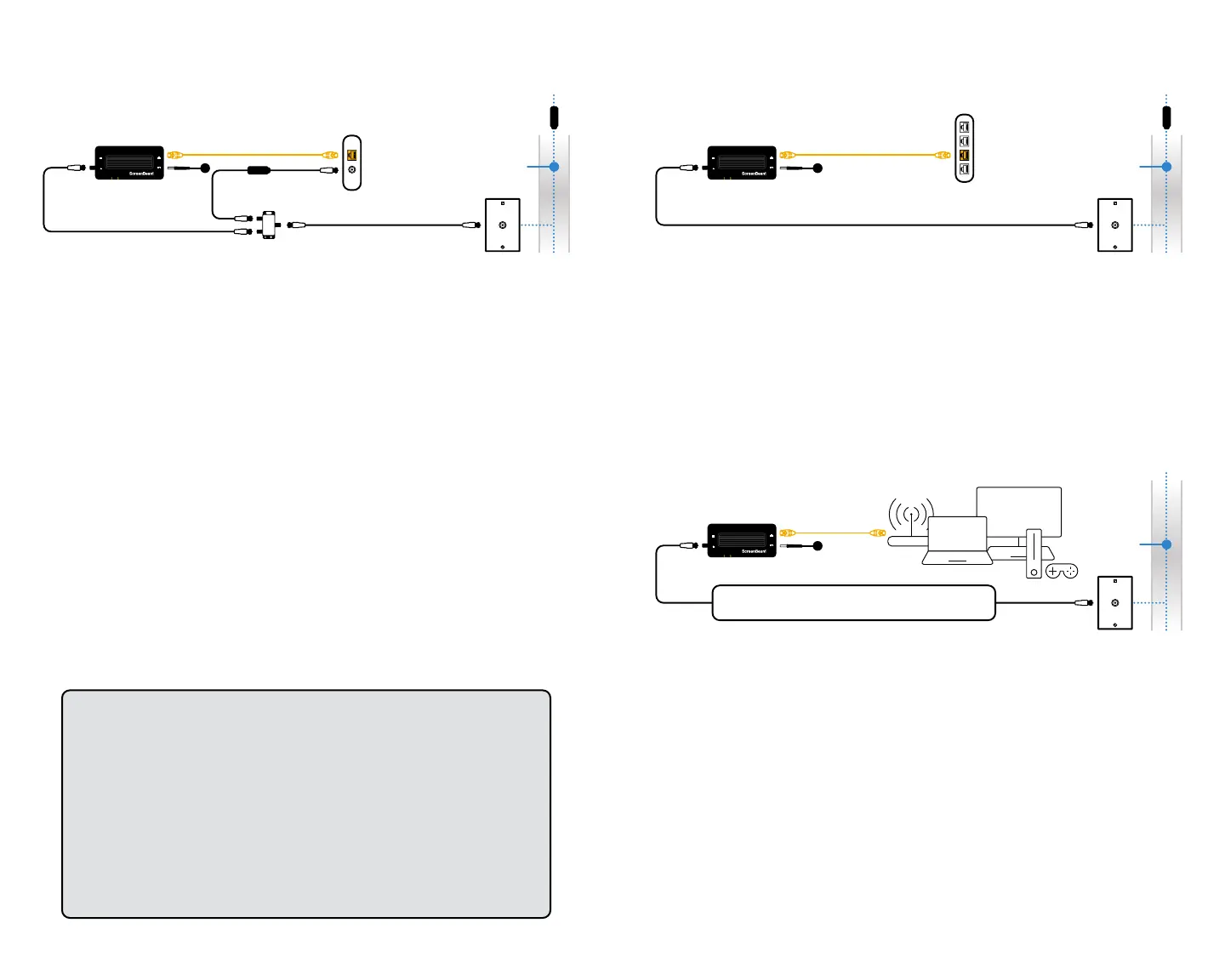
Step 1: Scenario A - Internet Modem / Router
with Coax Port
Notes: Your Internet will be down temporarily during this step.
a TurnoyourCableorFiosmodem/router.
b Remove existing coaxial cable from your modem/router.
c Connect existing coaxial cable from the Coax Outlet to the Coax
Splitter IN port.
d Connect the 2nd coaxial cable from the Coax Splitter’s port to the
modem/router.
e Turn on your modem/router, wait for the Internet ready light.
f Connect the 3rd coaxial cable from the ECB6250 Adapter’s Coax
In port to the Coax Splitter’s port.
g Connect the Ethernet Cable from the ECB6250 Adapter’s Ethernet
port to an available LAN port on your modem/router.
h Connect the power for the ECB6250 Adapter and wait until the
Power light is GREEN.
i TheECB6250Adapter’sCoaxlightisoandwillbeGREEN when
another ECB6250 Adapter is detected.
j Proceed to step 2
Step 1: Scenario B - Internet Modem / Router
without Coax Port
a Connect the Ethernet Cable from the ECB6250 Adapter’s
Ethernet port to an available LAN port on your router/switch.
b Connect the coaxial cable from ECB6250 Adapter’s Coax In to
the Coax Outlet.
c Connect the power for the ECB6250 Adapter and wait until the
Power light is GREEN.
d TheECB6250Adapter’sCoaxlightisoandwillbeGREEN when
another ECB6250 Adapter is detected.
e Proceed to step 2
Step 2: Room that needs Internet
a Locate an available Coax Outlet in the area you would like
to expand your Internet.
Note: Use the provided MoCA splitter if there is an existing device using
the coax connection (i.e., Set-top box or TV).
b Connect the coax cable from the Coax Outlet to the ECB6250
Adapter’s Coax In port.
c Connect the power for the ECB6250 Adapter.
d Wait until both the Power and Coax lights turn GREEN.
e Connect the Ethernet Cable from the Network Adapter to a
Networking Device of your choice.
Notes
1 A 3-way MoCA splitter (not included) is required if there are
2 existing devices using the coax connection (i.e., Set-top box
and cable modem).
2 Cablesubscribers:AMoCAPOEltershouldbeinstalledatthe
Internet Service entry point to prevent signal leakage and interfere
with other neighborhood MoCA networks. Please contact your
service provider.
3 Certain DOCSIS 3.1 Cable modems/routers may get interfered
bytheMoCA2.5signal.AMoCAPOElter(notincluded)should
be installed in between the cable modem and the MoCA splitter.


 To Next Page
 Loading...