Connect ScreenBeam MoCA
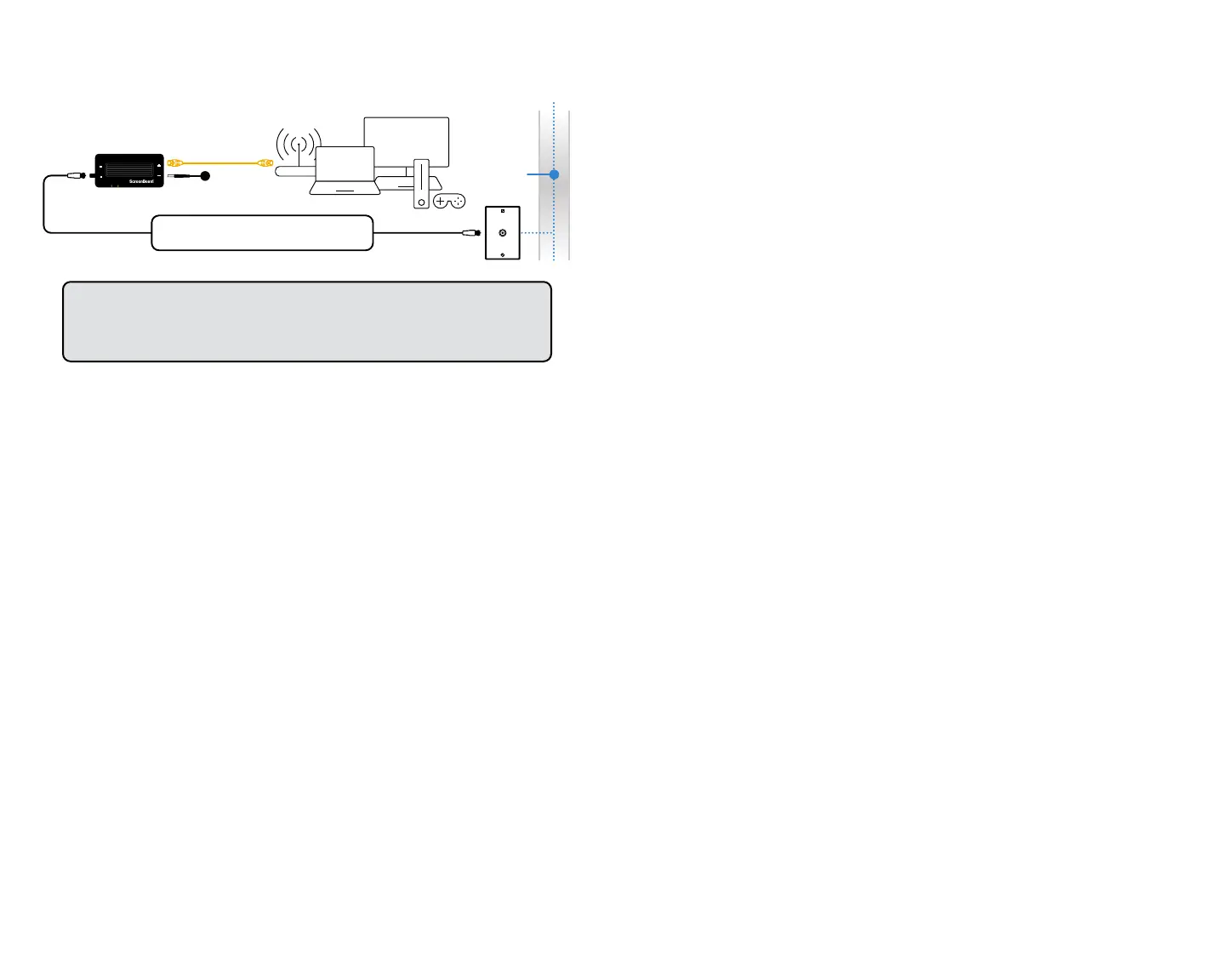
a Locate an available Coax Outlet in the area you would like
to expand your Internet.
NOTE: Use a MoCA splitter (not included) if there is an existing device
using the coax connection (i.e., Set-top box or TV).
b Connect the coaxial cable from the Coax Outlet to the ECB7250
Adapter’s Coax In port.
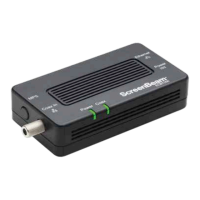
c Connect the power for the ECB7250 Adapter.
d Wait until both the Power and Coax lights turn GREEN.
e ECB7250 Adapter is now bridged to your existing network.
f Connect the Ethernet Cable from the Network Adapter
to a Networking Device of your choice.
MoCA-ready network
MoCA Network Adapter 2
Power
Ethernet Cable
Coaxial wiring
behind the wall
Coax
Ethernet
Power
Power
Coax
Coax In
ECB7250
MPS
Notes: A MoCA splitter is required if there is
an existing device using the coax connection.
IMPORTANT: An existing MoCA-ready network or another ECB7250
Adapter is required. Internet availability should be delivered from your
Internet service provider device (i.e., Cable or Fios modem/router).


 To Next Page