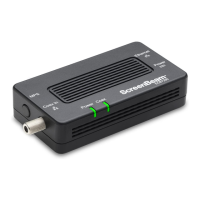
Ethernet
Power
Power
Coax
Coax In
ECB7250
MPS
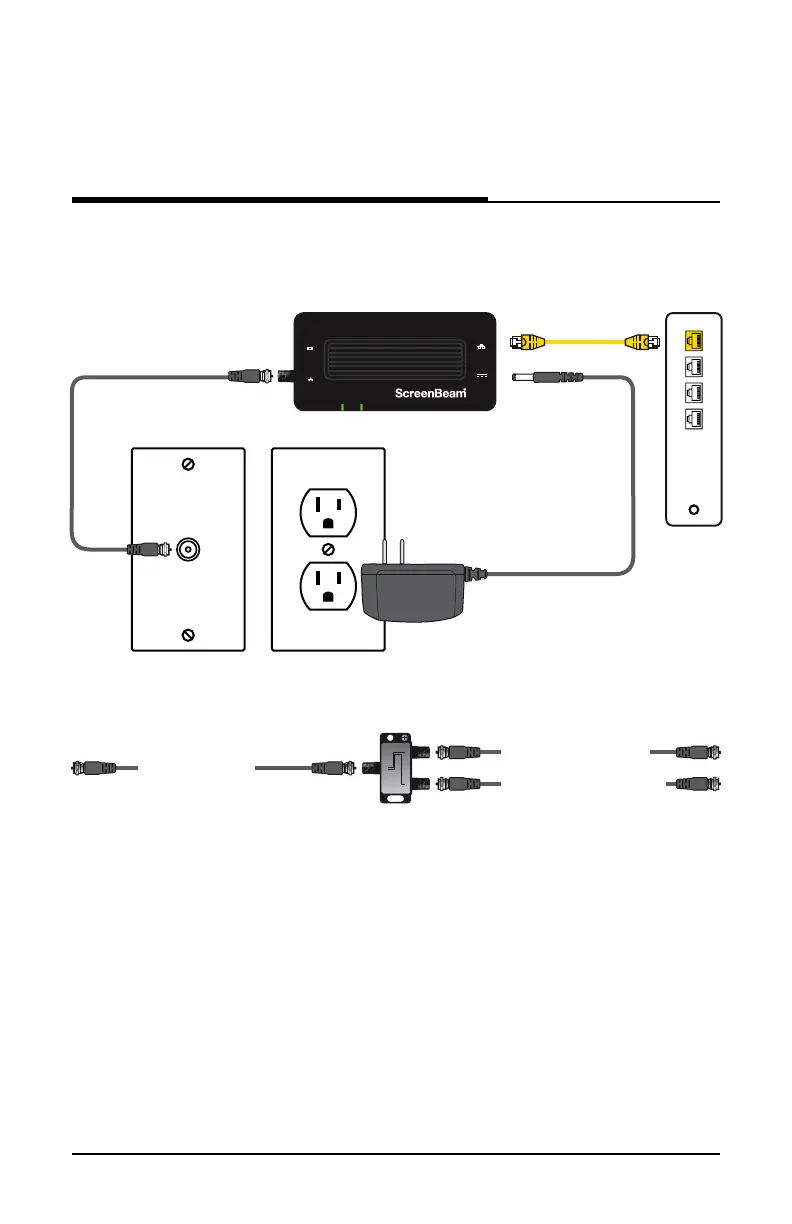
When complete, the setup should look similar to the figure below:
The device connected to the Ethernet port is now connected to the
Internet via the coaxial network. Repeat this process to install additional
Adapters throughout the home.
8User Guide | Bonded MoCA Network Adapter | Model # ECB7250
Connecting the Adapters
Coaxial Cable
Ethernet Cable
Power Outlet
Coaxial Outlet
Power Adapter
Ethernet Port
of Modem/
Router
To Coax In Port on ECB7250
To Coaxial Port on Device
From Coaxial Outlet
2-Way Splitter
IN
2-WAY SPLITTER
OUTOUT
If Coaxial Port is Being Used buy Another Device:


 To Next Page