EN ::: 25
SYSTEM SETTINGS
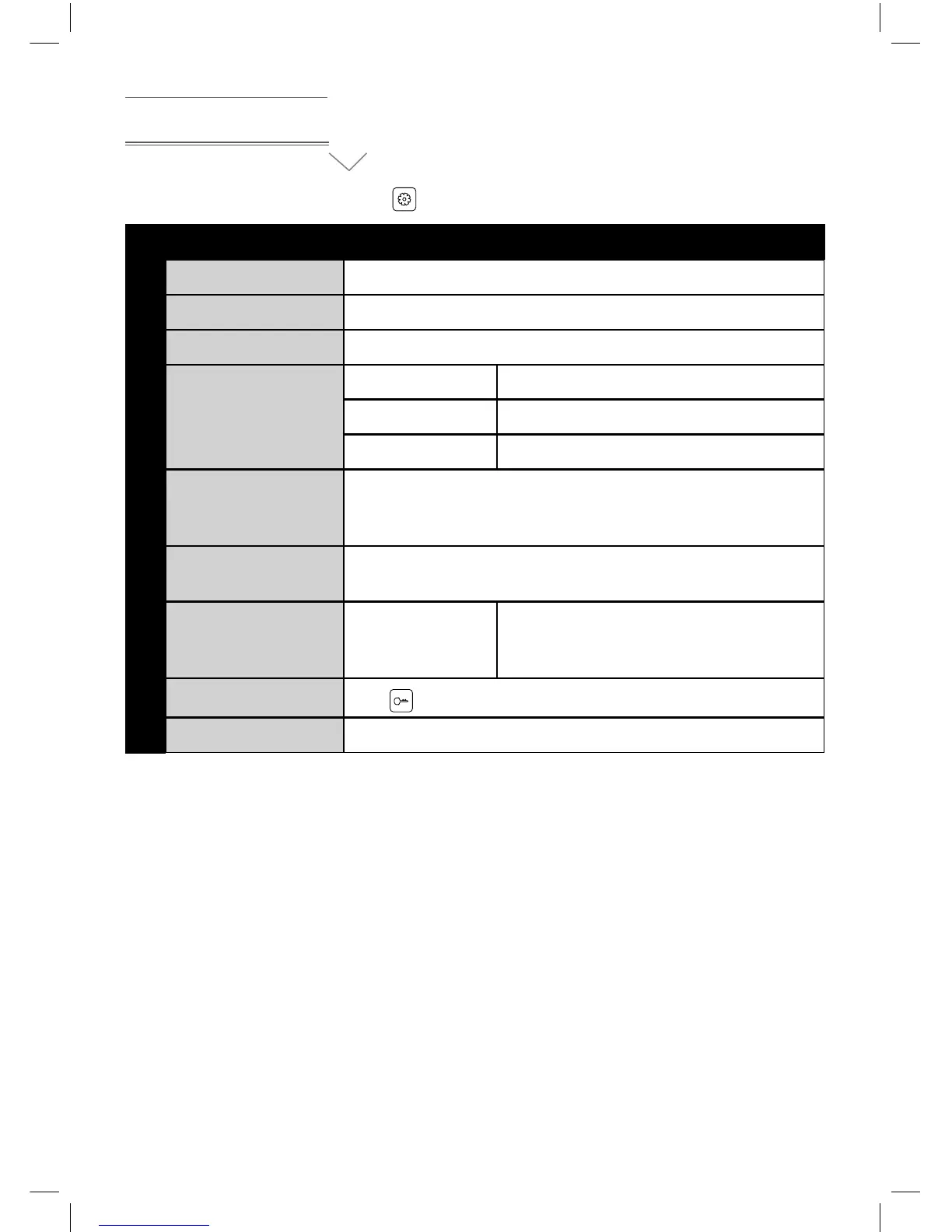
In standby status, short press button to enter system setting menu.
No. Setting items Options Notes
1 LANGUAGE Default French (English optional)
2 CHIME TIME Default 30seconds, (10 - 60 seconds adjustable)
3 CHIME VOLUME Default 07, 01 - 10 adjustable.
4 RING TYPE
Door1 ring type 01 by default, 00-11 optionals
Door2 ring type 02 by default , 00-11 optionals
Intercom ring type 03 by default , 00-11 optionals
7 DO NOT DISTURB
Off by default, at the ringing, intercom between monitors,
broadcast status, the LED indicator will icker when turn
on “DO NOT DISTURB” function.
6 CAN BE MONITORED
Off by default, it can be monitored by other indoor intercoms
in the system when turn on this function.
7 DEVICE ADDRESS Room1/2/3/4
Master monitor must be set as ROOM 1,
and the option will be yellow if two
monitors set the same address
9 MONITOR UNLOCK
Press
button to unlock
10 RESTORE DEFAULT Restore the system to default settings.


 To Next Page