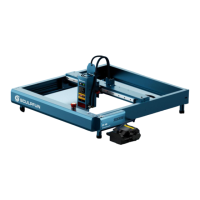
iCube Machine User Manual
3. APP software download and
installation
① Scan the code to enter the official website
to download Sculpfun Laser Tool (MAC
& WIN)WiFi configuration software
② Download Android mobile APP OR search
sculpfun in Apple store
4. Connect the machine to WiFi
① Connect device to power
② For the first configuration, you need to connect
the data cable to the computer.
③ Pass Sculpfun Laser Tool Software settings
④ Choose WiFi Configuration Tool
Note: The software upgrade interface may
change. Scan the QR code or follow the
official YOUTUBE channel to get the latest
detailed usage video tutorials.
https://www.youtube.com/@SCULPFUNReal
Note:
1. Android needs to use a browser to scan
the QR code to download.
2. After successful installation, you need
to give corresponding permissions
3



 To Next Page