7
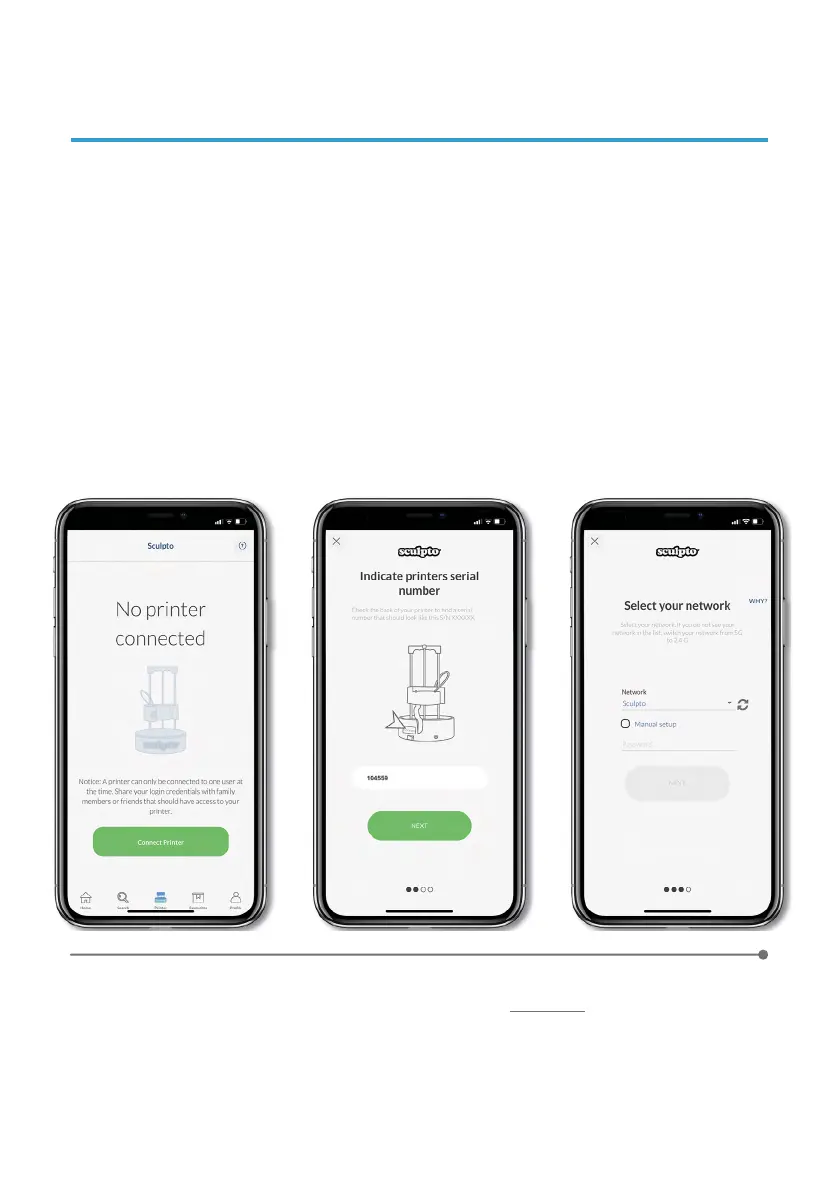
Click on the printer button in the menu below (3rd icon from the left).
Click on Connect Printer.
Follow the instructions in the app to enable the connection between the printer
and the app.
Select your home network from the drop down menu and enter your
Wi-Fi
network password. Press Manual setup only if you can not find your home
network from the drop down menu.
1
2
3
4
5
5. CONNECT YOUR PRINTER
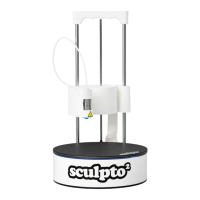
Press Connect and wait for the printer to connect to your home network. Once
connected, the printer will emit a constant light
white/light blue color.*
* If the printer flashes yellow, the connection attempt has failed. Make sure your WiFi password is correct, go back to step 1 and
try again.
For a full video setup guide please click here


 To Next Page