Time to start listening
www.sdrplay.com
We recommend using a mouse with a roller wheel (this becomes your tuning knob!)
Press the Green “Play” button to start the receiver
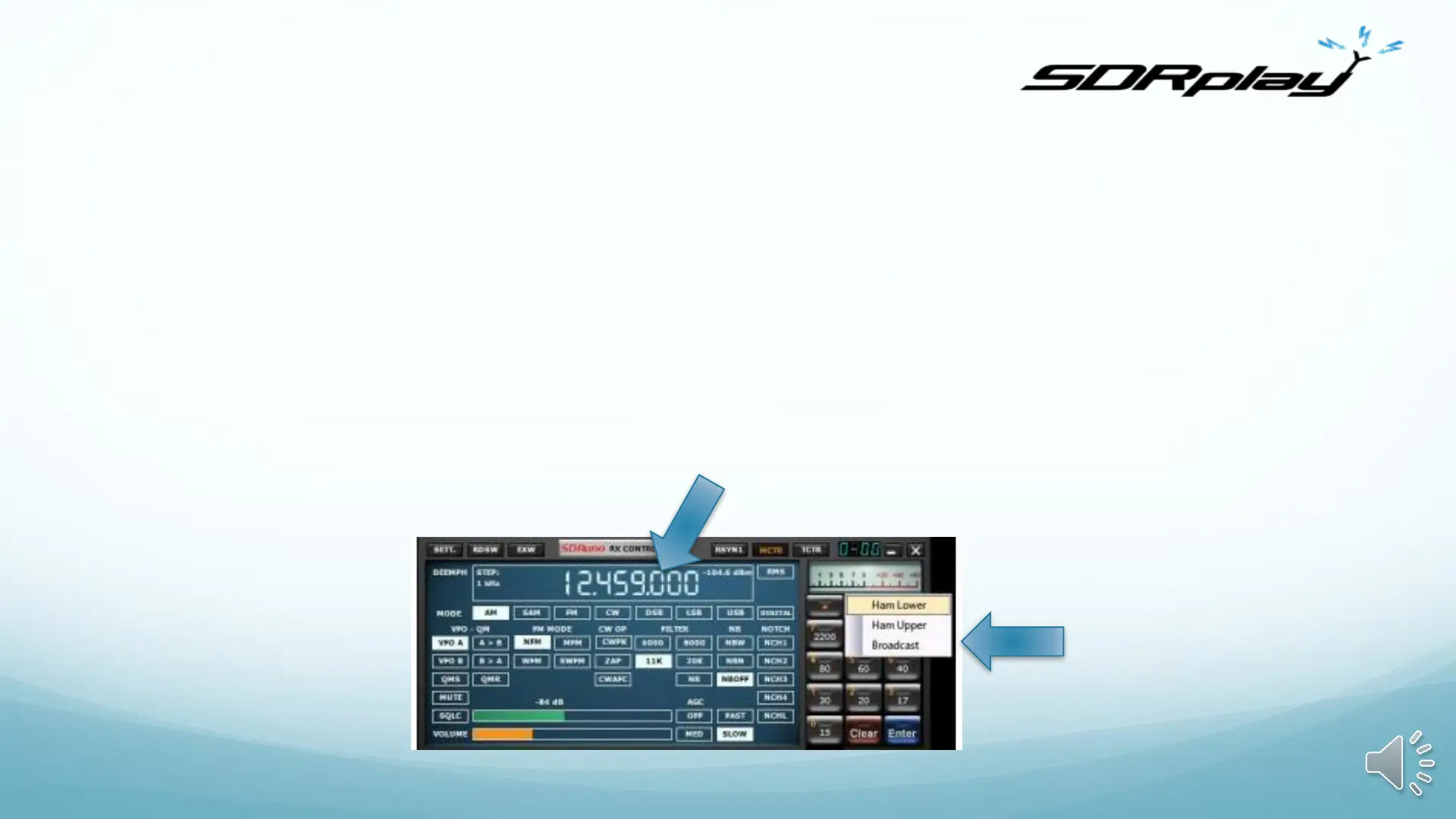
Look for the Bands button and select “Broadcast” and then the 49 metre band
It should default to 6050KHz and in the main Spectrum display you should see signals
With the default settings, move the mouse to the frequency display - rolling your mouse wheel
will tune whichever digit you hover over (0.1kHz is a good one to choose)
The default settings for AM, 8kHz audio bandwidth, gain and so on should be OK…but now you
should be inspired enough to start watching the video guides and reading the manual!
0.1kHz tuning digits
Broadcast band
Preselect button


 To Next Page