46
MAGNET POSITION (E, F only)
START CYCLES
START 32 points
RPM IGN (E,F only) 38 points
IGN RET-ADV/LOAD (E,F only) 64 points
ENGINE TEMP 32 points
MANIFOLD PRESS 64 points
RPM FUEL + AFR TARGET 38 points
ACC PUMP SENSE
ACC PUMP LO RPM
ACC PUMP HI RPM, then, back to GAUGE1.
Gauge Modes
Calling up the gauge modes allows you to see in real-time, the sensor inputs to the ECU. This is useful
for viewing engine data, programming the system and diagnosing sensor problems. If you encounter a
strange problem or misfire, always select the gauge modes first to see if everything makes
logical sense. This will also show error codes. Most problems can be quickly diagnosed here if you
understand the system. Gauge modes update at approximately three times per second.
Gauge 1 Mode and Error (ERR) Codes
If you are in any parameter in the LCD Programmer you can push the GAUGE button to jump to
gauge 1 mode. Push the GAUGE button again and the programmer will jump back to the
parameter that you came from.
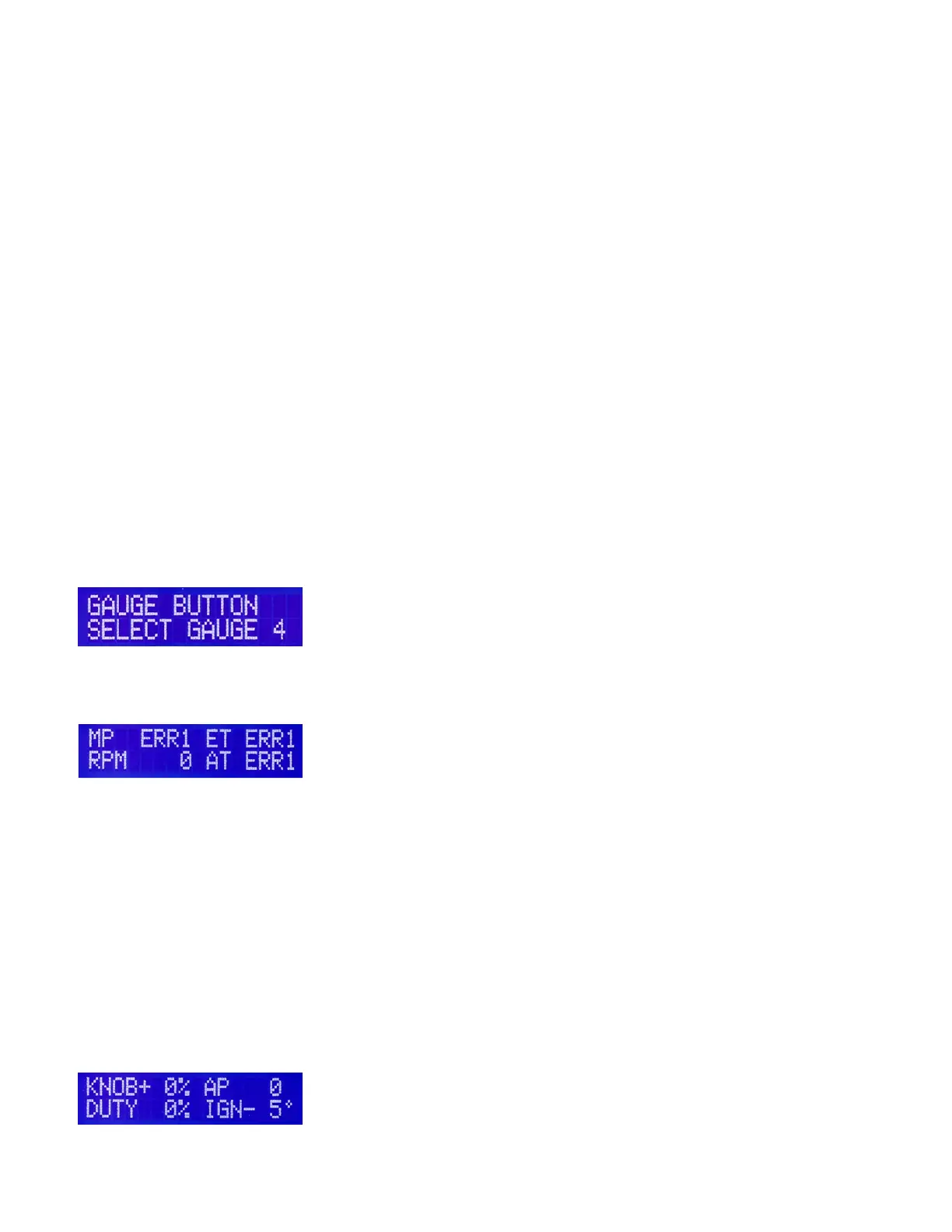
You can also reconfigure the programmer to go to either gauge 1 or gauge 4 mode when the gauge
button is pressed. Use the +1 button to toggle when in the window below:
Gauge 1 or 4 mode can be accessed by pressing the gauge button once.
Gauge 1 mode showing error codes
MP displays engine vacuum in inches mercury absolute. The MP reading will change to ERR if the map
sensor loses its connection on the ground or power wires. If you see ERR check the connector at the
sensor and also check the wires for breakage. The sensor may have failed also. ET and AT are engine
and air temp readings which will also read ERR if the circuit is broken. For MAP and temp sensors, ERR
will stay displayed even if the fault was momentary. You can attempt to clear ERR by pressing the +1
button when in Gauge1 or 4 mode. If the ERR clears, then the problem was intermittent, and if the ERR
stays displayed then there is a problem such as a broken wire or damaged sensor. Never attempt to fly
the aircraft with ERR codes displayed on the ground!
Gauge 2 mode
Gauge 2 mode can be accessed by pressing (>) once when in gauge 1 mode.
Gauge 2 mode


 To Next Page
 Loading...