56
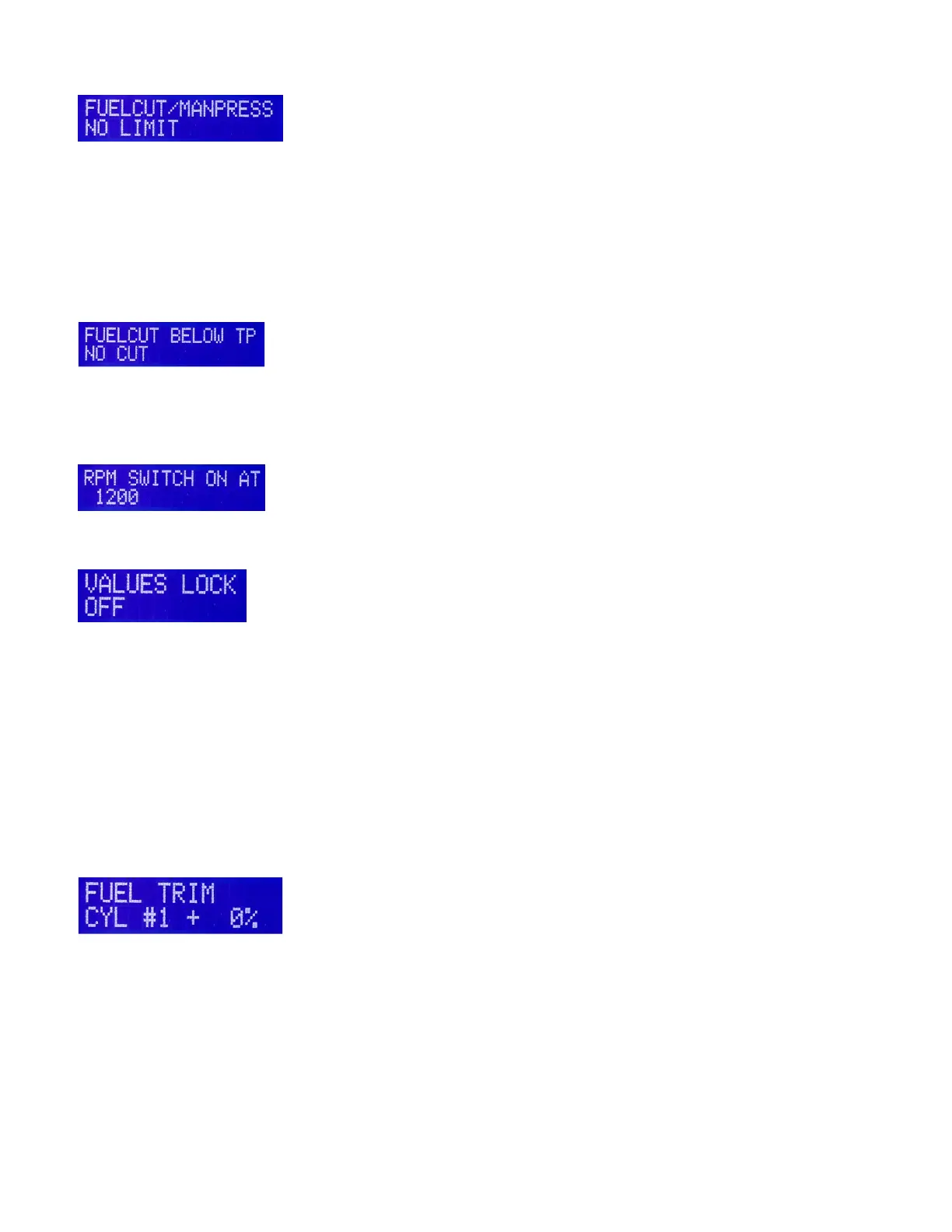
Fuel Cut/ MAP
If engine is non-turbo then leave set to NO Limit.
Generally only used on forced induction engines. This will limit the amount of manifold pressure to
protect the engine from over-boosting resulting from a malfunctioning wastegate etc by cutting off fuel
injections when manifold pressure exceeds this setting. For example, if you are running around 40 inches
MAP you should set this parameter to around 42 or 43 inches, so the engine will not hit the limit under
normal conditions.
Factory setting is NO Limit which disables this feature, so it will not affect the system. If this parameter
is adjusted to a low MAP range, it can cut off all fuel causing a no start condition.
Fuel Cut/ Below TP
This parameter is used to cut off fuel when gliding with the throttle closed. It is in operation only when the
engine is above 2000 rpm and a TP value is entered in the window. When it is set to NO CUT the
function is disabled. This parameter is usually not used in aviation applications.
RPM Switch
This feature is usually used on Honda VTEC engines to to control the VTEC solenoid.
Values Lock
This feature allows you to lock out the programmer function to prevent accidental changes to your
values. To lock your values, select VALUES LOCK window in the LCD programmer. The + and - buttons
are used to select it to the ON or OFF position. When you are done programming for a while or plan to
disconnect the programmer always engage VALUES LOCK ON. You cannot program the system with
VALUES LOCK ON selected.
Optional Individual Cylinder Fuel Trim
This option, when activated through a discrete pin code for each burn#, allows the user to add or subtract
to the injector pulse width on each cylinder usually based on EGT readings. Leave the FUEL TRIM
value at zero until all other programming is complete. You should only use this feature if you have an
engine monitor with individual EGT probes for each cylinder. It’s generally designed for engines which
have unequal mixture distribution. When set correctly, all cylinders should peak at the same time.
You can trim each cylinder +/- 20% using the + or – buttons. Scroll right to access the trim windows for
cylinders 1, 2, 3 and 4. For 6 cylinder systems, the Primary ECU trims cylinders 1,2, 3 and the Backup 4,
5 and 6. See the 6 cylinder supplement for trim instructions and wiring.
If you use the Cylinder Fuel Trim option, when programming the trim values, be sure to have the ECU
selector switch in the Normal position(not PRI or BAK). To trim cylinders, you must toggle between ECUs
with the PROG key(or switch w/3-1/8” programmer). Trim cylinders 1, 2 and 3 with the primary ECU and
cylinders 4,5 and 6 with the backup ECU.


 To Next Page
 Loading...