PLAYBACK OPERATION
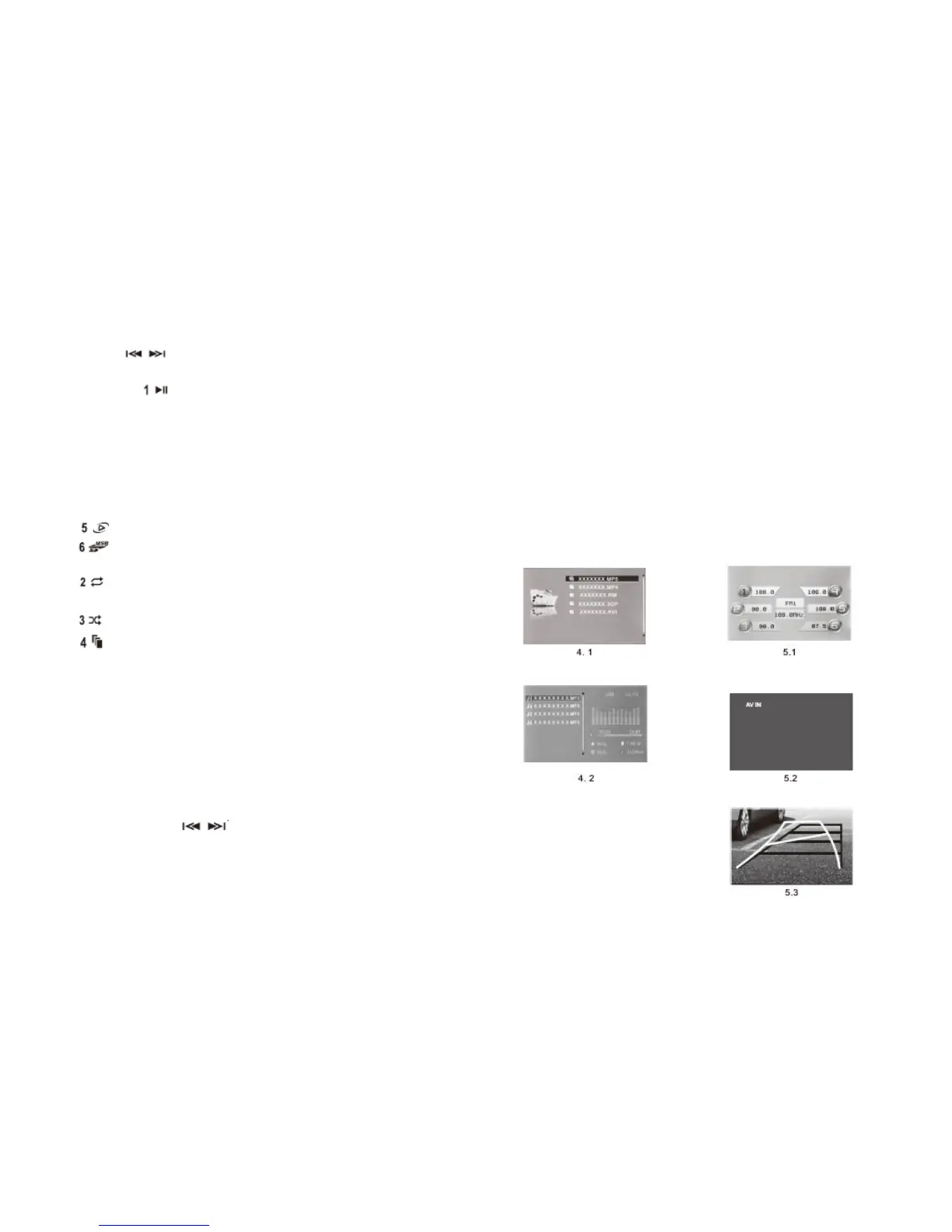
1. See the picture (4.1) to play the audio or video.
Short press to select the file upward or downward.
2. Play/pause
Short press on to play or pause the current music.
Hit this button to select current menu function confirmed by
main menu interface.
3. Backspace button
Short press either the “B/E” or “C” button on the remote control
to leave the current interface and return to the main menu
interface.
4. Shortcut key
(1) Switch the audio/ video button.
(2) Switch to play the files stored in USB or SD card.
5. Play mode for the audio frequency (4.2)
(1) Select the modes between the audio single-song play,
sequence play, shuffle play and cycle play.
(2) Turn on or turn off the shuffle function.
(3) Turn on or turn off browse play function. Each song
will be played for 10 seconds.
AUDIO RECEPTION OPERATION
1. The mp5 can store 18 radio stations (5.1)
FM1 FM2 FM3
There are 6 stations in every waveband.
2. In the state of audio reception, short press “B/E” to switch
the waveband. Press and hold the button “B/E” to start an
automatic search and memory function, the system will
automatically search the FM or AM radio stations and store
every found station.
3. A short press on means searching the radio station
manually, long press one of the number buttons to store the
current radio station to that number.
4. Frequency Range FM: 87.5MHZ – 107.9 MHZ
VIDEO INPUT FUNCTION
Connect the ports of video input and audio input and switch to
the mode of video input, the screen will play the input video files
of the access facility AV. If the audio files of the access facility
are played, the mp5 will play the audio parts and AV IN will
appear as a hint on the screen. (5.2).
CAMERA SWITCHING
1. When the car is in the reverse gear state, the screen will
automatically switch to the rear vision picture and the camera
begins to work. (5.3) the current played program will be
muted and the screen won’t display any picture.
2. When the car is in other gears state, the back-vision camera
will be shut down and will return to playing the current
program.


 To Next Page