Remote operation
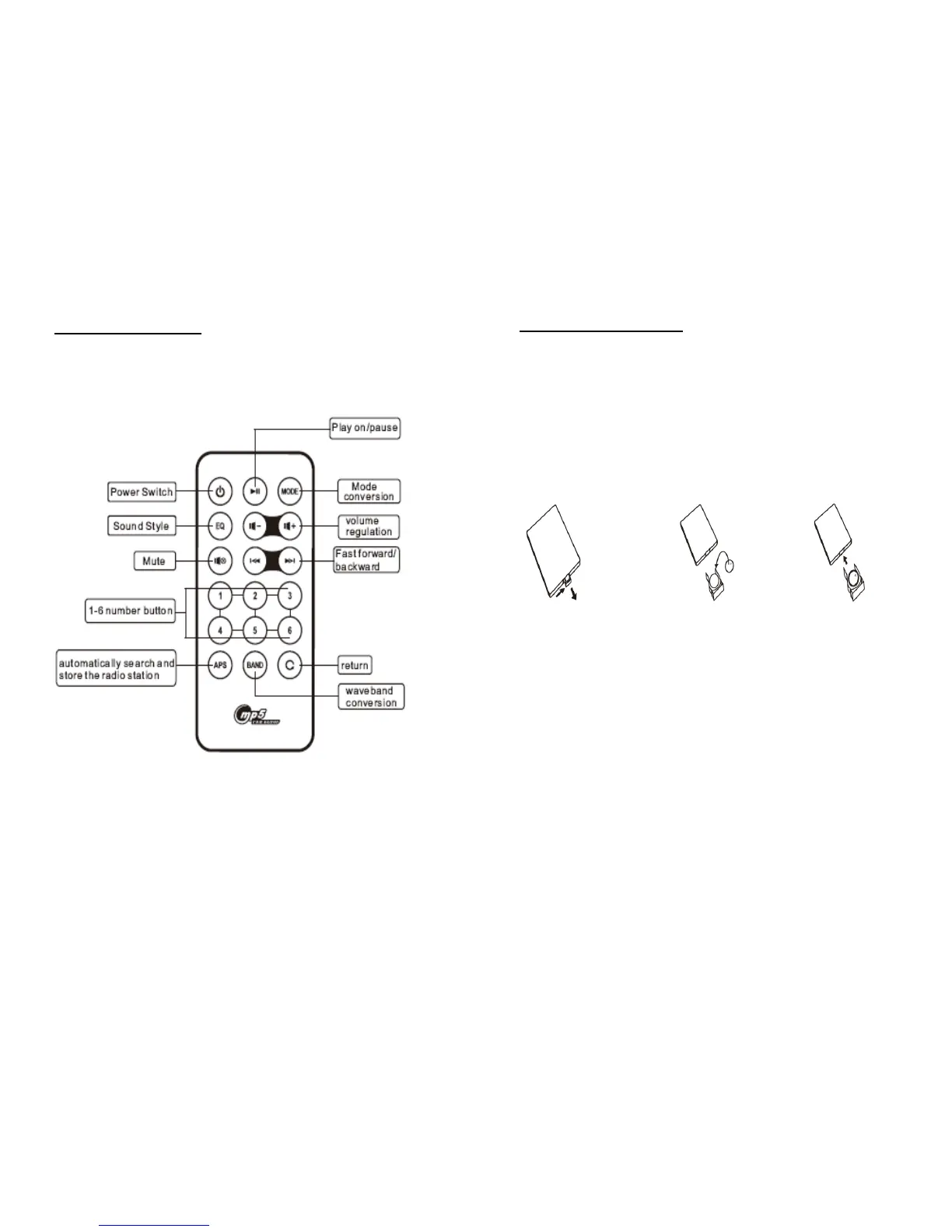
Remote Control Layout:
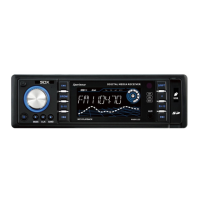
Changing the batteries
Change the batteries if the remote only works when close to the unit or
doesn’t work at all. Make sure to distinguish the positive and negative
clearly.
Press the plug and pull out Put the new battery Put the plug into
The battery at the same time in the plug the remote
Note: Before use, make sure to pull out the small piece of plastic
between the battery and the remote control.


 To Next Page