EasyManua.ls Logo

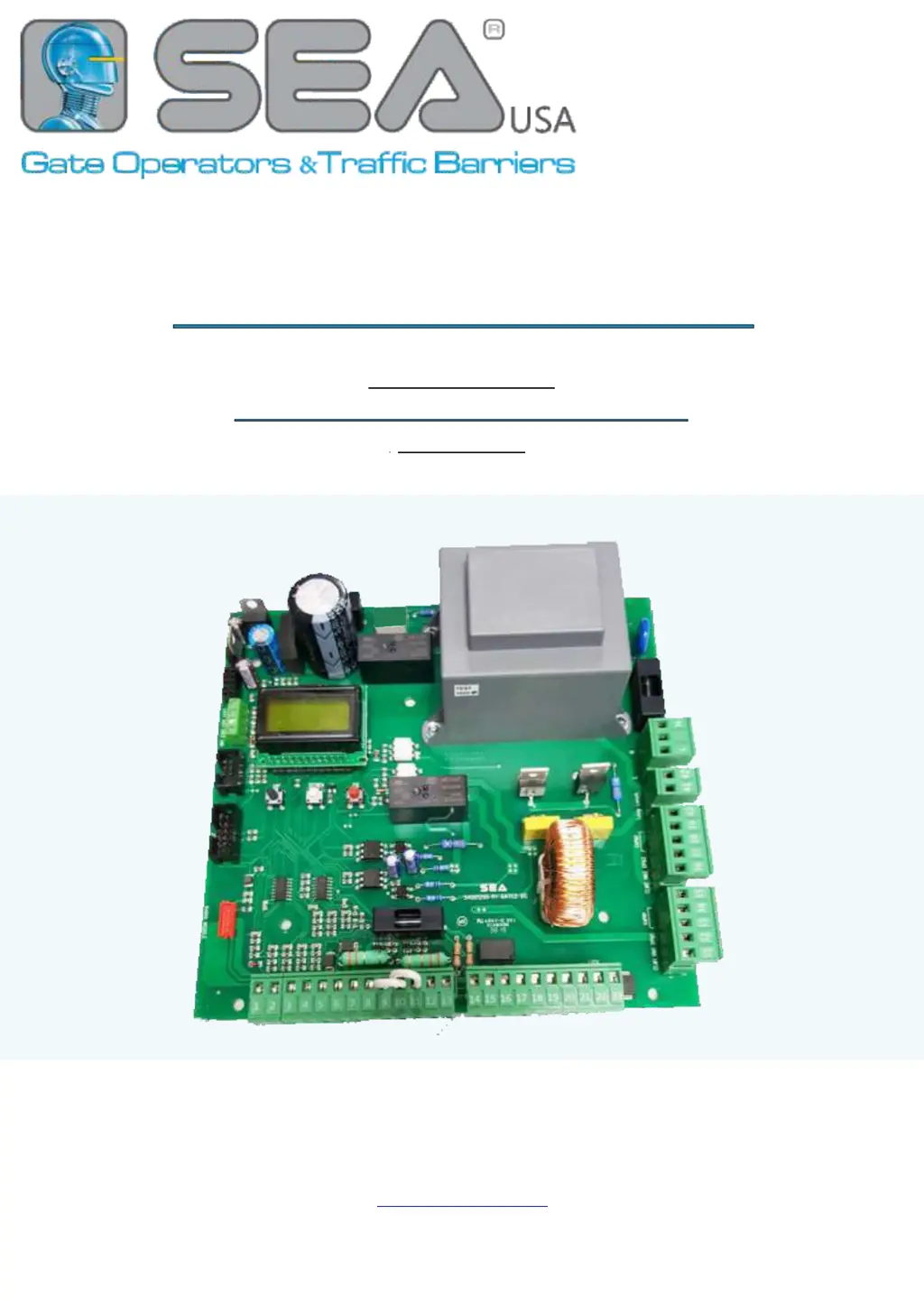
SEA GATE 2 DG R1B - User Manual

SEA GATE 2 DG R1B
48 pages
Print Icon
To Next Page IconTo Next Page
Loading...
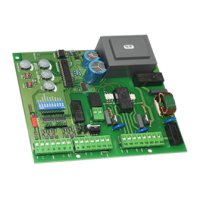
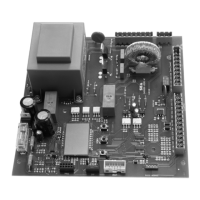
CONTROL UNIT
TO MANAGE ONE or TWO OPERATORS
(230V/110V)
67411387
GATE 2 DG R1B
REV. 18 - 10/2023
SEA USA Inc.
10850 N.W. - 21st - unit 160 - Doral - MIAMI - Florida (FL) - 33172 - USA
Telephone: ++1-305.594.1151
www.sea-usa.com

Other manuals for SEA GATE 2 DG R1B

Questions and Answers

  • J
    Julie MartinezAug 4, 2025
    What to do if the SEA GATE 2 DG R1B gate opens but doesn’t close?
    • R
      Ryan ParkAug 4, 2025
      If your SEA Control Unit gate opens but doesn’t close, it could be due to several reasons: * The contacts of the photocells are connected and open. * The stop contact is connected and open. * The edge contact is open. * Ammeter alarm. * Encoder alarm. Check the jumpers or the signals indicated on the warning lamp. If the ammeter alarm has intervened, increase the torque parameter. Also, check the reading of the Encoder and/or the sensibility.
  • M
    Mikayla McclureAug 9, 2025
    How to troubleshoot a SEA GATE 2 DG R1B when the motor doesn’t respond?
    • K
      klinejacobAug 9, 2025
      If the SEA Control Unit motor doesn’t respond to any start impulse, it could be due to: * The connected N.C. contacts. * A burnt fuse. Check the connections or the jumpers on the connections of the safety edges or of the stop and of the photocell if connected. Replace the burned fuse on the control unit.
  • M
    Martin DanielsAug 16, 2025
    What to do if SEA Control Unit gate doesn't fully open or close?
    • M
      Marie MonroeAug 16, 2025
      If your SEA Control Unit gate doesn’t reach the complete Open / Closed position, this could be due to: 1. Wrong setting of the limit switches. 2. Error on programming. 3. The gate is stopped by an obstacle. 4. Torque too low. To resolve this, set the limit switches, repeat programming, remove any obstacles, and increase the torque parameter.
  • M
    Marie HaasAug 21, 2025
    Why SEA Control Unit gate doesn't move when the motor runs?
    • J
      Jeffrey MaloneAug 21, 2025
      If the SEA Control Unit gate doesn’t move while the motor is running, it could be because the motor is in the released position or there is an obstacle. To fix this, re-lock the motor and remove any obstacles.
  • H
    Heather GibsonAug 28, 2025
    How to fix a SEA GATE 2 DG R1B gate that doesn’t close automatically?
    • J
      Jade JohnsonAug 28, 2025
      If the SEA Control Unit gate doesn’t close automatically, it might be because the pause time is set too high, or the control unit is in semi-automatic logic. Adjust the pause time or set the pause parameter on a different value from the OFF.

Summary

1 - WIRINGS

CN1 and CN2 Wiring Diagrams

Detailed wiring diagrams for main connectors CN1 and CN2.

2 - CONNECTIONS ON CN1

2.6 - 24 V= FLASHING LIGHT - MAX 3 W

Safety Edge and 10 K Photocell Connections

Wiring for safety edges and 10K photocells, including management.

3 - CONNECTIONS ON CN2

3.1 - LIMIT SWITCH

Details wiring for limit switches and the anti-intrusion function.

4 - CONNECTIONS ON CN3 and CN4

4.1 - MOTORS CONNECTION ON THE CONTROL UNIT

Details wiring for connecting motors (Motor 1 and Motor 2) to the control unit.

6 - POWER SUPPLY CONNECTIONS ON CN6

6.1 - CONTROL UNIT POWER SUPPLY

Details the connection of the control unit's power supply.

7 - CONNECTIONS ON CN7

7.1 - ENCODER STANDARD

Details standard encoder connections and enabling via menu.

9.5 - POSITION GATE LINEAR POTENTIOMETER CONNECTION

9.6 - RT ABSOLUTE ENCODER CONNECTION

Details the connection of the RT absolute encoder via the LRT circuit.

9.7 - LINEAR POTENTIOMETER or RT ABSOLUTE ENCODER CONFIGURATION

9.8 - POTENTIOMETER or RT ENCODER PARAMETERS ADJUSTMENT

Details parameter adjustments for potentiometers and RT encoders.

11 - DISPLAY and PROGRAMMING

11.2 - BASIC MENU and SPECIAL MENU

Explains the Basic and Special menus for control unit configuration.

12 - BASIC MENU

13 - INPUTS STATUS MANAGEMENT

13.2 - INPUTS MANAGEMENT MENU

14 - WORKING TIMES LEARNING

14.1 - PRELIMINARY SETTINGS

Covers essential preliminary settings required before learning working times.

14.2 - ENCODER OR POTENTIOMETER ACTIVATION

Details how to activate encoders or potentiometers before learning working times.

Working Times Learning Methods

Quick Learning for Sliding Operators

Procedure for quick working times learning on SEA sliding operators.

Learning by Limit Switch

Procedure for learning working times using limit switch detection.

Encoder;Potentiometer Working Times Learning

Learning by Standard Encoder

Procedure for learning working times with a standard encoder.

Learning by Potentiometer or RT Encoder

Procedure for learning working times with potentiometer or RT encoder.

Manual Pulses Working Times Learning

15 - LOGICS

17 - RECEIVERS AND TRANSMITTERS

17.4 - TRANSMITTERS FUNCTIONS DIAGRAM

18 - ALARMS

18.1 - FAULTS SHOWN ON THE DISPLAY

Lists common faults displayed on the unit and their troubleshooting solutions.

Fault Indication and Diagnostics

19 - TROUBLESHOOTING

Operator Response and Movement Issues

Troubleshooting issues related to operator response, motor function, and gate movement.

Gate Position and Obstacle Detection Problems

Troubleshooting issues with gate positioning, obstacle detection, and automatic closing.

Limit Switch, Input, and Safety Device Errors

Troubleshooting problems with limit switches, safety edges, photocells, and input errors.

19 - TROUBLESHOOTING (Continued)

Slowdown, Obstacle Reversal, and Force Issues

Troubleshooting issues with slowdown points, obstacle reversal, and closing force.

Photocell, Safety Edge, and Alarm Troubleshooting

Troubleshooting problems related to photocell/safety edge errors and alarms.

Accessory, Power Supply, and Control Unit Faults

Troubleshooting accessory failures, power supply faults, and control unit issues.

Special Menu Configuration and Adjustment

Special Menu Advanced Control Settings

Special Menu Input;Output and Photocell Modes

Special Menu System and Control Settings

SEA GATE 2 DG R1B Specifications

General IconGeneral
BrandSEA
ModelGATE 2 DG R1B
CategoryControl Unit
LanguageEnglish

Related product manuals