______________________________________________________WTS32 Wireless Thermostat
950-0160revB February 2, 2012
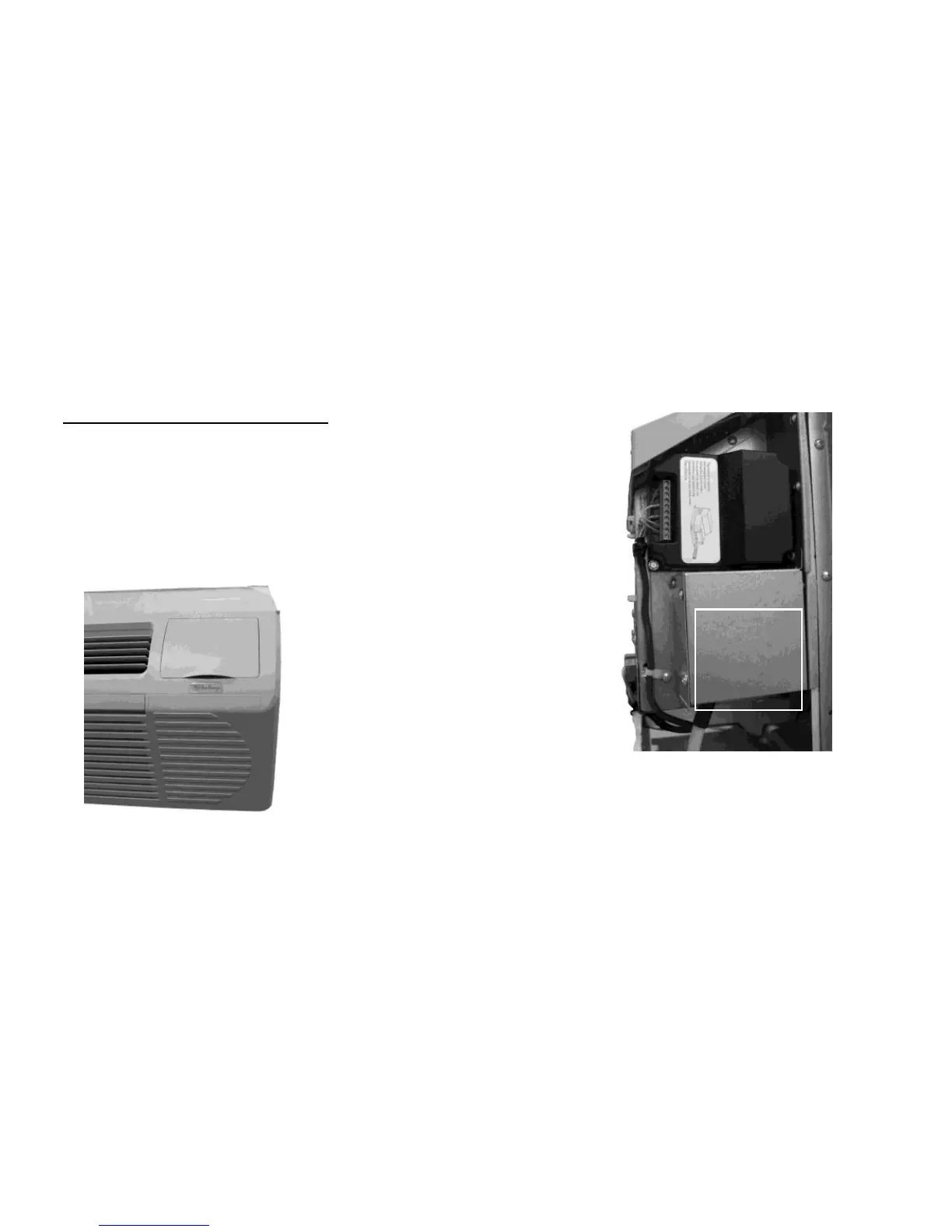
Sea Breeze PTAC Receiver Installation
Step 1 – Disconnect power from PTAC unit.
Step 2 - Attach receiver using BT (bit tap) #6X1/2” sheet metal screws. Do
not use screws longer than 1/2".
Step 3 – Connect receiver to thermostat terminal on PTAC using 18 awg.
thermostat wire.
Step 4 – DIP switch #1 should be down and #2 should be up. See PTAC
manual for other operating options.
Reinstall front cover as shown.
Note:
Do not using mounting screws, use HOOK AND LOOP FASTENERS when
mounting in PTAC.
See page 18, Option 2.


 To Next Page