______________________________________________________WTS32 Wireless Thermostat
950-0160revB February 2, 2012
Error Mode
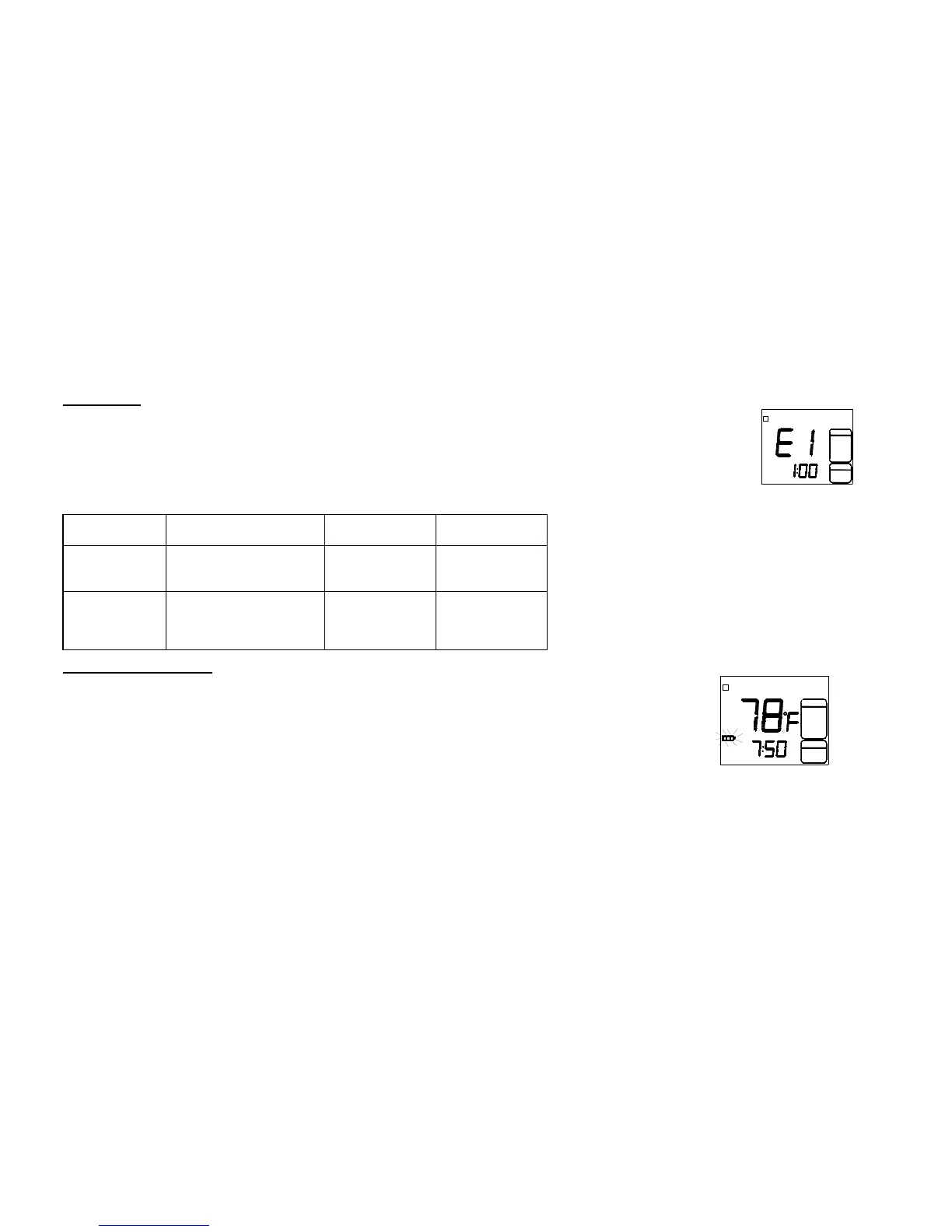
If the thermostat is unable to control your system due to an unexpected problem, the thermostat will
enter Error Mode. In this condition the thermostat flashes “E1” or “E2” on the LCD display and shuts off
the system. When the thermostat wireless channel is changed without registration the display will show
“E4” as a warning. It must be re-registered again. “E4” will disappear after registration is successful. You
can set your thermostat back to the original channel to avoid re-registration.
Sensor Error /
Outdoor Sensor Error
Channel change
without matching
with receiver
Low Battery Warning
Thermostat has a battery warning system. When the batteries are first detected to be weak,
the first stage low battery warning is indicated by battery symbol flashing on the LCD display.
At this point the batteries need to be charged through a USB port or optional power supply.
During the charging process the battery icon will fill one section at a time. When the battery
charge completes the battery icon will disappear.
CAUTION! - Before leaving on vacation or an extended absence, check to see if the battery is fully charged. If the
battery charge goes low enough the thermostat will cease to transmit. If the receiver does not receive a signal within 30
minutes it will turn off and there will be no heating or cooling.
When the transmitter (thermostat) is shipped from
the factory it is in the battery saving mode
indicated by “PE” flashing in the display.
“PE” deactivates communications to the receiver.
To return to normal operation, Press ▲▼buttons
for 5 seconds.
To activate “PE”, press ▲▼ button for 5 seconds.
This function should be used when the system is
required to be off for extended periods.


 To Next Page