3-2 | Seacraft Power Converter v1.0
USING The pOweR CONveRTeR
The power transferred via the power converter may be controlled via the scooter’s control
display (see next section).
3.2. Connecting and controlling an external device
Proceed as follows, in order to connect and use an external device with your Seacraft scooter:
1. Select a device matching the technical specications.
This could be a drysuit heating system, a hand-held or xed light (e. g. Seacraft SLS2).
2. If required, securely mount the device to the scooter.
3. Remove the scooter’s charging port plug and store it for later use.
4. Make sure, the scooter is switched o, and connect the charging port adapter cable to the
scooter’s hermetic charging port, and screw it in hand-tight.
Caution!
Make sure that adapter is correctly aligned, and pressed gently into the
charging port while screwing in. In case of wrong angle, and force usage
it is possible to irreversibly damage the thread of adapter.
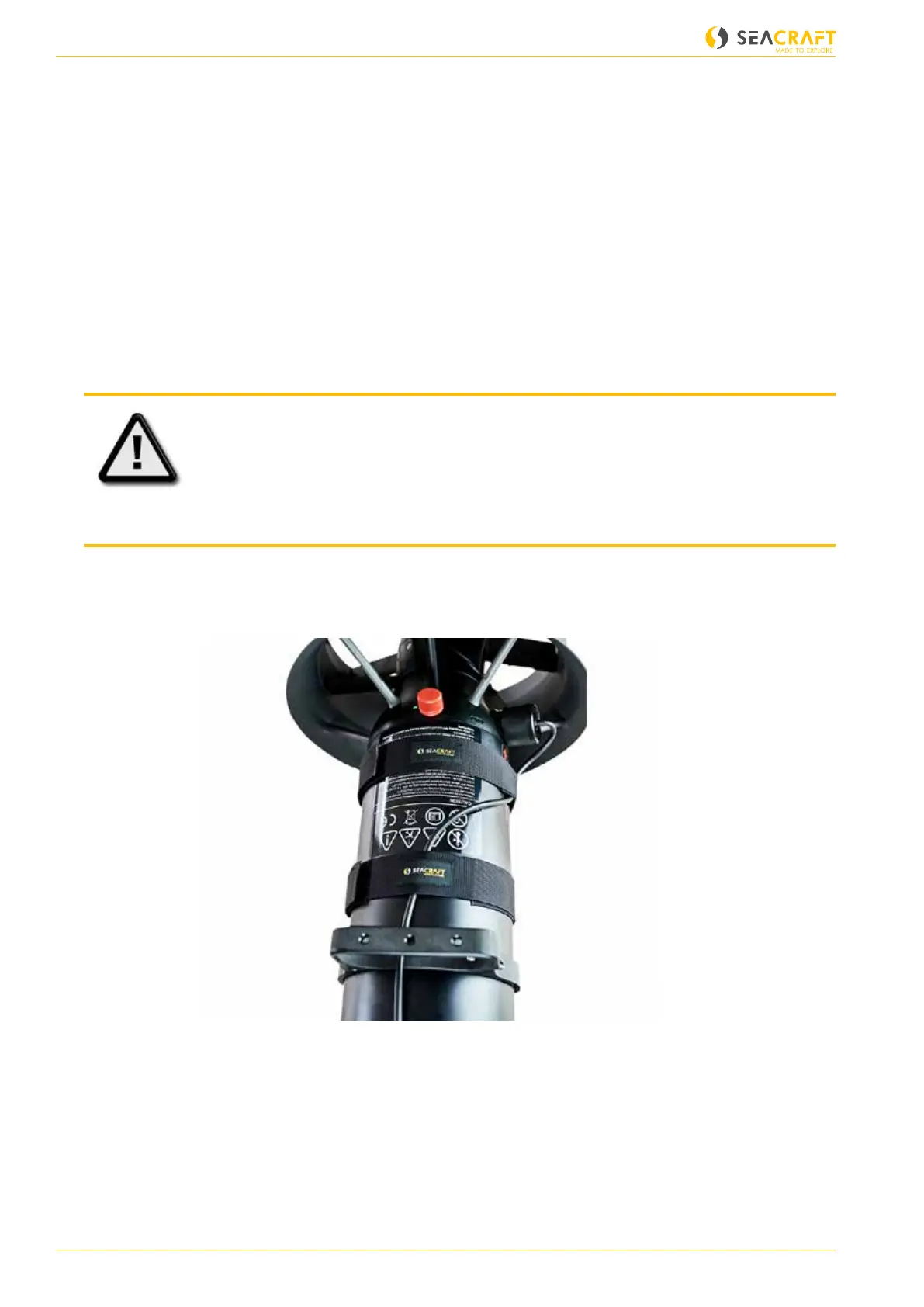
6. Attach the adapter cable securely to the scooter, and connect it to the external device.
Ensure that there is no possibility of swallowing t
Adapter cable secured to the scooter (used for Seacraft SLS2 light system)
7. Switch on the scooter by turning the main switch by 90 °.
8. While in gear 0, hold both triggers pressed for 3 seconds, until the power converter control
screen is displayed:


 To Next Page