Seagate Central User Guide 17
7. Remotely Accessing Content
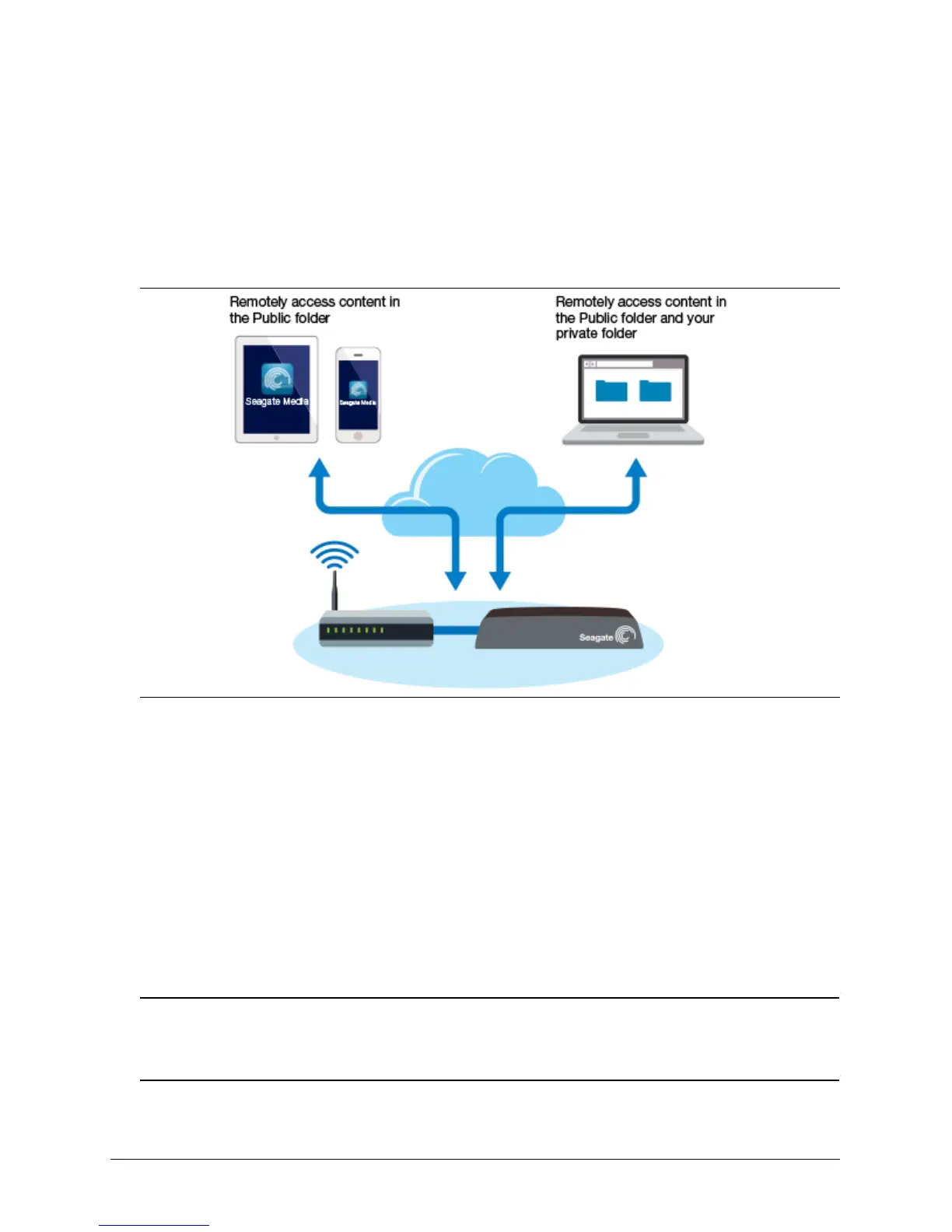
Seagate remote access is a free service that lets you access files on your Seagate Central
device when you are not on your home network. You can also share files with others over the
Internet.
Set up Seagate remote access
To use Seagate remote access, you need a private folder on your Seagate Central device
associated with a remote access email.
To create a private folder, see Create a private folder.
Set up remote access with the Seagate Media app
Use the Seagate Media app to view and play content on your mobile device while away from
home. To access your content remotely, your Seagate Central device must be left on while
you are away from home.
Note: The Seagate Media app provides access to content in the Public folder only. To
access content in a private folder, use Seagate Remote Access from a web browser. See Set
up remote access with a web browser.



 To Next Page