OPERATION
MANUAL
12 of 22
Section 2: SYSTEM OPERATION
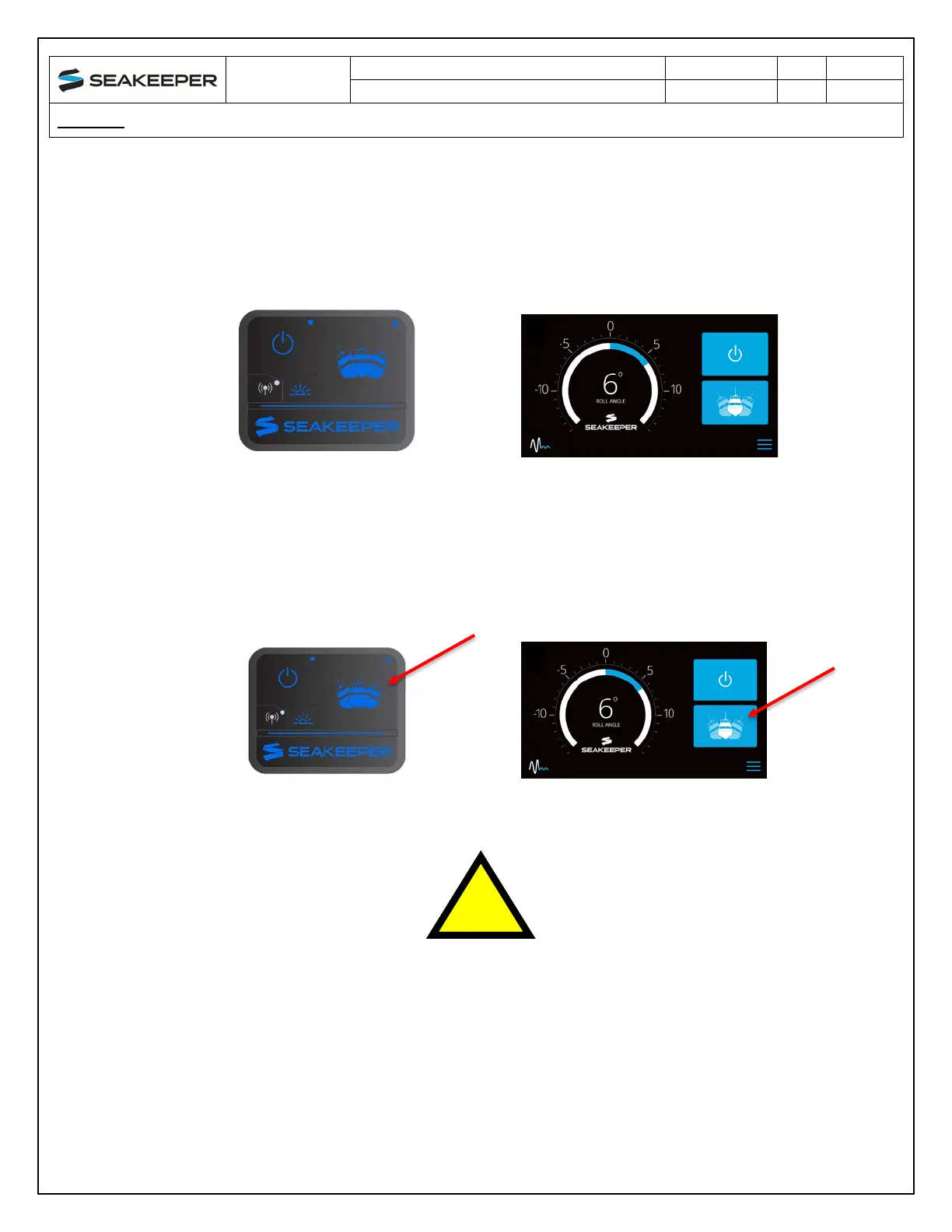
8. The progress bar indicating flywheel spool-up will disappear from the display screen once the
STABILIZE button is pressed (turns blue) and the ConnectBox will fully illuminate. At this point,
the Seakeeper has reached its rated operating RPM and maximum stabilization is available. If
the STABILZE button has not been pressed (button is grey), pressing the button will turn it blue
and stabilization will be provided. The seawater pump will cycle on and off based on the
operating temperature of the Seakeeper 1.
2.2.2 STABILIZATION
To stabilize the vessel after the Seakeeper is On and the flywheel is above the minimum stabilization
RPM:
Press the STABILIZE button. The button will turn blue indicating that the Seakeeper is stabilizing the
roll motion.
If it is necessary to shut off power to the flywheel motor and slow the
flywheel for any reason, press Seakeeper On/Off button; the button
will turn grey and the stabilize button will disappear, indicating the
command has been accepted. It takes approximately 2+ hours for the
speed to slow down to 0 RPM.



 To Next Page