Section 2: SYSTEM OPERATION
2.0 Introduction
This section describes operation of the Seakeeper 9 system.
2.1 Display Screens: Overview
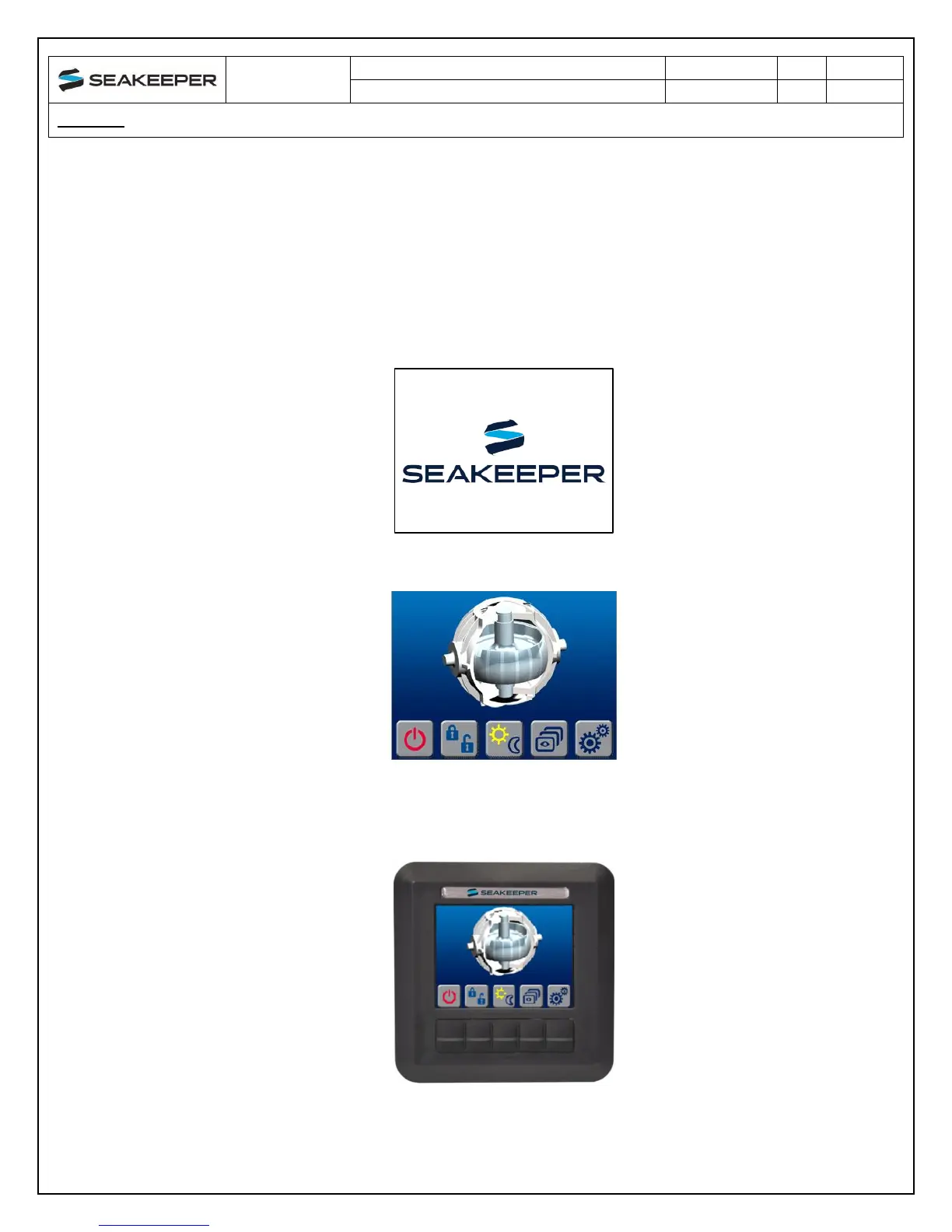
1) When 24 VDC is applied to the Seakeeper the DISPLAY will power up and initialize. The
SPLASH screen will be displayed
2) After the DISPLAY has initialized the HOME screen will be displayed
3) The DISPLAY has a set of five buttons that are under the BUTTON ICONS that appear
on the display screen. The BUTTONS are the means for selecting the functions of the
DISPLAY.


 To Next Page