EasyManua.ls Logo

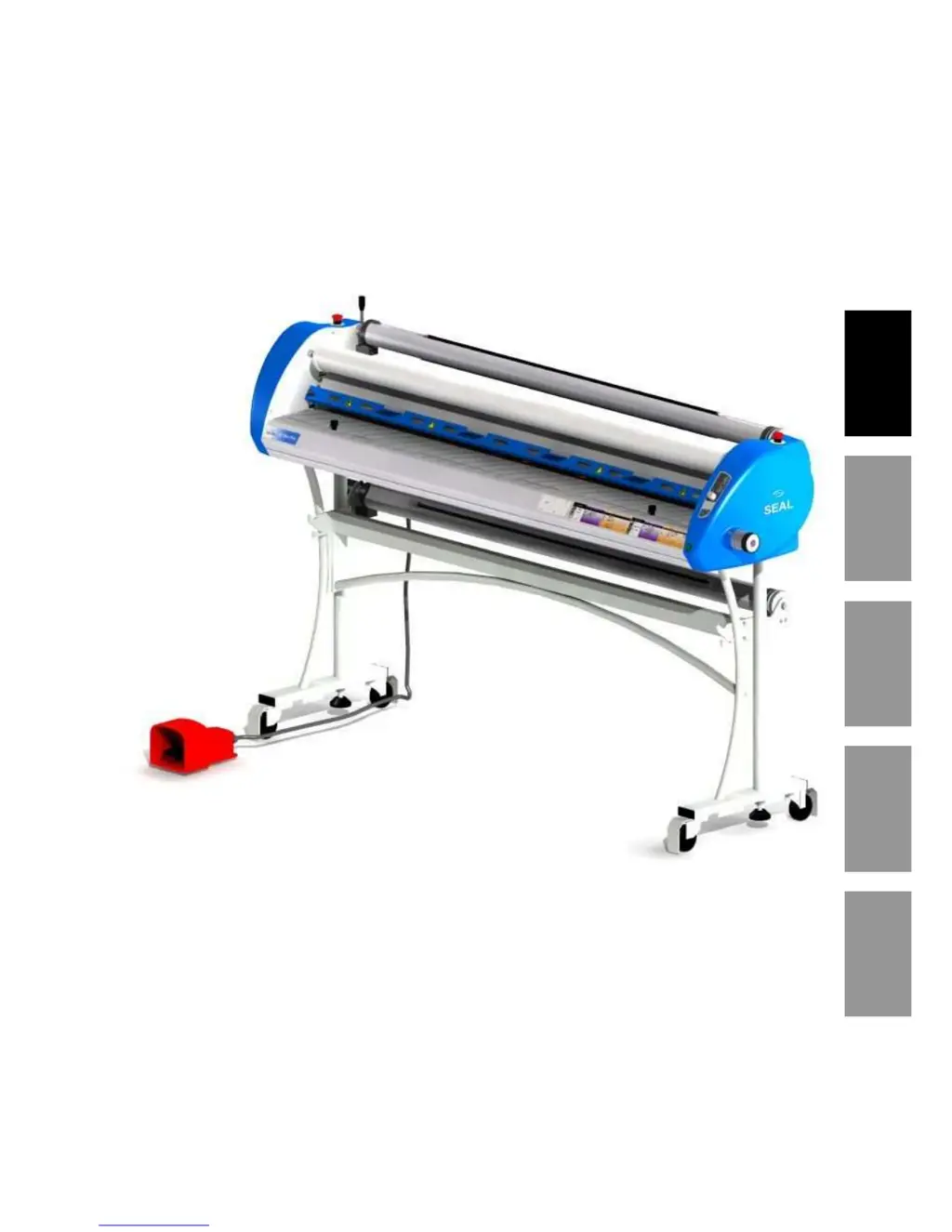
SEAL 44/62 Ultra Plus - User Manual

SEAL 44/62 Ultra Plus
33 pages
Print Icon
To Next Page IconTo Next Page
Loading...
English Français Deutsch Español Italiano
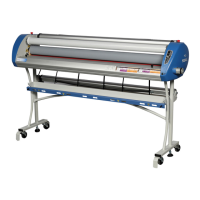
44/62 Ultra Plus
Laminator
User manual
7001507, Rev. 4
July 2007

Questions and Answers

  • K
    Kelly FitzpatrickJul 31, 2025
    How to fix a SEAL Laminator when the power LED does not come on?
    • D
      deanna60Jul 31, 2025
      If the power LED doesn't come on when you switch on your SEAL Laminator, it's likely due to a power issue. First, check if the power cable is properly plugged into the mains wall outlet. Also, inspect the fuse located on the rear side of the laminator.
  • H
    hmartinezAug 11, 2025
    What to do if Forward and Reverse LEDs are flashing on my SEAL 44/62 Ultra Plus?
    • B
      beverly78Aug 11, 2025
      If the Forward and Reverse LEDs are flashing on your SEAL Laminator, it indicates that the drive motor is overloaded. To resolve this, restart the machine.
  • D
    Denise JohnsonAug 20, 2025
    Why is the power LED flashing on my SEAL Laminator?
    • M
      mmillerAug 21, 2025
      If the power LED is flashing on your SEAL Laminator, it means the voltage from the supplier is too low. For a 115V machine, the incoming voltage must be between 90-130V AC. For a 230V machine, the incoming voltage must be between 200-250V AC.

Summary

Specifications

Technical Specifications

Details machine parameters: width, speed, dimensions, weight, rollers, and pressure.

Electrical Specifications

Lists voltage, frequency, and amperage requirements for US and EU versions.

Safety and Safeguards

Safety Symbols on Equipment

Explains hazard symbols like rotating parts and hot objects found on the machine.

Emergency Stop Buttons

Describes the location and function of emergency stop buttons for immediate shutdown.

Unpacking and Installation

Power Supply Requirements

Instructions for connecting the machine to a grounded electrical outlet.

Setting Up the Laminator

Step-by-step instructions for assembling the laminator stand and components.

Unit Description

Control Panel Overview

Details functions of buttons, LEDs, and knobs on the control panel for operation.

Roller Nip Settings

Instructions for adjusting roller gap based on substrate thickness for proper lamination.

Process Control Sheet

Application Processes

Maintenance & Cleaning

Troubleshooting

SEAL 44/62 Ultra Plus Specifications

General IconGeneral
BrandSEAL
Model44/62 Ultra Plus
CategoryLaminator
LanguageEnglish

Related product manuals