Driver assistance systems
–
if the number pl
ate is not perfectly se-
cured to the bumper surface,
–
or in locations such as the brow of a hill.
●
In order to guarantee good system opera-
tion, keep the ultrasound sensors clean, free
of snow or ice, and do not cover them with
adhesives or other objects.
●
If you use high-pressure or vapour equip-
ment to clean the ultrasound sensors, apply
it directly only very briefly and always from a
distance of more than 10 cm.
●
Retrofitting of accessories to the vehicle,
such as a bicycle rack, may interfere with the
operation of the Parking Aid.
●
Fitting certain accessories to the front of
the vehicle, such as a plate holder with ad-
vertising, may interfere with the operation of
the Park Assist.
●
In order to familiarise yourself with the sys-
tem, it is advised that you practice parking in
an area or car park that is free from traffic.
There must be good weather and light condi-
tions.
●
The volume and tone of the warnings can
be modified, in addition to the indications
››› page 265.
●
In vehicles without an infotainment system,
these parameters can be modified in a SEAT
Official Service or in a specialised workshop.
●
Please observe information on towing a
trailer ››› page 265.
●
The display on the Easy Connect screen
shows a slight time delay.
Parking Aid operation
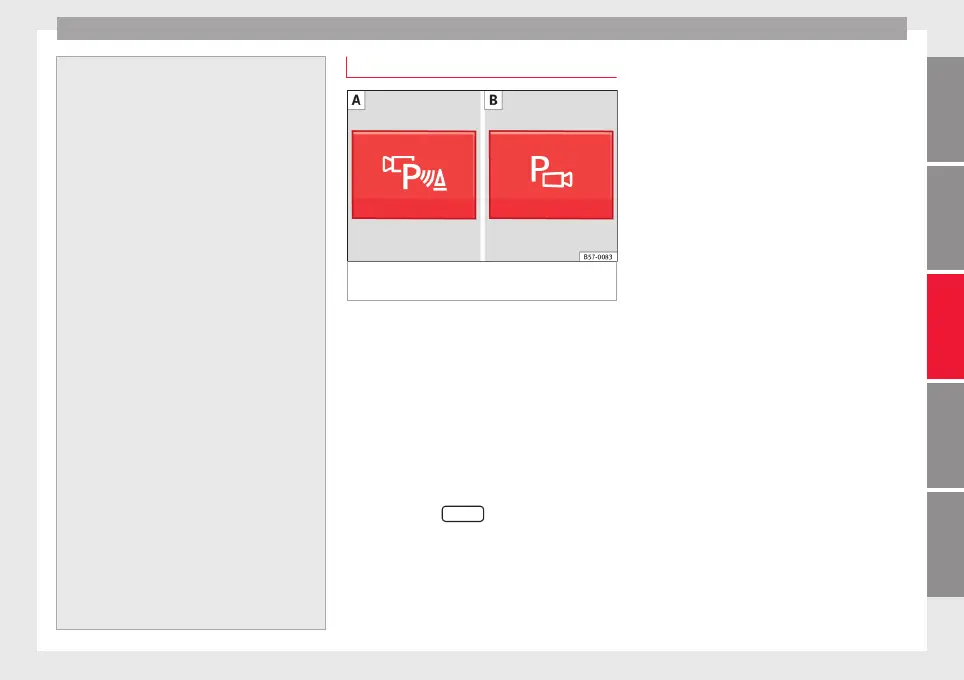
Fig. 224 Centre console: Park Assist button
(dependin
g on the
v
ersion).
Manual connection of Parking Aid
●
Press the b
utt
on
once.
Manual disconnection of Parking Aid
●
Press the button again.
Manual disconnection of Parking Aid display
(the audible sounds remain active)
●
Press a button on the main menu of the fac-
tory-assembled infotainment system.
●
OR: press the
BACK
function button.
Aut
om
atic
connection of Parking Aid
●
Engage reverse gear or turn the selector
lever to position R.
●
OR: If the vehicle approaches an obstacle
that is in its forwards path at a speed below
10 km/h (6 mph) ››› page 260. The obstacle
is detected as of a distance of approx. 95 cm
if the automatic connection is activated in
the infotainment system. A reduced display is
shown.
●
OR: If the vehicle moves backwards.
Automatic disconnection of Parking Aid
●
Move the selector lever to position P.
●
OR: accelerate to more than approx.
10 km/h (6 mph) forward.
Temporary suppression of sound in Parking
Aid
●
Press the function button.
Change from reduced view to full view
●
Engage reverse gear or turn the selector
lever to position R.
●
OR: press the car icon in reduced view.
If necessary, switch to the rear-assist image
(Rear View Camera “RVC”)
●
Engage reverse gear or turn the selector
lever to position R.
●
OR: Press the RVC function button.
A short confirmation signal will be heard and
the button symbol will light up yellow when
the system is switched on.
259
Technical dataAdviceOperationEmergenciesSafety



 To Next Page