265If and when
Registration light
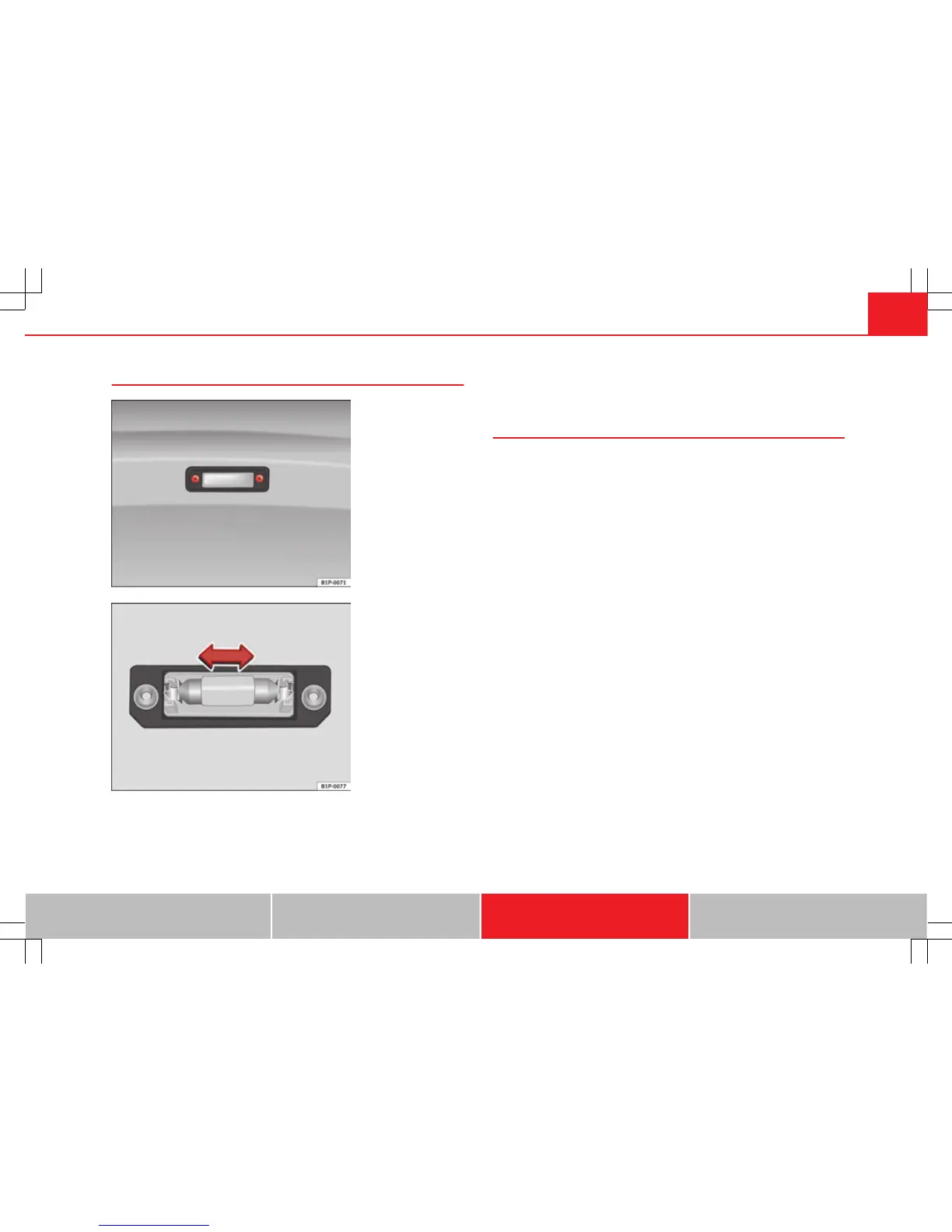
Fig. 176 Number plate
light
Fig. 177 Number plate
light
– To remove the light cover, unscrew the bolts ⇒ fig. 176.
– Remove the bulb, moving it in the direction of the arrow and
outwards ⇒ fig. 177.
– Installation is done in the reverse order.
Glove compartment lamp*
– Insert screwdriver above, between the light and the glove com-
partment.
– Carefully remove the light Next lift the light out sideways.
– Replace the bulb.
– Insert the light on the connector side, first underneath then
push at the top until it clicks into place.
Safety First Operating Instructions Practical Tips Technical Specifications



 To Next Page