Introduction
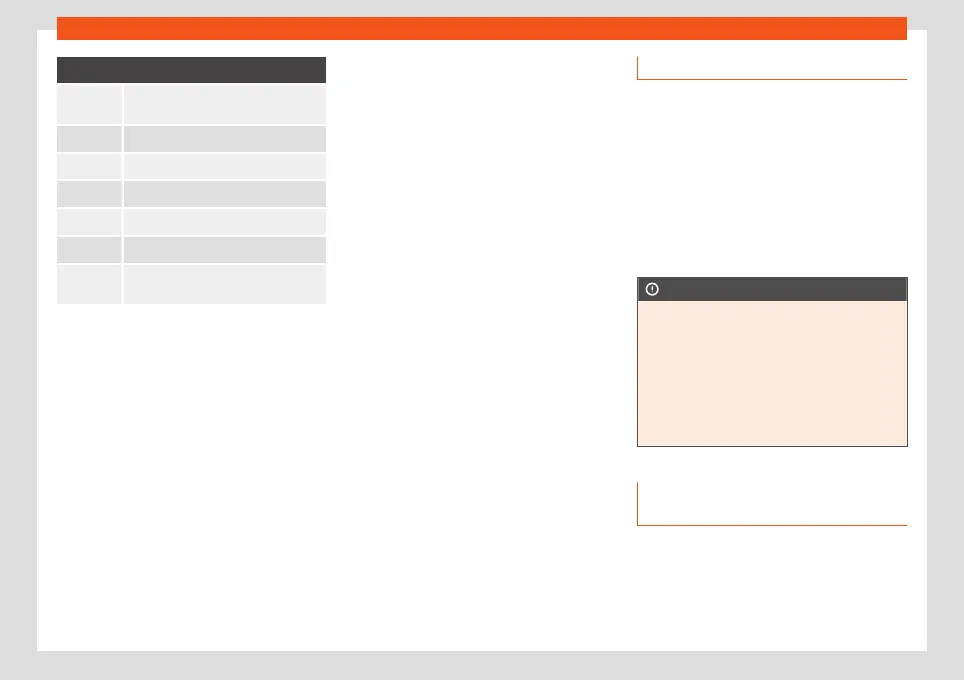
Symbol and its meaning
The setting is not selected, disabled or
disconnected.
To open a dr
op-down list.
To increase a setting value.
To increase a setting value.
To go back step by step.
To go forward step by step.
To change a setting value with the
scr
ollabl
e button without adjusting.
Sound settings
Access the sound settings: HOME >
In the sound settings ther
e may be the f
oll
ow-
ing functions, information and setting options:
●
Equaliser
●
Position.
●
Volume.
●
Settings.
System settings
Access the system settings: HOME >
.
In the system settings there may be the fol-
lowing functions, information and setting op-
tions:
●
Screen.
●
Time and date.
●
Language.
●
Additional keypad languages.
●
Units.
●
Voice control.
●
Wi-Fi.
●
Applications and services
●
Manage mobile devices.
●
Reset factory settings.
●
System information.
●
Copyright.
●
Configuration wizard.
Adjust the volume of external audio sour-
ces
If you need to increase the playback volume
for the external audio source, first lower the
volume on the infotainment system.
If the sound from the connected audio source
is very low, increase the output volume on
the external audio source. If this is not
enough, change the input volume to medi-
um or high.
If the sound from the connected external au-
dio source is too loud or distorted, lower the
output volume on the external audio source.
If this is not enough, change the input vol-
ume to medium or low.
Clean the screen
Remove persistent dirt carefully and without
using aggressive cl
eaning products. To clean
the screen we recommend that:
●
The infotainment system is switched off.
●
Use a clean, soft cloth dampened with wa-
ter
›››
page 320.
●
In case of persistent dirt: soften the dirt by
moistening with a little water. Then carefully
remove with a clean, soft cloth.
CAUTION
Cleaning the screen with inappropriate
cleaning products or when dry, may dam-
age it.
●
When cl
eaning, only press lightly.
●
Do not use aggressive cleaning products
or that contain solvents. Such products
may damage the equipment and “darken”
the screen.
Trademarks, licenses and copy-
rights
Registered trademarks and licenses
Cert
ain t
erms in this manual bear the symbol
® or ™. These symbol
s indicate that it is a
trademark or a registered trademark. The ab-
sence of this symbol, however, does not
»
161


 To Next Page