Operation
Vehicle information
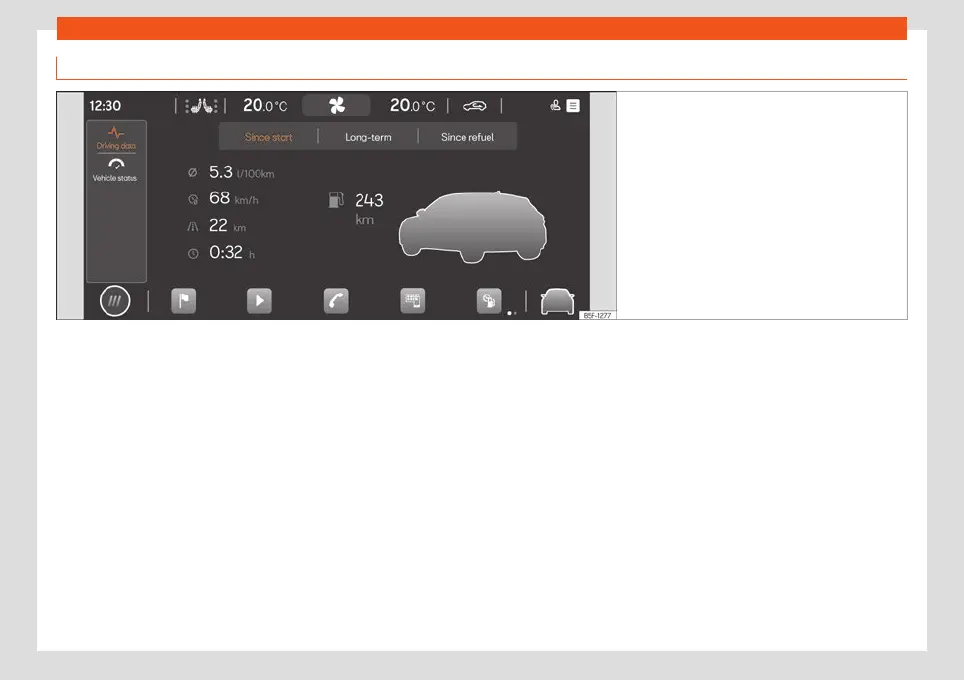
Fig. 67 Schematic representation: Vehicle infor-
mation and status
Clicking on V
ehicl
e inf
o from the main
menu opens the Vehicle info menu with the
following submenus:
Driving data. The average consump-
tion, average speed, distance travelled,
trip duration and autonomy are shown. It
has 3 memories: “From departure”, “To-
tal calculation” and “From refuelling”
›››
page 68.
Vehicle status. The warnings regarding
faults, incidents, memorisation of the
tyre pressure or information of the next
inspection service are displayed.
–
–
86



 To Next Page