Model 869 7
4. Operation
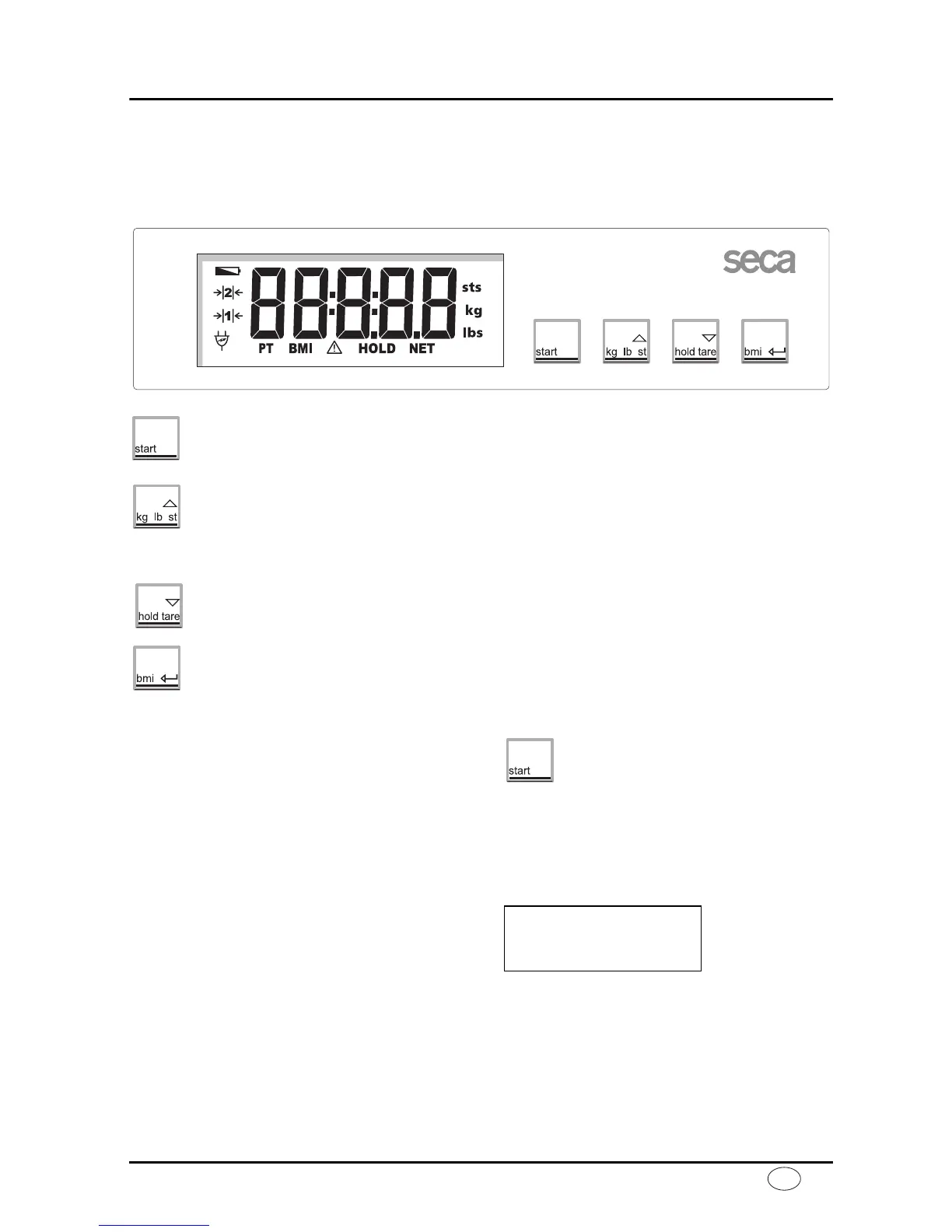
Controls and displays
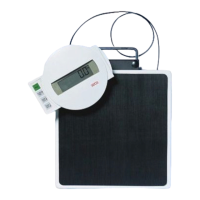
The controls and display are in the display part.
Switch scale on and off
press briefly switch between kg and lbs
hold down switch between lbs and sts
in function menu increase value
press briefly activate/deactivate hold function
hold down set display to zero, activate/deactivate tare function
in function menu decrease value
Activating the BMI function, Confirmation
Correct weighing
– Press the start key with no load on the
scale.
se(A, 8.8.8.8.8. and 0.0 appear consec-
utively in the display. The scale is then
automatically set to zero and ready for
use.
– If necessary, switch the weight display
(see page 8).
– Ask the patient to mount the scale.
Once on the scale, the patient should
stand still. The HOLD function is activat-
ed automatically at weights of over 1.5
kg. The display flashes until a stable
weight has been measured. The display
is then frozen until the next weighing op-
eration. HOLD appears in the display.
– Read the weighing result off the digital
display.



 To Next Page