24
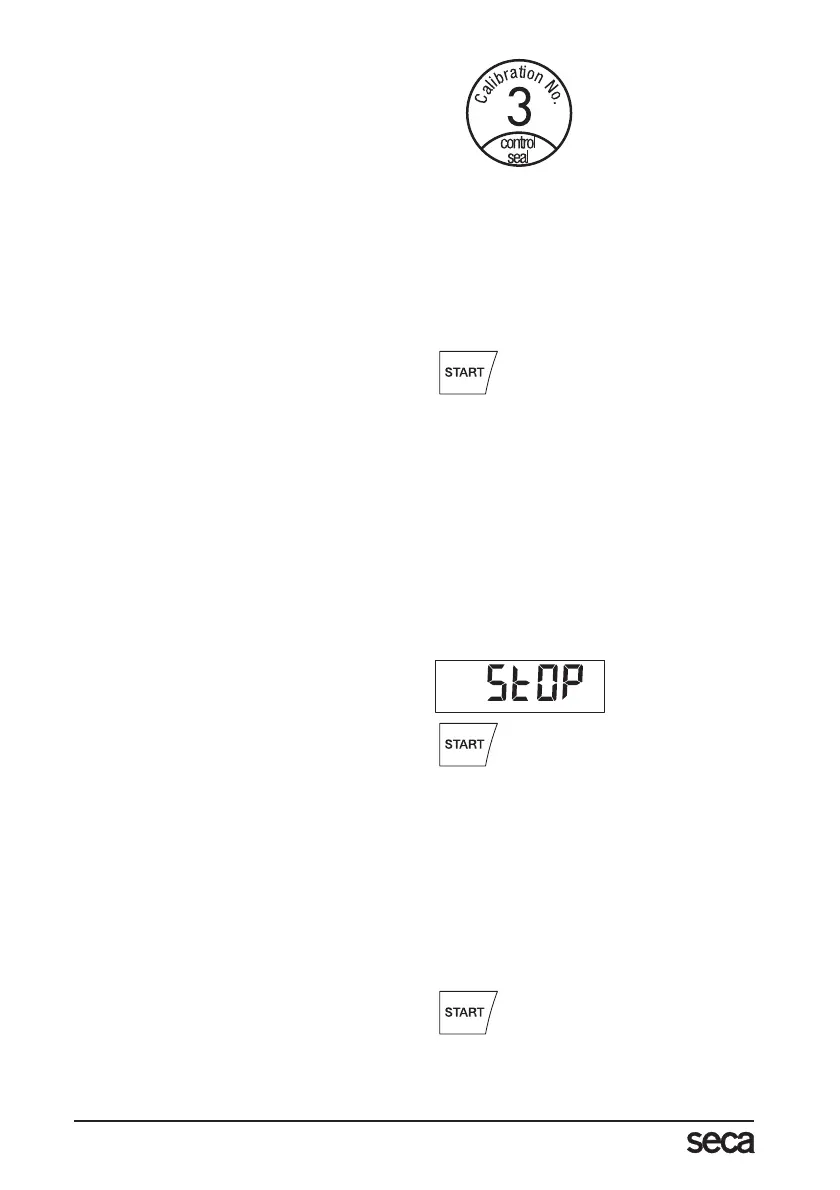
If a supplementary calibration is necessary,
then the supplementary calibration mark il-
lustrated opposite is used to record the
calibration counter position instead of the
seca calibration mark shown above. This
mark is secured with an additional seal by
the person authorised to perform the sup-
plementary calibration. The supplementary
calibration mark is available from seca
Customer Service under the number
14-05-01-886.
Correct weighing
– Press the Start key with no load on the
scale.
se(a, 8.8.8.8.8. and 0.0 appear consec-
utively in the display. The scale is then
automatically set to zero and ready to
use.
– Get the patient to sit on the scale.
– The patient’s weight can only be deter-
mined once he or she is no longer in
contact with the floor. Be sure, there-
fore, that the patient’s feet are on the
foot rest throughout the weighing oper-
ation.
– Read the weighing result off the digital
display.
– If a load greater than 200 kg is placed
on the scale, St0P appears in the dis-
play.
– To switch off the scale, press the Start
key again.
Automatic switch-off/economy mode
The scale switches off automatically after 5 minutes.
Taring weight display (TARE)
The Tare function is very useful if an additional weight (a blanket, for example) is to be ig-
nored for weighing purposes.
Proceed as follows:
– Press the Start key with no load on the
scale.



 To Next Page