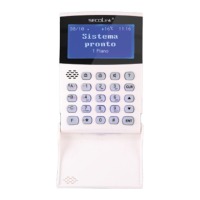
Short user manual
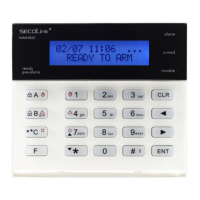
KM20B, KM20BT keypadsKM20B, KM20BT keypads
Intruder alarm system
Chime mode
This feature can be used only while the intruder alarm system is disarmed. Your system can be set to alert you by sound or
lighting of the LCD display and keys when doors or windows are being opened, or during any violation of the selected zone. To
select which zone will feature a Chime function press key on a selected zone which will then be marked by . To enable this
function please do the following:
via Menu: , Settings , , Chime , .
ENT ENT ENT
Activated Users’ review – F23
It is recommended to review how many users can control the system after an installation. There are two ways to view activated
users:
System compliance and warranty
Kodinis Raktas UAB, manufacturer of SECOLINK Intruder Alarm System, offers a Warranty for a term of twenty-four months. It
declares, that product SECOLINK complies with essential EU directive and EU standards EN 50131-1. For more information
visit manufacturers website at www.kodinis.lt, or www.secolink.eu for a complete text of declaration. SECOLINK Intruder Alarm
System is designed and manufactured in Lithuania.
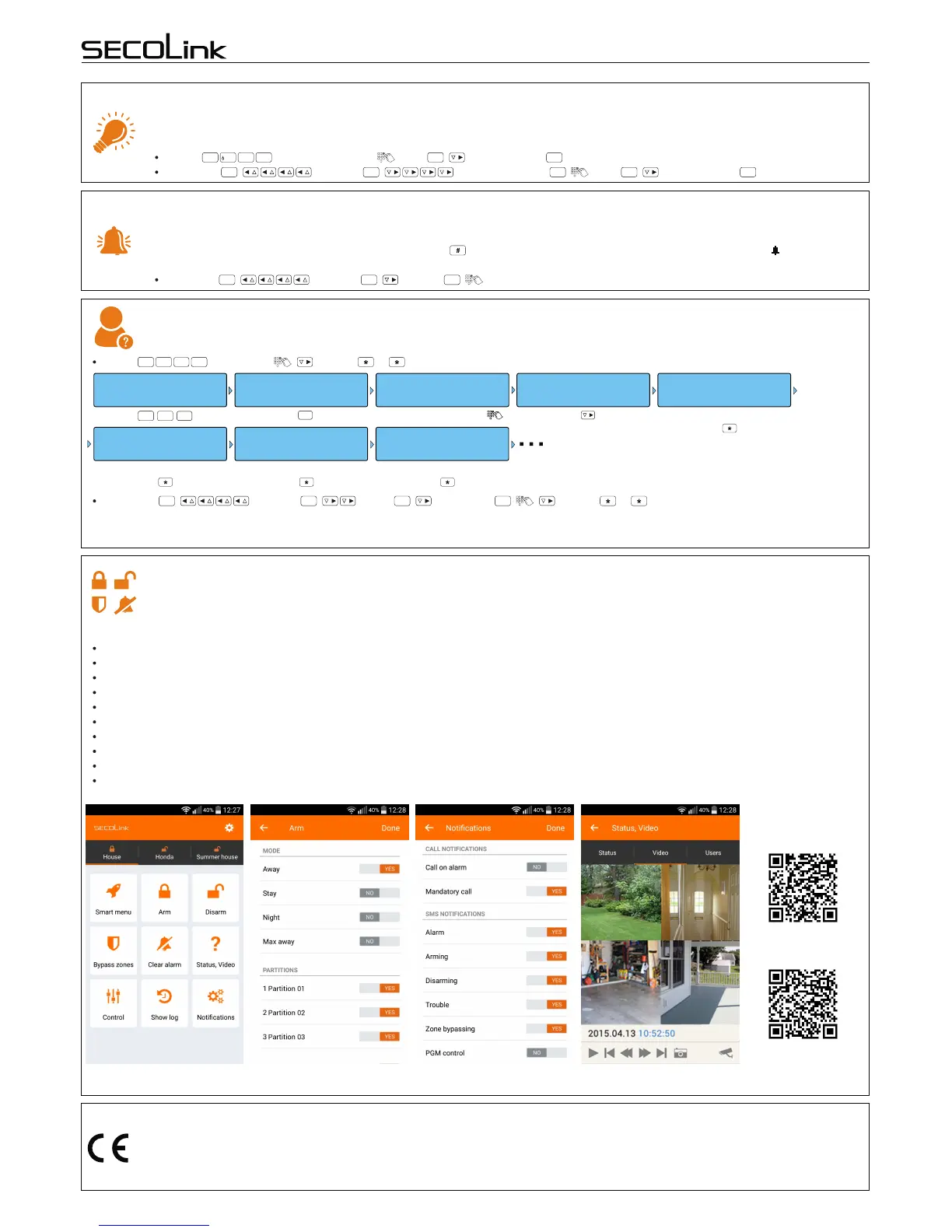
Main features:
Arm/disarm your object;
Receive alarm, trouble and other notifications;
Monitor your object status;
Bypass zones;
Control your devices;
Locate your car (GSW-CAN);
Explore event log: alarms, troubles, other events;
Control up to 4 objects (home, business, car);
Video clip to verify an alarm;
Smart interface - your most recently used commands.
Smart phone application (GSVx module must be installed)
SECOLINK application allows the user to control and monitor SECOLINK security system from the users smartphone (GSVx
module must be installed). Both the intruder alarm system and car alarm system can be controlled by the application. Application
uses SMS and/or data service, charges may apply.
for iPhone:
Links to download:
for Android:
Keypad display and keys backlight changing – F10
Keypad users have an option to select on which conditions the keypad will be illuminated. Available settings: LCD & keypad -
keypad display and keypad are always backlighted; LCD - keypad display is always backlighted; Auto - keypad keys and display
illuminate after any keypad key is being pressed, during entry/exit delay, in case of an alarm or when Chime zone is violated.
F-key: , Keypad Settings, Light , LCD&keypad , Changed.
via Menu: , Settings , Keypad settings , Light , LCD&keypad , Changed.
F
1
0
ENT ENT ENT
ENT ENT ENT ENT ENT
F-key: , Edit Users , Status, ... .
F
2
3
ENT
F - key F23
Setting USERS
Press key.
F
2
3
12/09 08:11 ..
READY TO ARM
Press key.
ENT
User 01 Enabled
Press key.
Edit Users:
PIN:ÜÜÜÜ
Enter your PIN code .
U01 U01 Name Status
User 01 is enabled.
Press key.
| | } }
Enabled Disabled Enabled
U02 U03 U04 Status Status Status
User 02 is enabled.
Press key.
User 03 is enabled.
Press key.
User 04 is disabled.
Press key.
| | | } } }
Via Menu: , Settings , Users , Edit Users , , Status, ... .
LCD screen will display a user number (e.g., U01) and status (e.g., Enabled or Disabled). All users with an Enabled status can control the
system or its partitions (areas).
ENT ENT ENT ENT
Page 5
Rev.10/03/16K


 To Previous Page
 Loading...