con nect
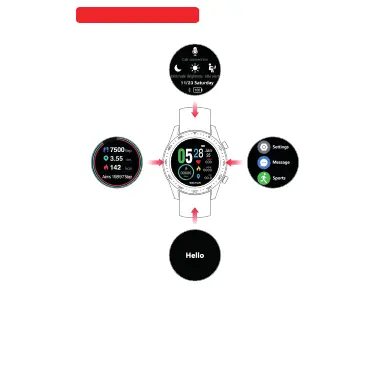
PHONE CONNECT:
Press grey Microphone icon, tu rn on mo bile B luet ooth s earc hing
“ WATCH BRY03 Call” press to connect. The Micr opho ne ico n will
turn white color. The watch Connected.
BRIGHTNESS :
Press SUN icon brightness control had 3 leve l. Sel ect 1, 2 or 3 for
you choose.
NO DISTURBANCE :
Press the moon icon,Trun on is white colou r, Trun off i s grey
colour
LONG SIT REMIND:
Press the SITTING icon,Trun on is white colour, Trun off is grey
colour
Quick Change Function
One touch on
Call connection
One touch off
Call connection
Phon e BL E
Blu etoot h
S02 CA LL



 To Next Page