Note: the three lights must be stable lighting represents device can work
normally. Device will turn into sleep mode with lights off after around 5
minutes, it will wake up if make a call to device number or detect any
vibration.
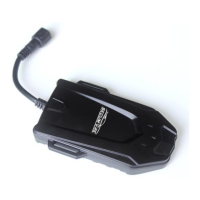
5. Wires connection
1) Red wire connects to vehicle power anode
2) Black wire connects to vehicle power cathode
3) White wire connects to oil or circuit control wires
4) Brown wire connects to ACC ignition wire


 To Next Page