8
installation. Run wiring from the dome through the bracket, and attach the dome to the bracket
exerting equal pressure on the three screws around the neck of the dome. Connect the house
wiring from the control unit or DVR to the dome before mounting the dome if access to the dome
wiring will be limited after mounting. BE SURE TO MOUNT THE BRACKET SECURELY TO THE BUILDING
OR POLE STRUCTURE. Notice: If installed outdoors, please make sure all seals are tight to prevent water from
entering the dome. Caulk may be used around the building side of the wall or ceiling bracket.
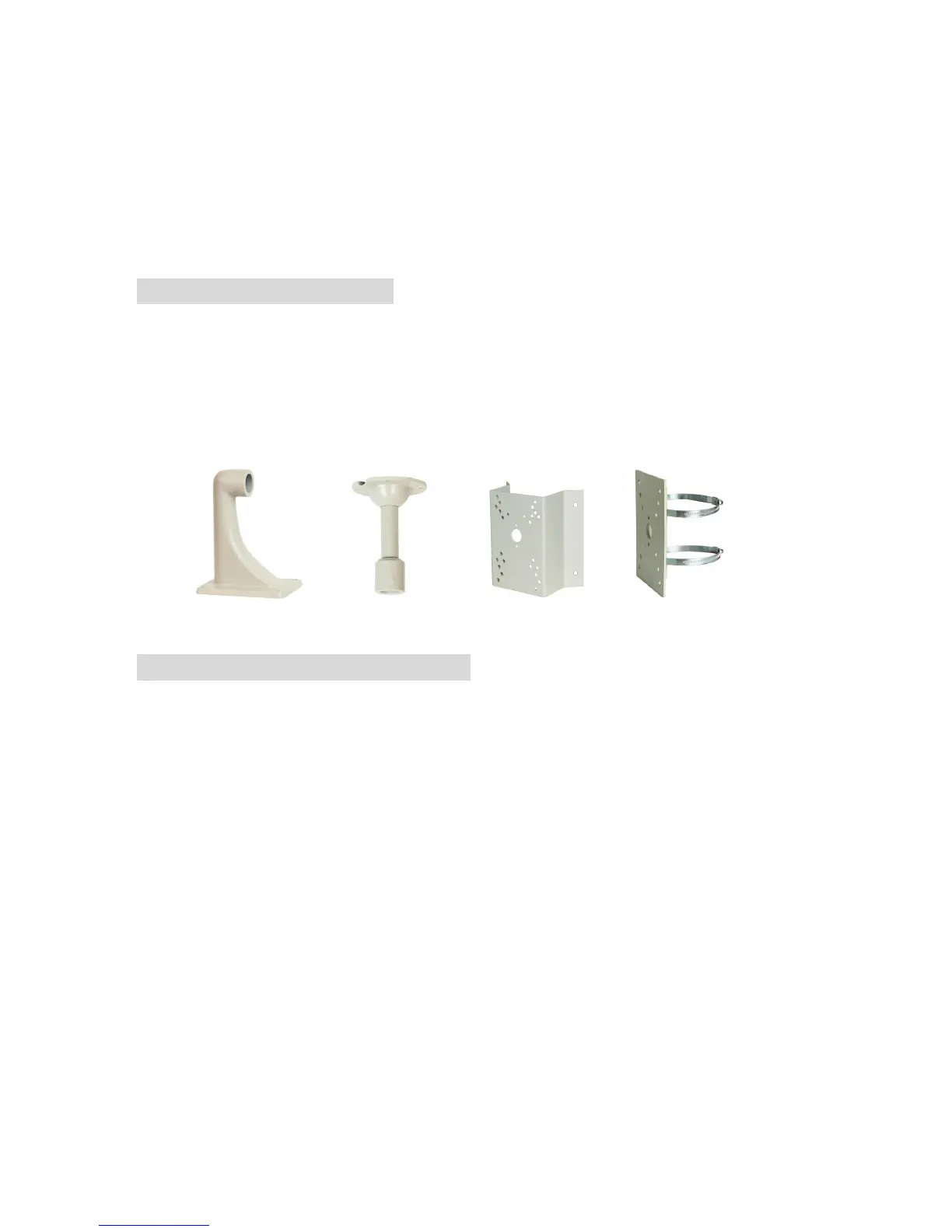
11. Optional Accessories
1) Pendant Mount (Ceiling) Bracket
2) Wall Mount Bracket
3) Pole Mount Bracket
4) Corner Mount Bracket
Wall Mount Ceiling Mount Corner Mount Pole Mount
11. Zoom Camera Specifications
• Type: 1/3” Color Super HAD CCD
• Video: NTSC, composite 1V p-p, 75 ohm
• Light sensitivity: 0.02 to 1 LUX
• Iris: auto electronic w/ AGC
• Resolution: 420 lines
• Lens: 3.9 to 85.8mm (22X zoom)
• Automatic and manual focus
• Power: 12VDC
• Size: 2.5” (H) x 2.5” (W) x 3.5 (D)
• Day-night function for low light level viewing
• OSD menu commands and set-up
• RS-485 communication
Please check www.security-labs.com for updates to the product
technical specifications.



 To Previous Page