23
UPnP (Universal Plug ‘n Play) option on your router and on the camera’s
UPnP Settings Menu.
C. If your router has a Virtual Map Function, add the camera’s IP address and
port number to the Virtual Map List.
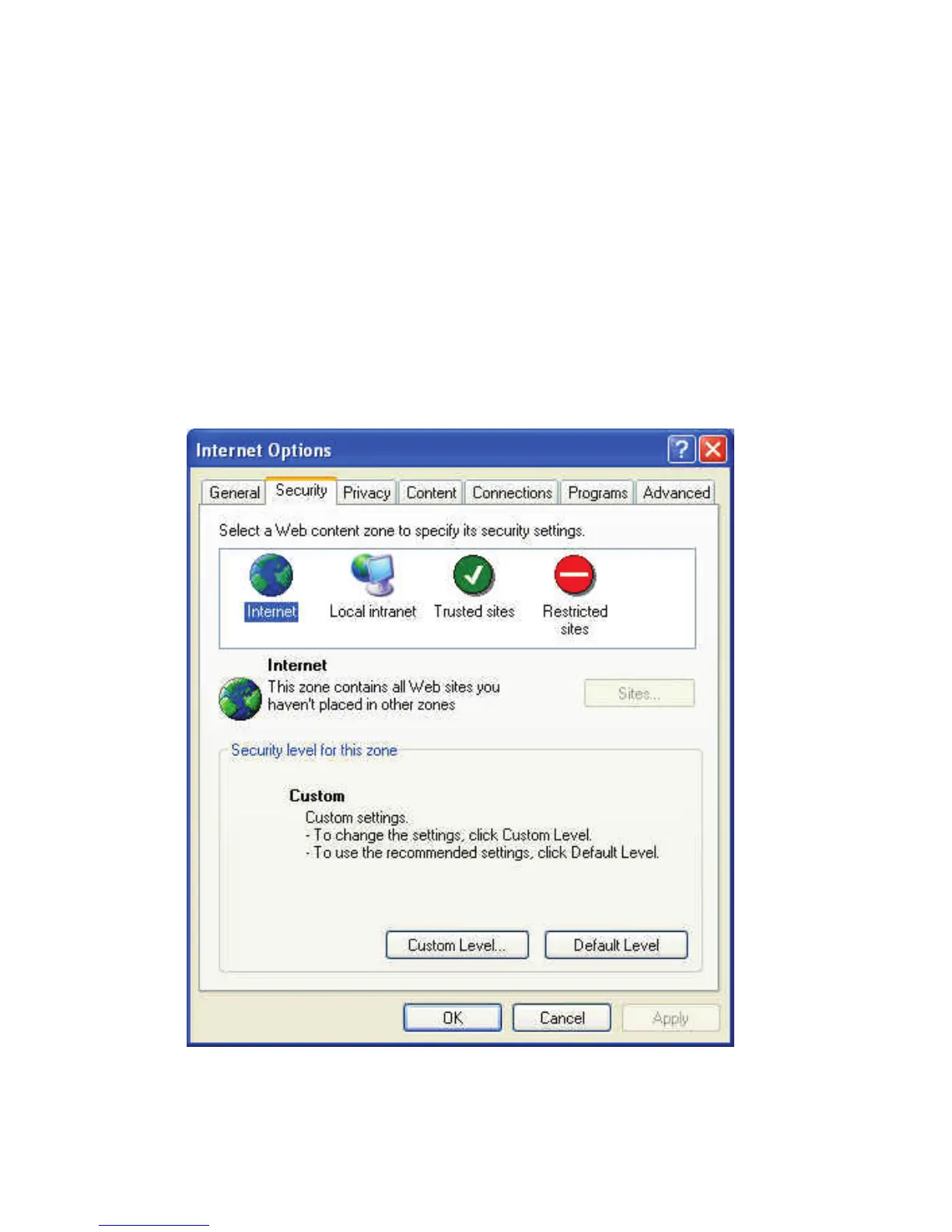
Internet Explorer Security Settings
If you see a message that Internet Explorer is blocking an ActiveX control,
you will need to check your browser setup by following the procedure:
a. Open Internet Explorer under “Tools”, select “Internet Options”.
Select “Security”, and then click Custom Level”
“



 To Next Page