5
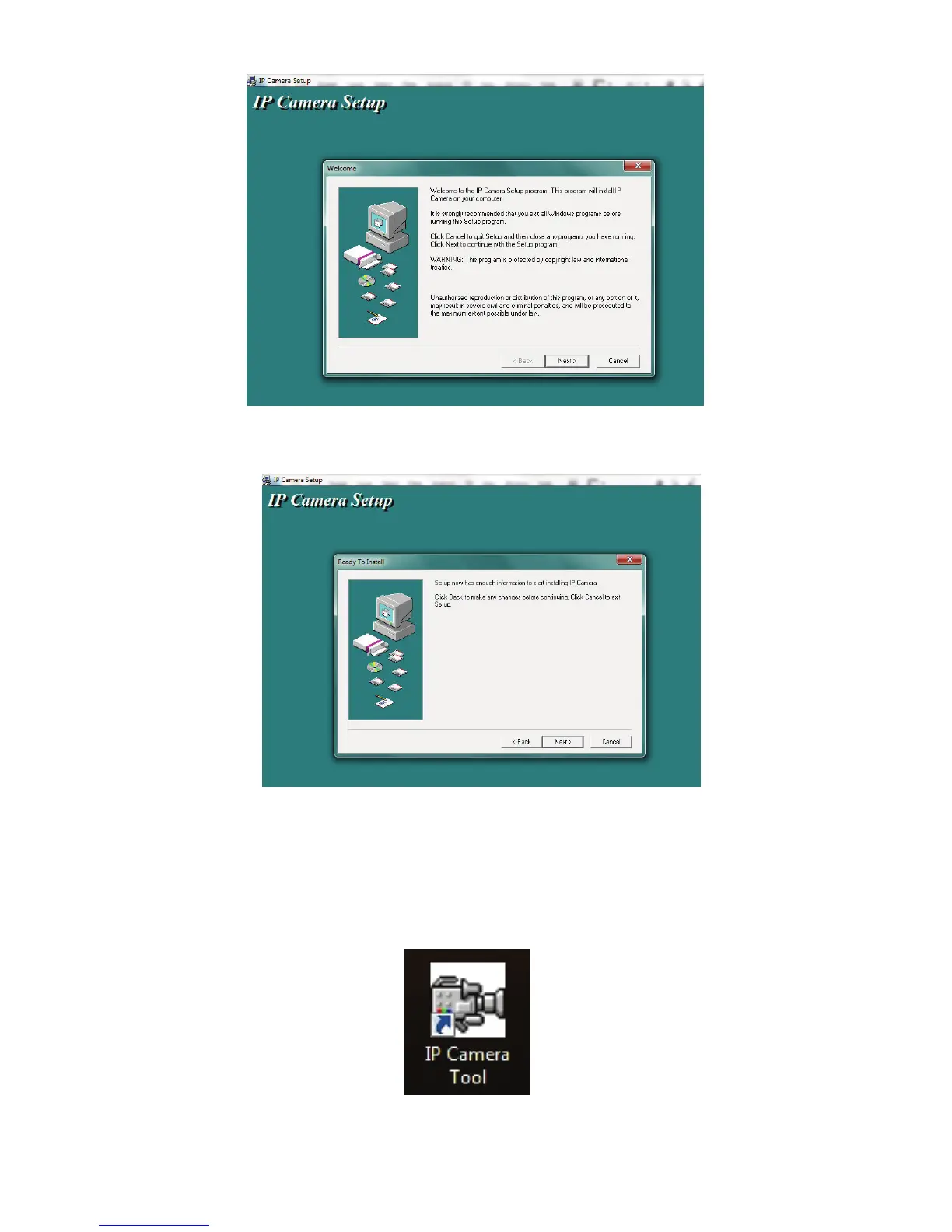
6. Click Next, to complete the software installation.
The computer will restart upon completion of the installation and a new icon
will appear on the desktop automatically called 'IP Camera Tool'.
7. Double click the icon to start the IP Camera Tool software. The software is
designed to search the Local Area Network (LAN) for any similar IP cameras
or devices.



 To Next Page