SenseCAP
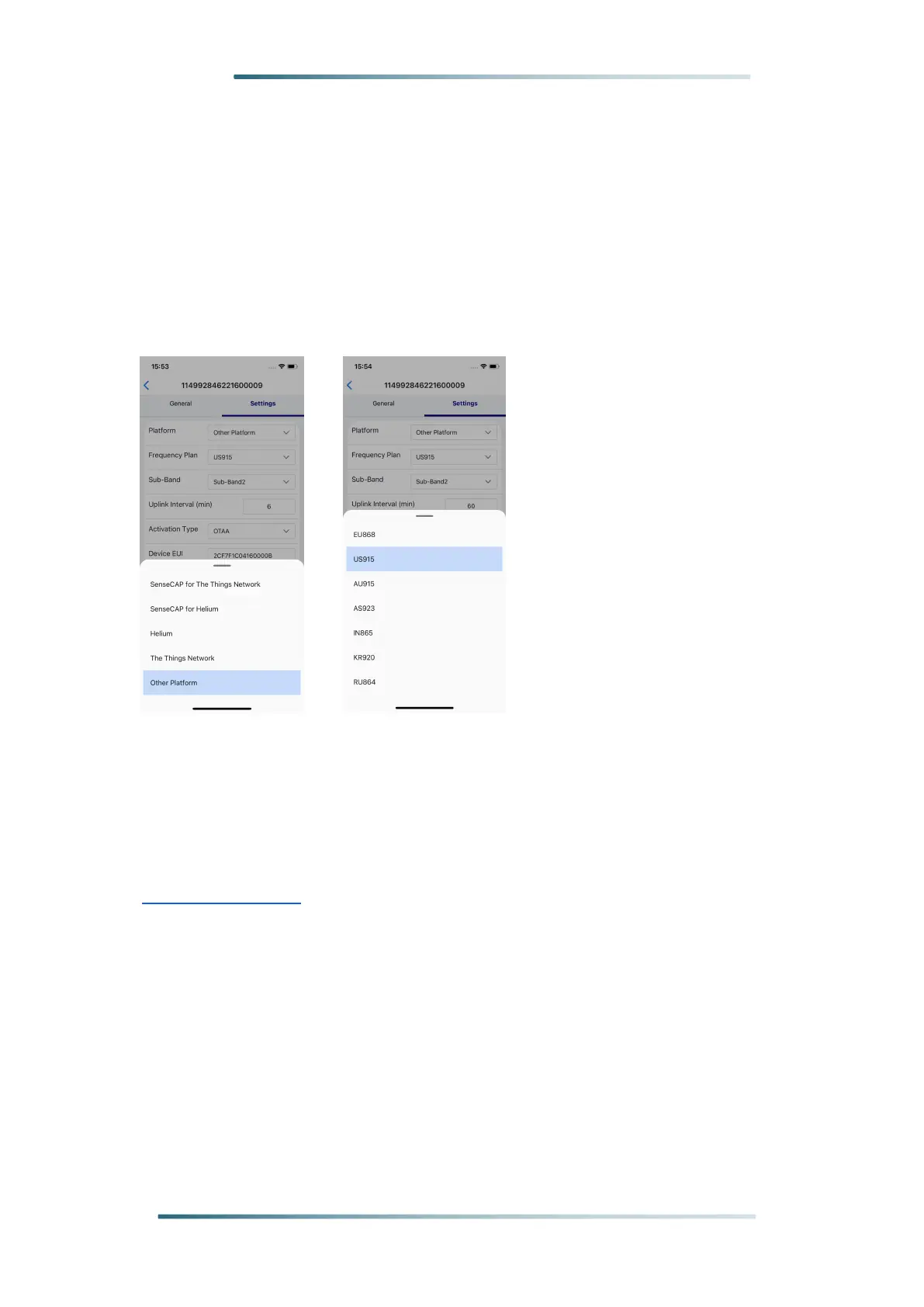
Step 2: Select the frequency plan
Click on "Settings", set the platform and frequency, the frequency should
match your gateway frequency.
eg: If your gateway is US915 version , then you need to set your sensor to
US915 frequency.
Note
: SenseCAP M2 Multi-Platform Gateway can’t connect to Helium
network.
For more configurations about SenseCAP sensors, please refer to:
SenseCAP Sensors



 To Next Page