SenseCAP
1.2 Connect to WIFI via Luci
There are two ways for users to login Luci configuration page.
1.2.1 Access via router
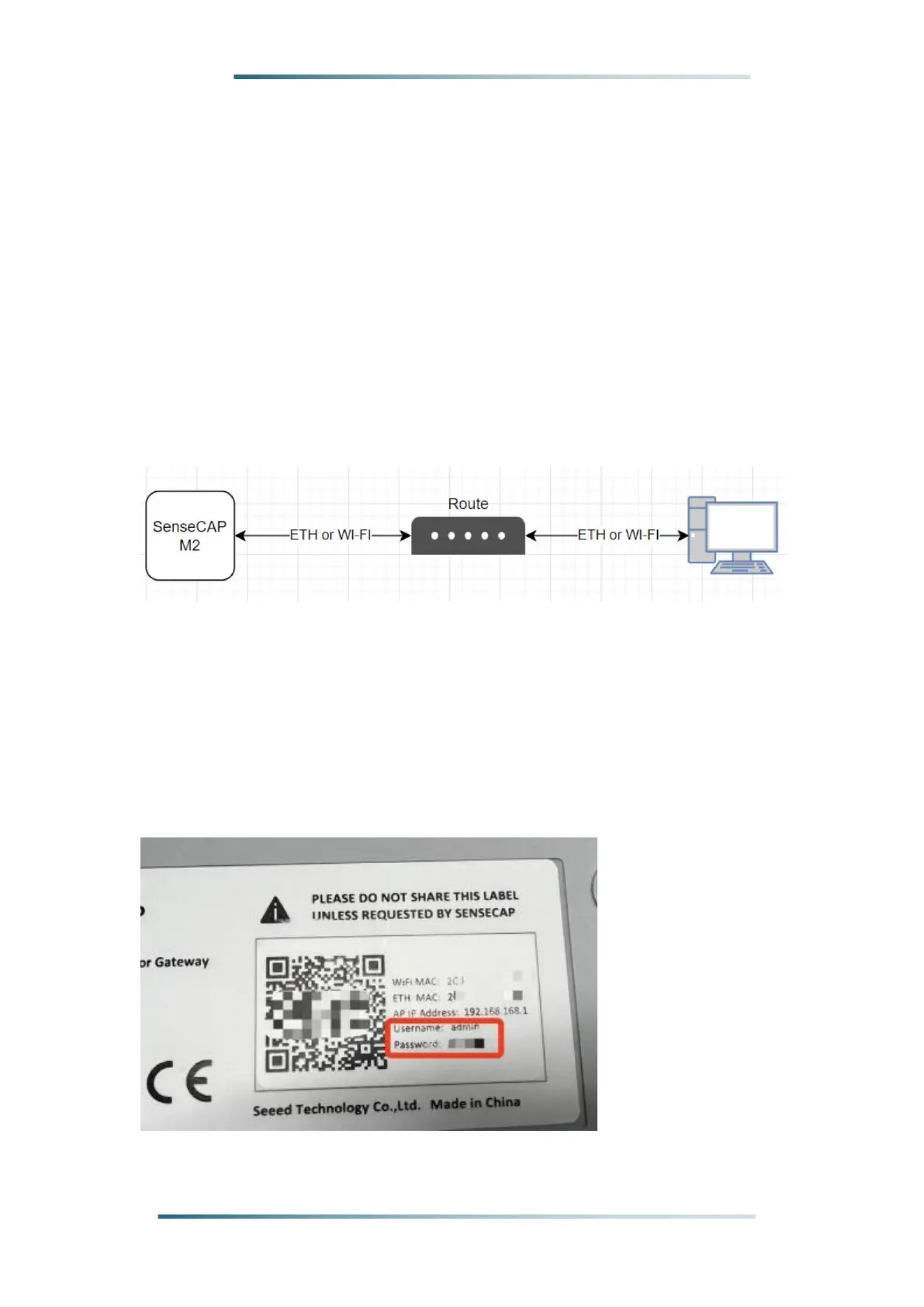
Step 1: Connect your device to a Ethernet cable, and connect your PC to
the same router.
Note: Your PC and device should be connected to the same
router/network.
Step 2: Get IP Address of your device
Check the IP Address of your device on your router admin page.
Step 3: Get your device Username and Password
You can find the Username and Password on your device label.



 To Next Page