SenseCAP
Step 4: Login Luci
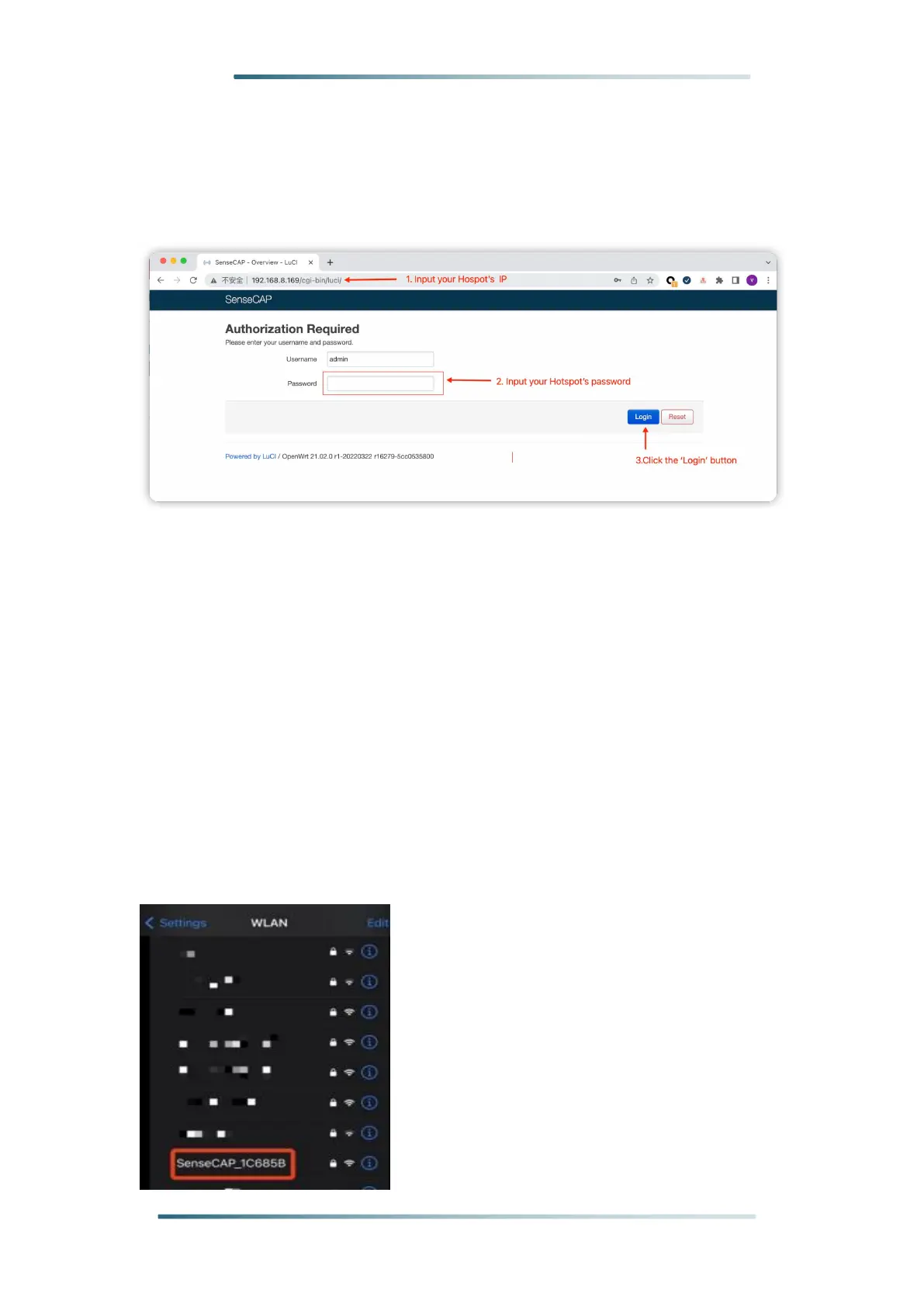
Input the IP Address of your device in a browser to enter the Luci page.
Then input your device username and password to login.
1.2.2 Access via device AP hotspot
Step 1: Turn on the device AP hotspot.
Press the button for 5s until the blue indicator flashes slowly to
enter the configuration mode.
Step 2: Connect to the AP hotspot.
AP hotspot name is SenseCAP_XXXXXX (6-figure MAC address),default
password is 12345678; connect your computer to this AP hotspot.



 To Next Page