3
SOS:
When power on, press and hold the key for
approximately 3 seconds, the tracker will send a “SOS
Alarm” to the owner.
【
Description
】
Slow Blink: on for 1 second and off for 1 second
Quick Blink: on for 0.3 second and off for 0.3 second
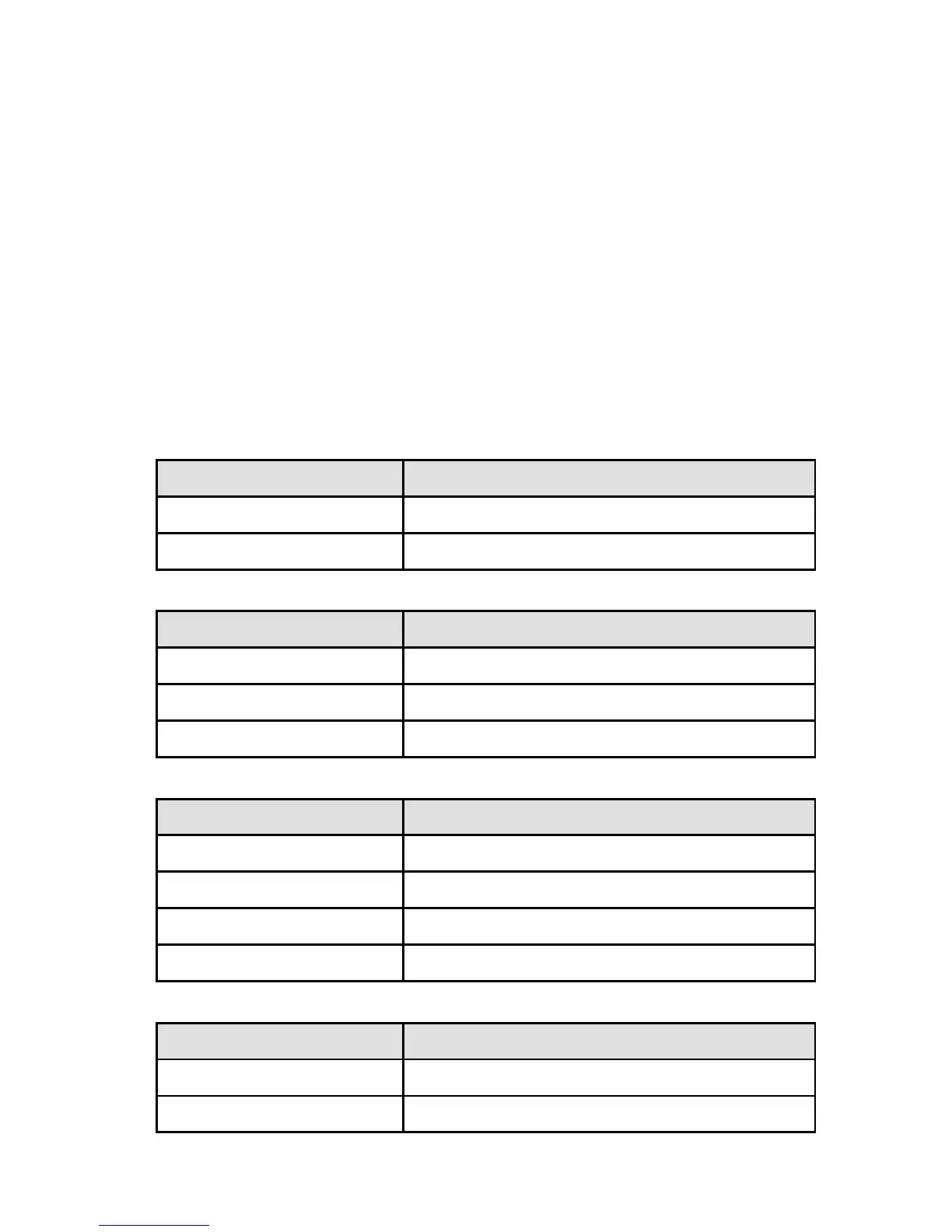
1. Battery/Charging Indication
a. When the charger is connected
LED Indication
Solid Blue Charging is completed
Slow Blink Charging
b. When no charger is connected
LED Indication
Solid Blue Battery is OK
Slow Blink Low Battery
Turn Off Battery is dead
LED Indication
Solid Blue Full(4/4) Signal
Slow Blink 3/4 Signal
Quick Blink 1/4 ~ 2/4 Signal
Turn Off No Signal
LED Indication
Solid Blue Fix successfully
Slow Blink Find some satellites but



 To Next Page